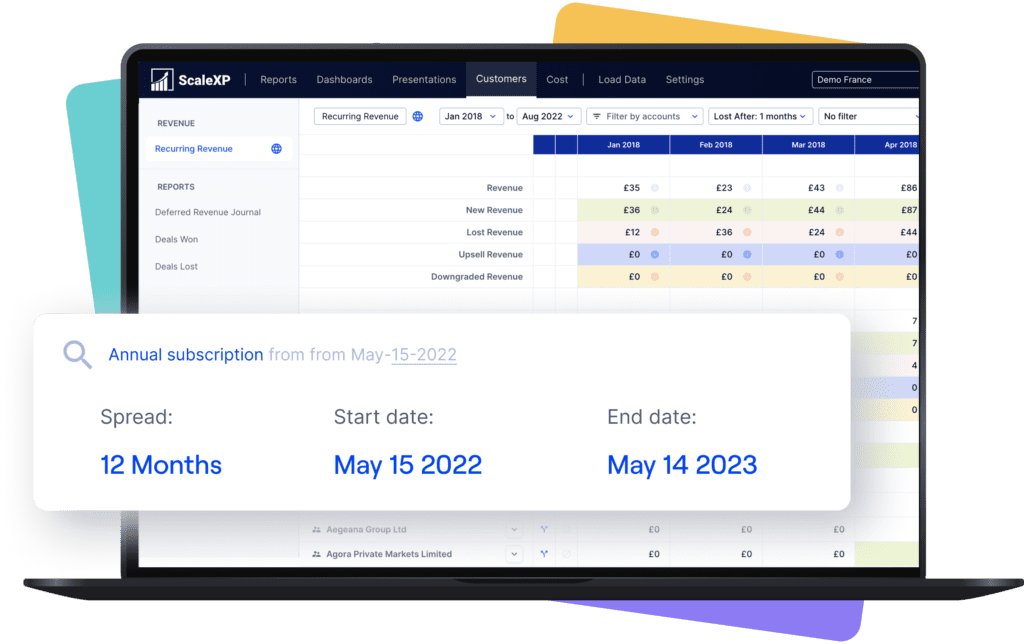
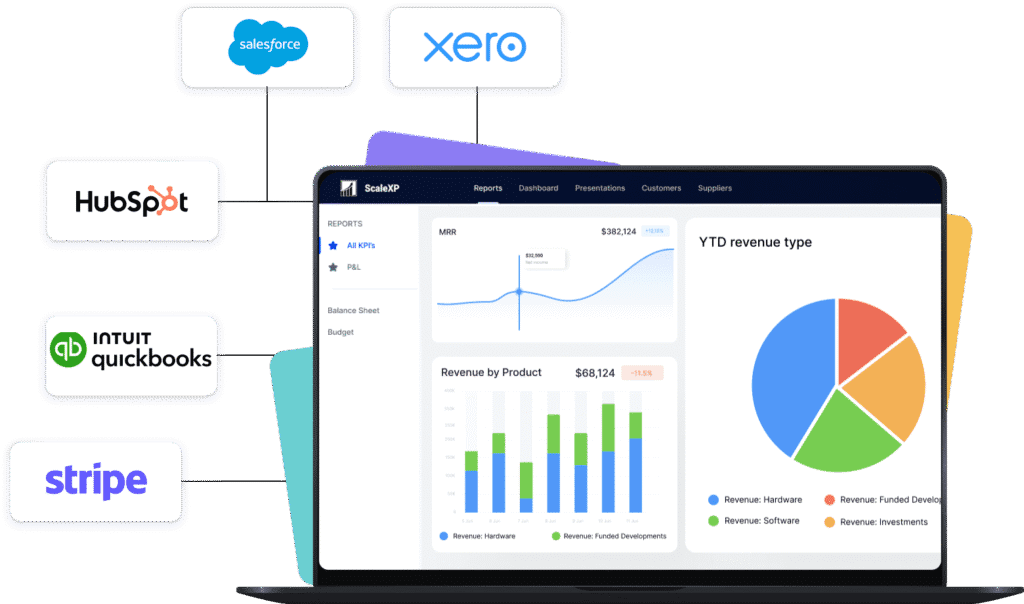
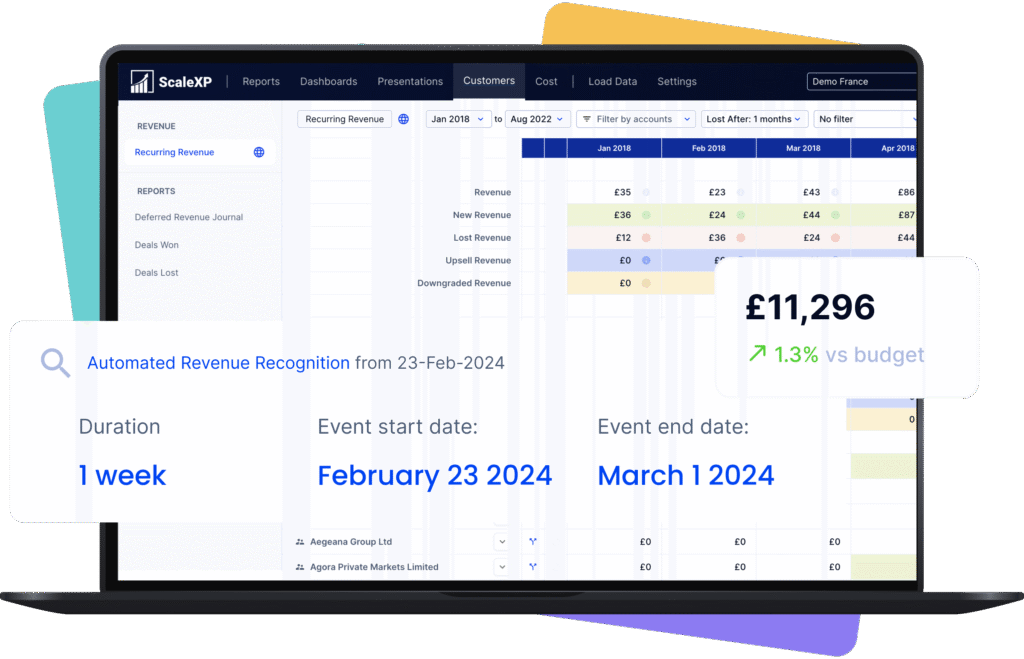
ScaleXP automates deferred revenue directly from Xero and QuickBooks invoices. Our AI analyzes invoice dates, service periods, and line items to create compliant schedules and journals following FRS102, ASC606, and IFRS15.
Journals include Xero Tracking Codes or QuickBooks Classes and Locations, ready to review and post in just two clicks.
How It Works
Connect Accounting Systems: Connect Xero or QuickBooks and import invoices automatically or on demand.
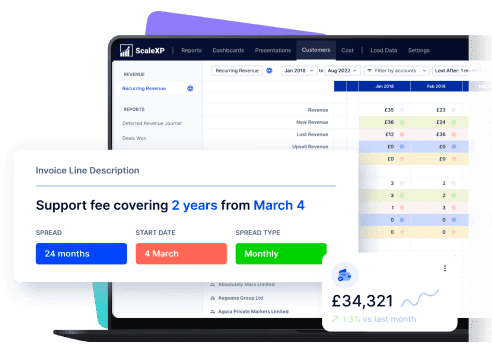
AI Reads Invoice Dates: AI analyzes invoice lines and service periods to determine revenue recognition schedules.
Apply Recognition Standards: Revenue schedules are calculated using FRS102, ASC606, and IFRS15 compliant policies.
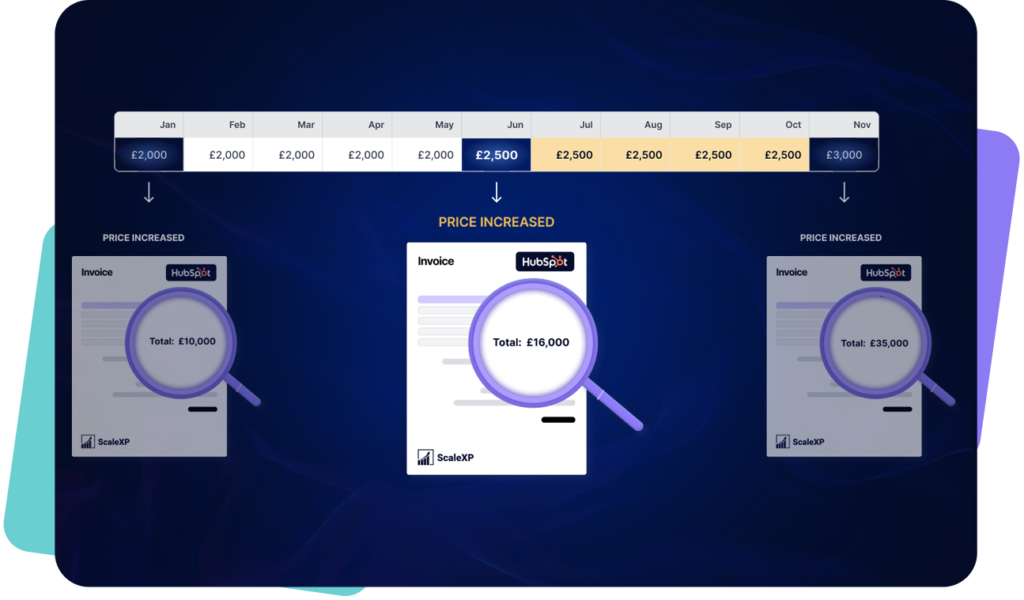
Recalculate When Invoices Change: Credit notes, amendments, and FX changes automatically update revenue schedules.
Generate and Post Journals: Balanced journals include tracking codes and classes and sync back to accounting.
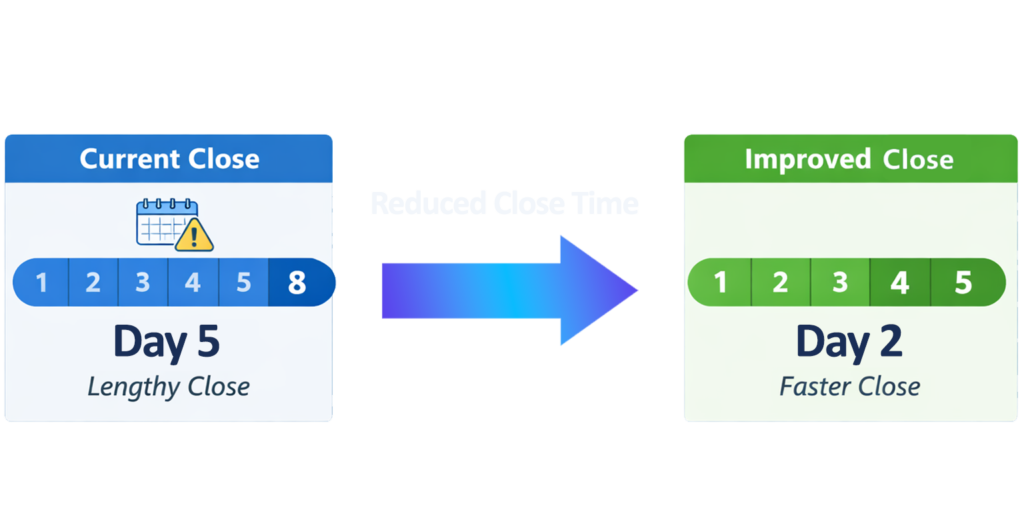
Close Revenue Recognition With Control: Automate revenue schedules and journals while maintaining finance oversight and traceability.
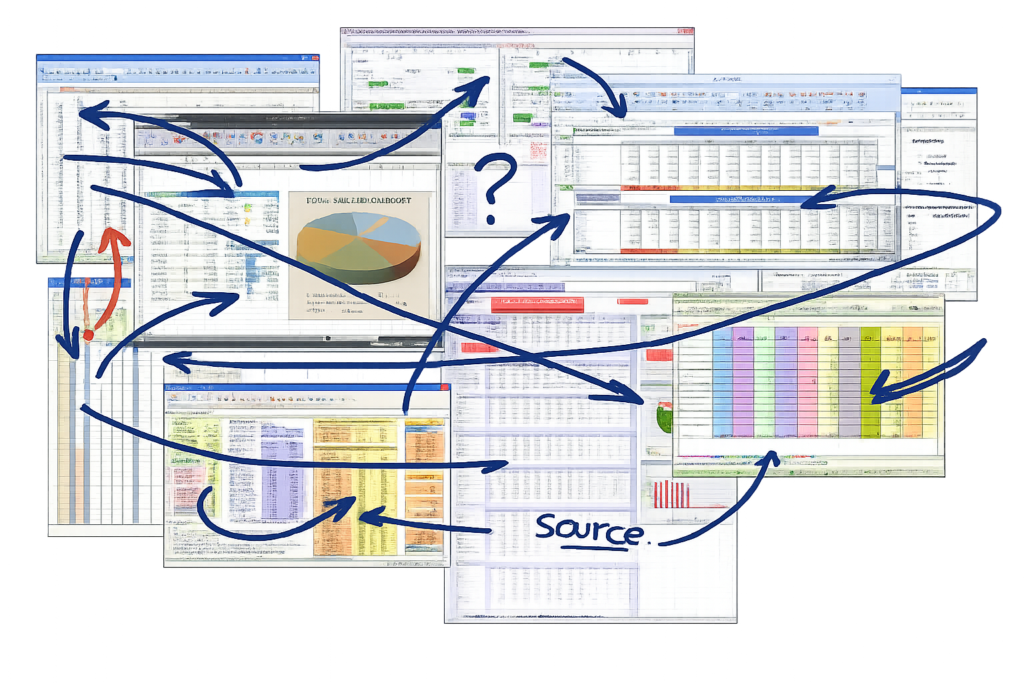
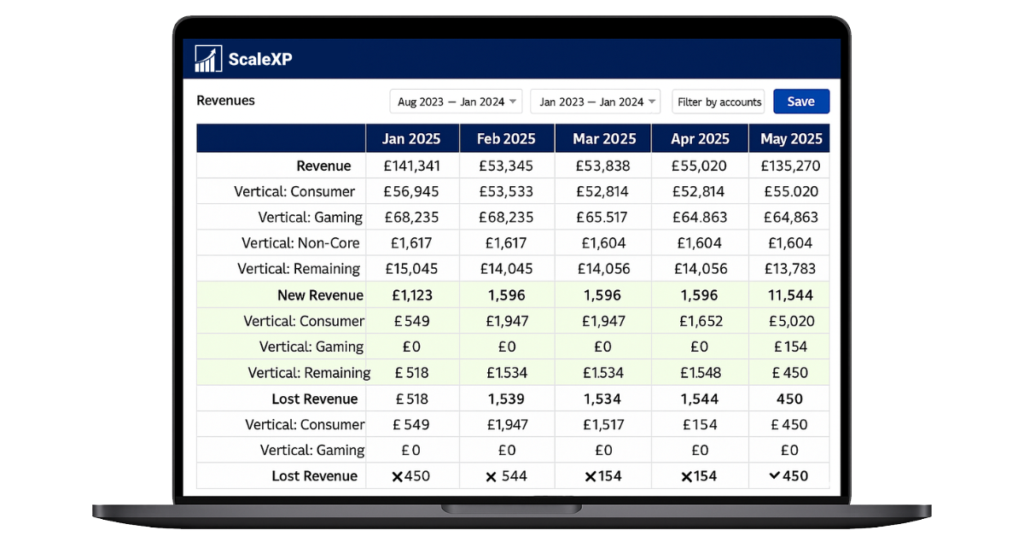
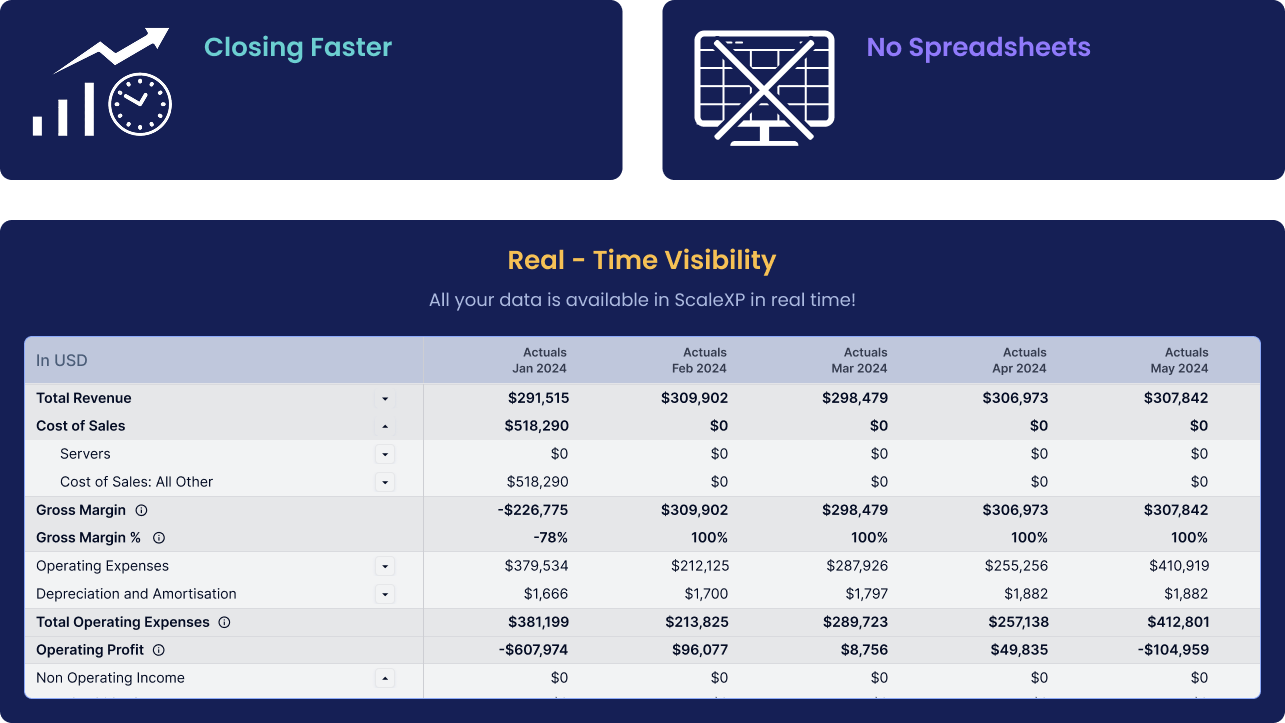
Remove Spreadsheet Risk From Recognition: Replace fragile deferred revenue spreadsheets with automated schedules created from invoice data.
Strengthen Compliance and Audit Readiness: Maintain revenue schedules aligned with IFRS15, ASC606, and FRS102.
Trusted by Finance Teams Who Cannot Afford Errors
ScaleXP clearly understands the pain points of monthly close. All my accrual and deferred revenue manual journals in Xero are now automated — ScaleXP reads invoices and bills directly, pushes entries through, and maintains a full audit trail of every change. What used to be a risky, Excel-heavy process is now a half-day job.
We started using ScaleXP fully in the last few months and are already finding that it's slick automation is saving us numerous hours a month. Gone are the days of running lengthy reports and analysing data. ScaleXP is a must for anyone who wants to streamline their accounts and save time. Love it.
Deferred revenue automation is software that automatically creates revenue recognition schedules based on invoice dates, contract terms, and service periods. It removes spreadsheet processes and ensures revenue is recognized correctly under IFRS15 or ASC606.
How does ScaleXP automate revenue schedules from invoice dates?
ScaleXP reads invoice dates, line descriptions, and service periods from Xero or QuickBooks invoices. The platform automatically calculates deferred revenue schedules and recognition timing, updating schedules whenever invoices are amended or credit notes are issued.
Can ScaleXP track deferred revenue without spreadsheets?
Yes. ScaleXP replaces spreadsheet tracking by generating automated revenue schedules directly from accounting invoices. Deferred balances update automatically when invoices change, ensuring revenue recognition remains accurate.
Are revenue recognition journals compliant with accounting standards?
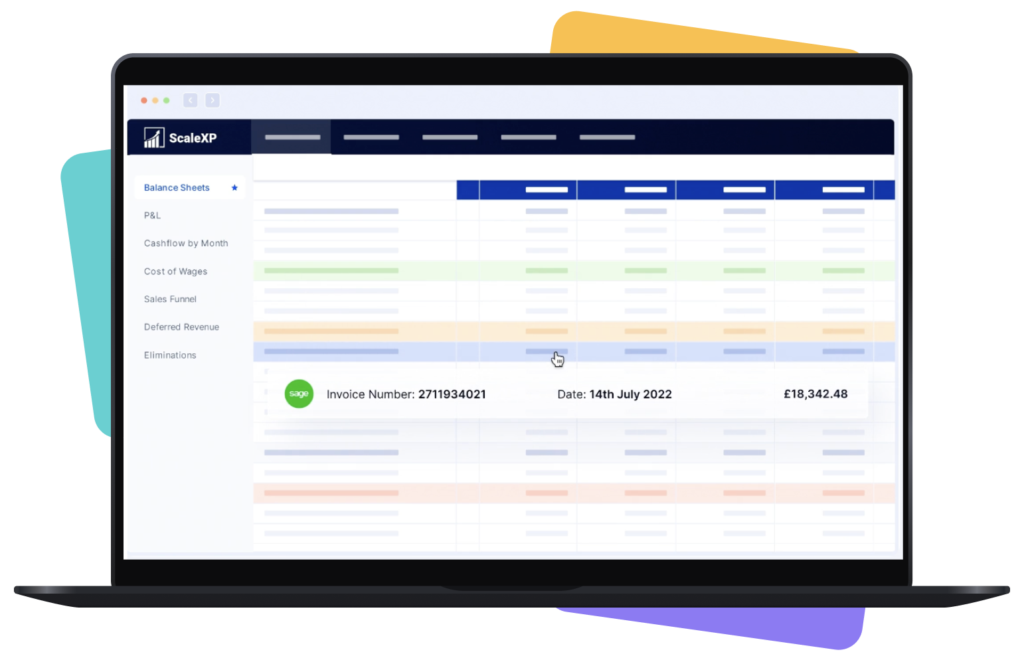
Yes. ScaleXP applies recognition policies aligned with FRS102, ASC606, and IFRS15. Revenue schedules are calculated using service periods and invoice dates, with full traceability from journal entries back to invoice data.
Can journals include Xero Tracking Codes and QuickBooks Classes?
Yes. All journals generated by ScaleXP automatically include Xero Tracking Codes and QuickBooks Classes and Locations, ensuring revenue recognition aligns with departmental or product reporting structures.
How does ScaleXP handle foreign currency invoices?
ScaleXP imports foreign currency invoices from Xero or QuickBooks and recalculates deferred revenue schedules when exchange values change. This ensures recognized revenue remains consistent with accounting records.
Is CRM integration required for revenue recognition automation?
No. CRM integration is optional. Revenue schedules can be generated entirely from accounting invoices in Xero or QuickBooks, ensuring finance teams retain control over the source of truth.
Is this suitable for SME finance teams?
Yes. ScaleXP is designed for SME finance teams that need structured revenue recognition automation without enterprise-level implementation complexity. The platform integrates directly with Xero and QuickBooks and requires no additional infrastructure.
Ready to transform data to insight?
Getting started with ScaleXP is easy! Try it for yourself free for 7 days. Or, if you have specific questions, just use the button to the right to schedule a quick meeting.