See how ScaleXP works with Xero or QuickBooks.
In a 30-minute demo, we’ll show the relevant workflows using example data and discuss how they could apply to your finance process. Complex requirements? Discuss them with us first.

on the Xero App Store (75+ reviews)
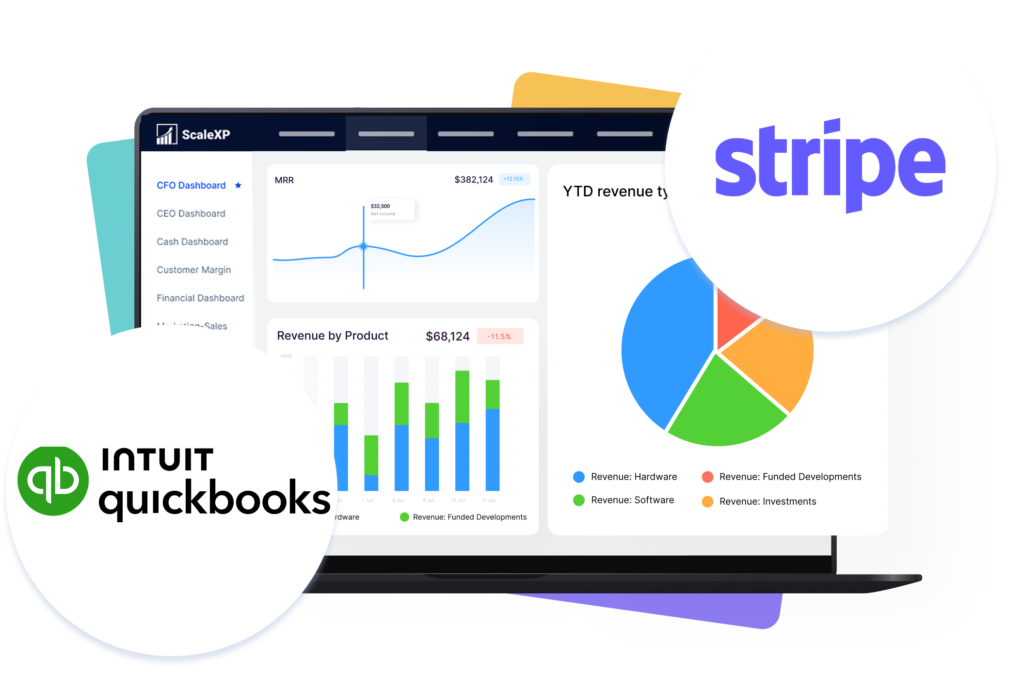
ScaleXP connects Stripe and QuickBooks Online: it imports Stripe invoices, maps Classes and Locations and automates revenue schedules, so SaaS finance teams can report recurring revenue without spreadsheets. Stripe captures billing and payment activity. QuickBooks records accounting entries. Most teams still need spreadsheets to turn that into clean revenue schedules and usable reporting.
ScaleXP imports Stripe invoices into QuickBooks or into ScaleXP, then applies revenue recognition logic and creates a cleaner reporting layer for finance and leadership teams.
ScaleXP does more than move Stripe invoices into QuickBooks. It helps teams automate compliant revenue recognition, handle multicurrency billing more cleanly, and use richer invoice data for reporting and analysis.
For what Stripe’s own revenue recognition tool covers and where it stops for SaaS, read Stripe revenue recognition for SaaS.
Connected invoice data removes spreadsheet repair work and gives teams a clearer, more reliable reporting layer.
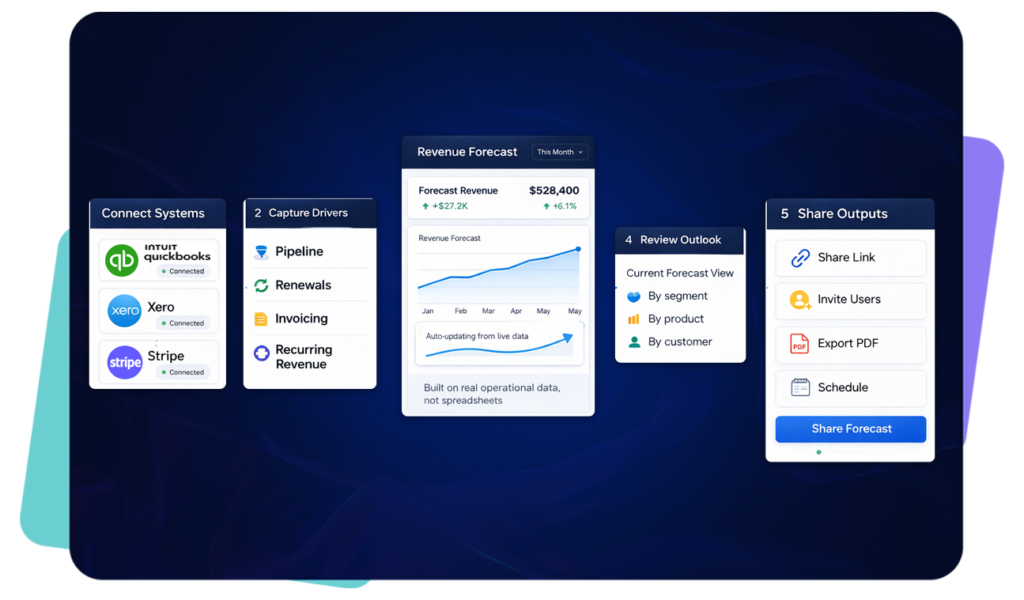
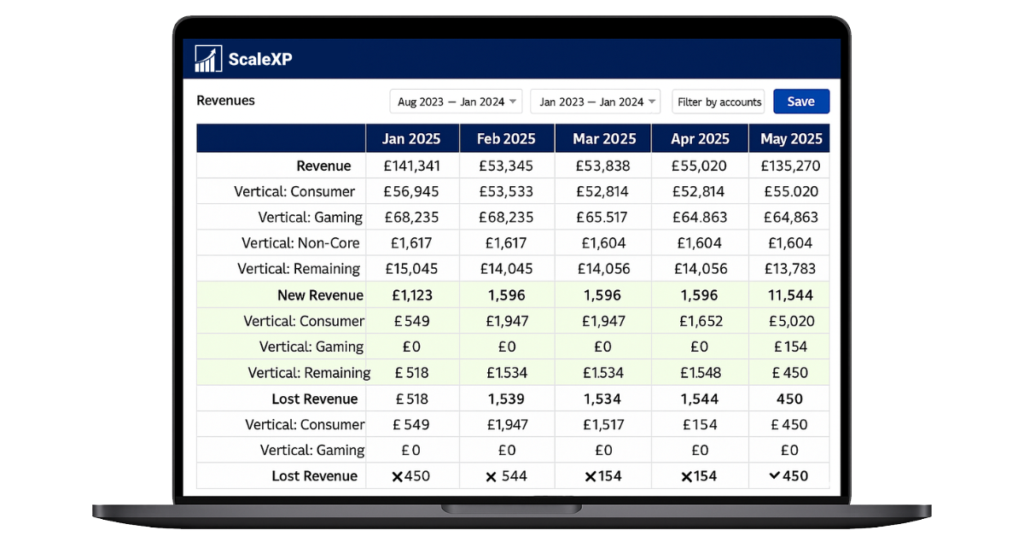
ScaleXP does more than move invoice data. It helps teams understand what is growing, what is churning, and how recurring revenue is changing over time.
Where Xero uses tracking codes, QuickBooks uses Classes and Locations. ScaleXP helps teams use QuickBooks Classes and Locations alongside Stripe invoice data to create cleaner reporting and more detailed analysis.
Customer result
Invoicing checked against contracts to prevent revenue leakage
Nourish keeps a real-time view of its ARR bridge and checks that every invoice matches the contract behind it.

“We have a real time view of our ARR bridge, enabling us to get to SaaS metrics quickly and also sanity check that invoicing aligns with contracts to prevent revenue leakage.”

John Billington
Chief Financial Officer, Nourish Care
Basic Stripe–QuickBooks sync
With ScaleXP
Invoice import
Invoices may sync, but reporting still needs work.
Stripe invoices flow into QuickBooks or ScaleXP automatically.
Revenue recognition
Usually handled manually or outside the sync.
Automated schedules support IFRS 15 and ASC 606 workflows.
Historical data
Limited support for structured backfill.
Bring years of Stripe history into QuickBooks with product mapping.
Multicurrency
Teams often adjust exchange rates manually.
Multicurrency transactions are handled without manual FX adjustments.
Invoice detail
Metadata is often lost or not fully usable.
Stripe metadata can flow into QuickBooks invoices for richer reporting.
QBO dimensions
Class and Location reporting still needs manual work.
Stripe data can be aligned with QuickBooks Classes and Locations.
ScaleXP imports Stripe invoice data into QuickBooks Online or directly into ScaleXP, maps products and metadata, and connects the billing data to revenue recognition and SaaS reporting. Finance can use one source for invoices, schedules, journals, ARR, MRR, retention and churn analysis.
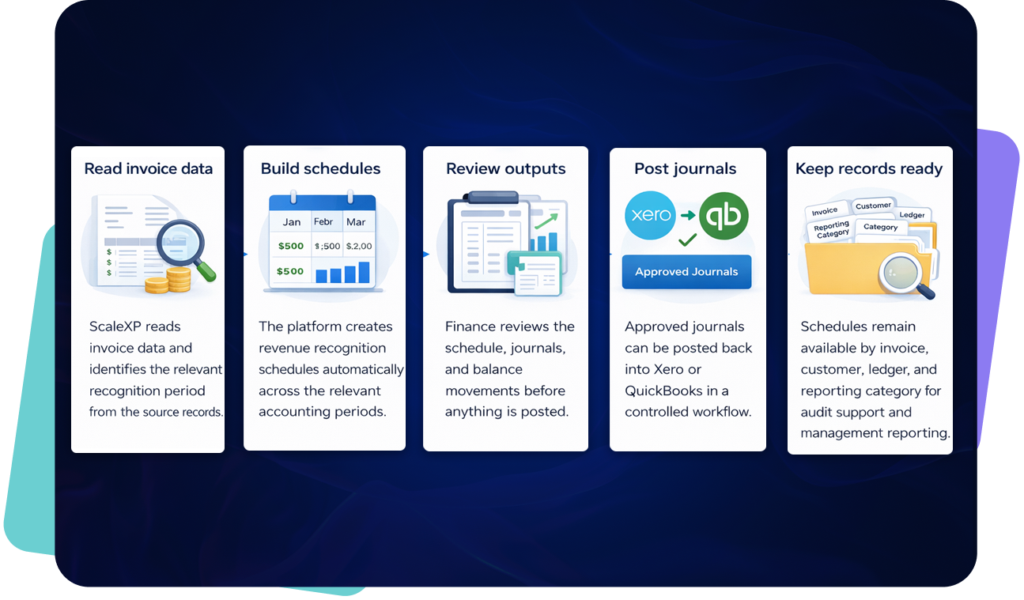
A customer is invoiced in Stripe. ScaleXP imports that invoice into QuickBooks or ScaleXP, applies revenue recognition automatically, and updates reporting across revenue growth, retention, and churn.
This removes manual handoffs between billing and reporting, keeps growth metrics tied to invoice data, and gives finance and leadership one connected view.
Yes. ScaleXP can automatically import Stripe invoices into QuickBooks Online with the appropriate product, customer and reporting mappings. This removes repeated invoice entry while keeping QuickBooks as the accounting system of record.
Yes. ScaleXP can import up to five years of Stripe invoice history into QuickBooks and ScaleXP. The historical data can support comparative reporting, revenue schedules and SaaS metrics without manually recreating earlier periods.
Yes. ScaleXP creates revenue schedules from Stripe invoice dates, line items, service periods and mapped metadata under IFRS 15, ASC 606, FRS 102 and US GAAP. Every journal requires explicit user approval and can be posted to QuickBooks as a draft or final entry.
Stripe and QuickBooks data refreshes automatically every 24 hours and on demand. Finance can trigger an immediate refresh during billing review or month-end close rather than waiting for the next scheduled update.
Yes. ScaleXP fully supports QuickBooks Classes and Locations. Stripe invoices, revenue schedules, journals and reports can retain these dimensions so finance can analyze performance by department, product, region, entity or business unit.
Yes. ScaleXP can map Stripe metadata and product information into QuickBooks and ScaleXP reporting. Finance can segment invoices and recurring revenue using the attributes that matter to the business rather than relying only on standard Stripe fields.
ScaleXP supports multicurrency Stripe and QuickBooks workflows across entities, countries and currencies. It tracks separate compliant rate sets for the P&L, balance sheet, budgets, and invoice consolidation and KPIs, reducing manual currency adjustments.
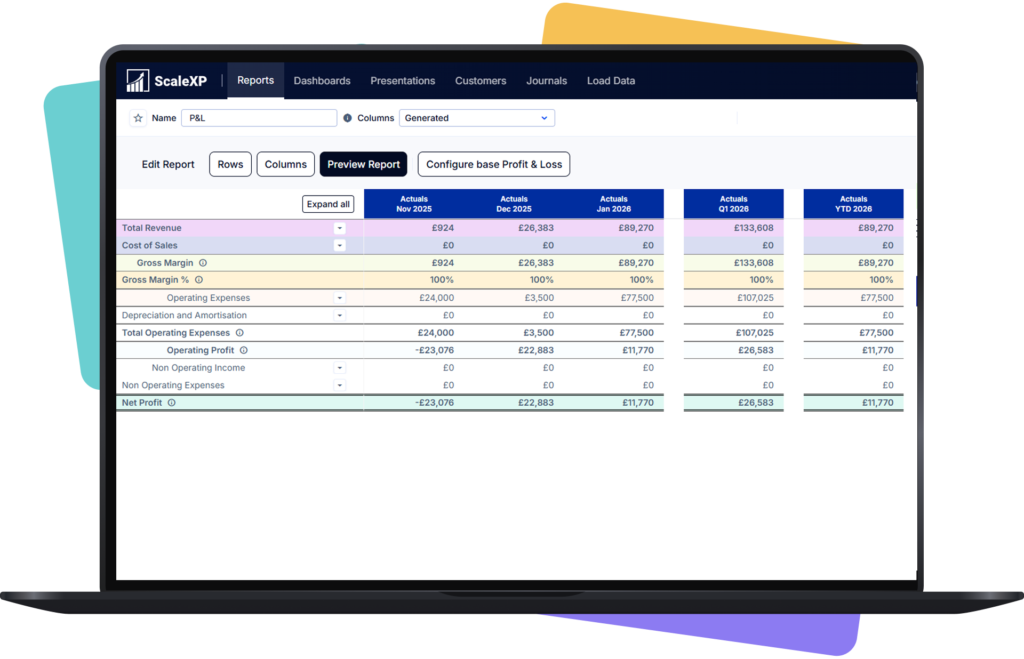
ScaleXP adds finance-controlled revenue recognition, historical import, metadata mapping, QuickBooks Class and Location support, multicurrency reporting and SaaS metrics to the transaction sync. It is intended for teams that need audit-ready accounting and reporting, not only invoice transfer.
““challenging requirements ... tremendous help in making this happen”
Stripe and QuickBooks
We'll show how Stripe billing data becomes invoices in QuickBooks, without the spreadsheet in between.
In a 30-minute demo, we’ll show the relevant workflows using example data and discuss how they could apply to your finance process. Complex requirements? Discuss them with us first.