Automated Billing for QuickBooks and Xero users

Automate Subscription Billing with Confidence

Create accurate subscription invoices, track renewals, and keep billing aligned with finance.

4.9

in Xero & QuickBooks app stores

CRM and QuickBooks/Xero data used for revenue recognition schedules

ScaleXP is an approved app for leading accounting & CRM systems

Manual Subscription Billing Creates Risk

Disconnected forecasting process across spreadsheets, CRM, billing, and accounting systems

Billing terms sit across CRM records, spreadsheets, and finance systems. Contract changes, renewals, and invoice timing are easy to miss.

Disconnected forecasting process across spreadsheets, CRM, billing, and accounting systems
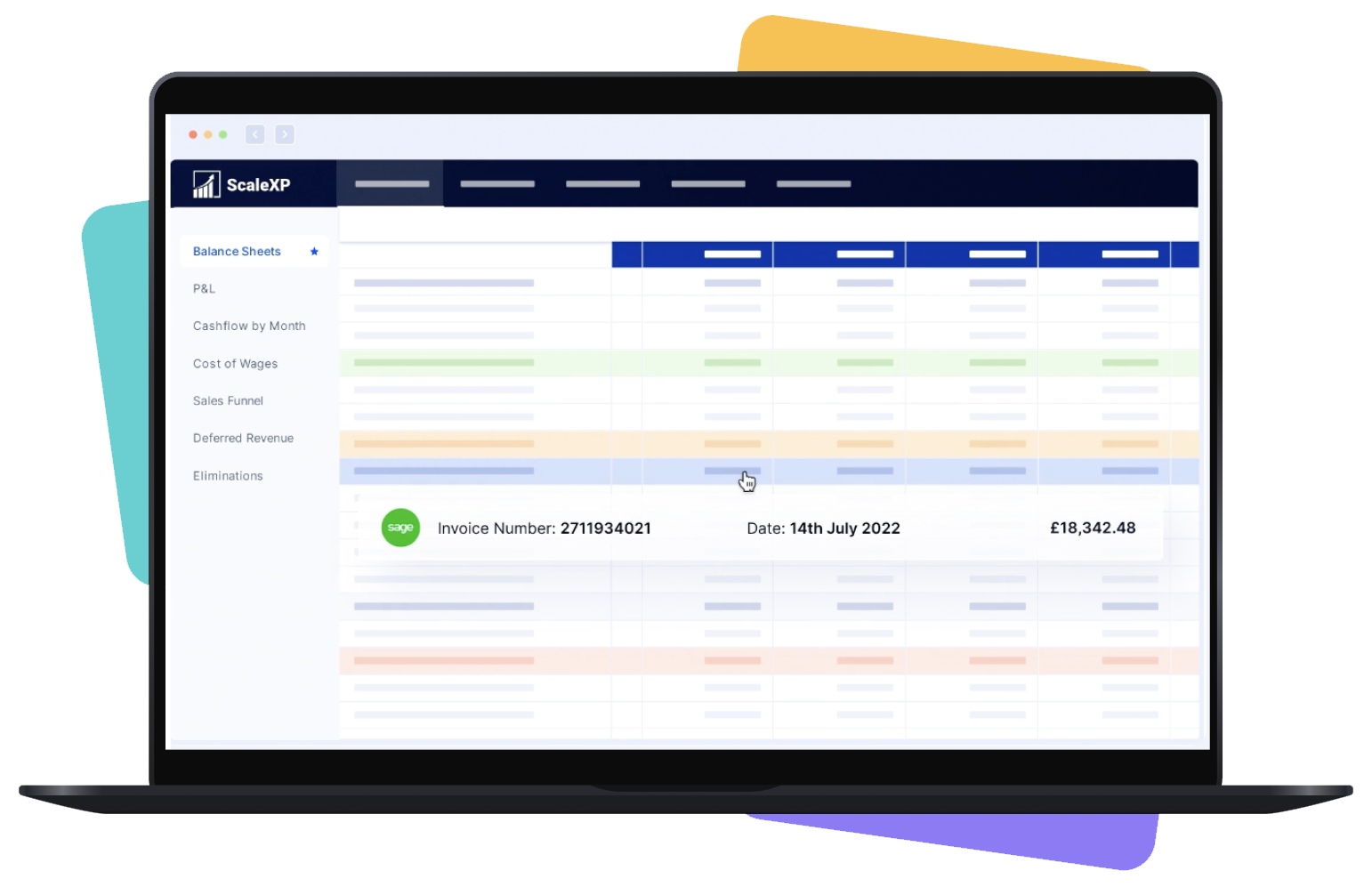
Interface showing billing automation features with HubSpot, Xero, and Intuit QuickBooks logos.

Bring Billing and Finance Into One Controlled Workflow

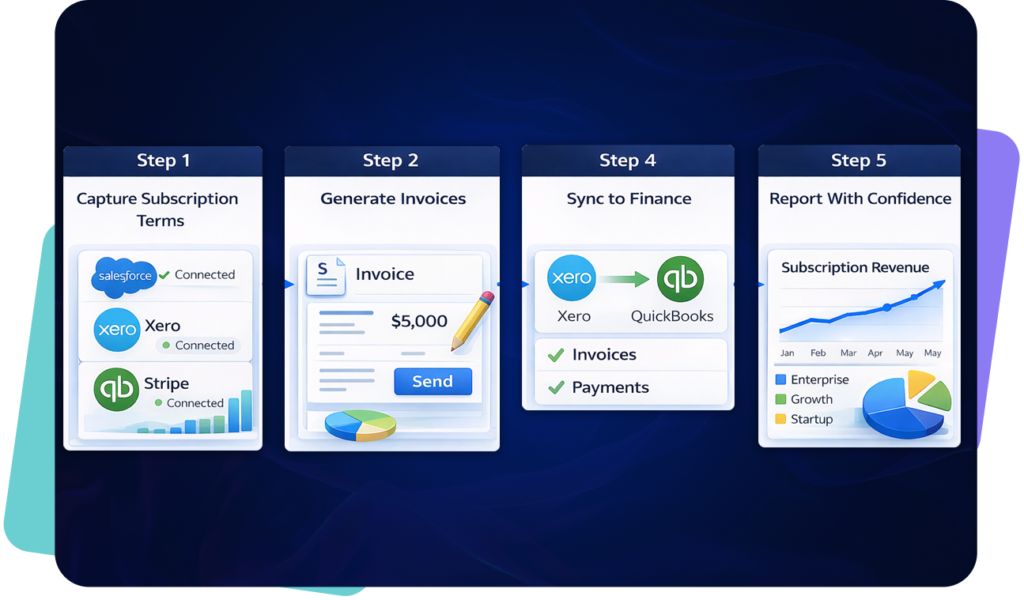
ScaleXP automates subscription billing workflows by connecting commercial data, invoice creation, renewals, and finance processes in one platform.

This gives finance teams a clearer operating model, reduces manual handling, and improves control over how subscription changes flow into billing and reporting.

Interface showing billing automation features with HubSpot, Xero, and Intuit QuickBooks logos.

How Subscription Billing Automation Works

ScaleXP SaaS metrics dashboard showing ARR, MRR, churn, renewals and revenue performance from Salesforce and accounting data

Financial and Operational Impact

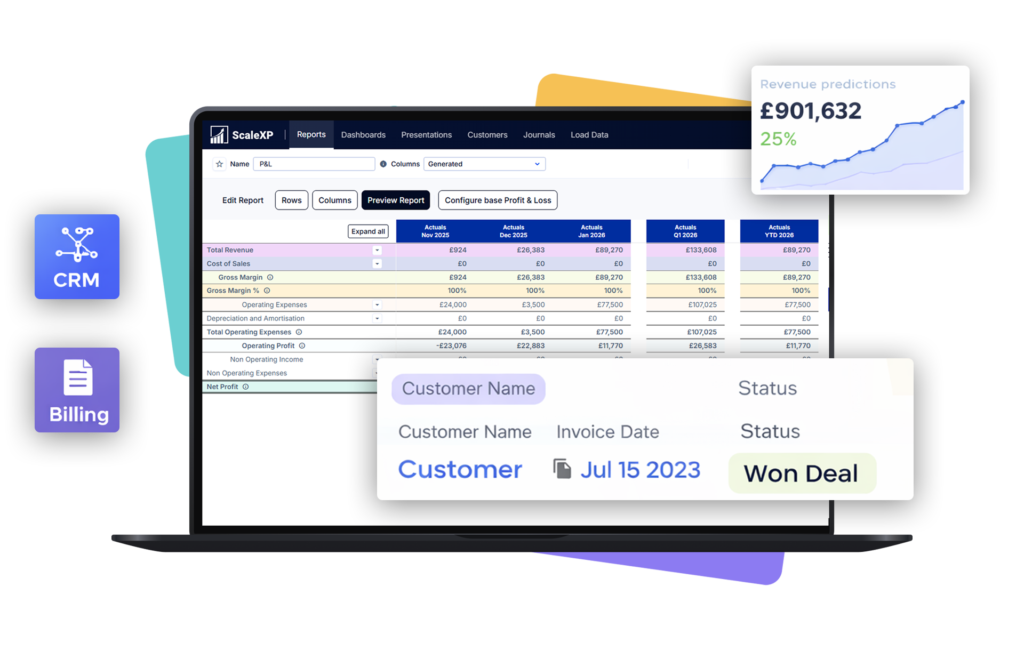
Recurring revenue and renewals dashboard connected to HubSpot and accounting

ScaleXP reduces manual billing effort and helps finance teams manage renewals, invoicing, and reporting from a more reliable process.

Subscription billing does not sit in isolation. For teams looking to improve revenue accuracy and reporting across the wider finance function, see Revenue Recognition, Month-End Close Automation, and SaaS Metrics.

Recurring revenue and renewals dashboard connected to HubSpot and accounting
Man with a shaved head wearing a purple shirt with a pattern, arms crossed in front of a solid background.

Trusted by Finance Teams That Need Clarity and Control

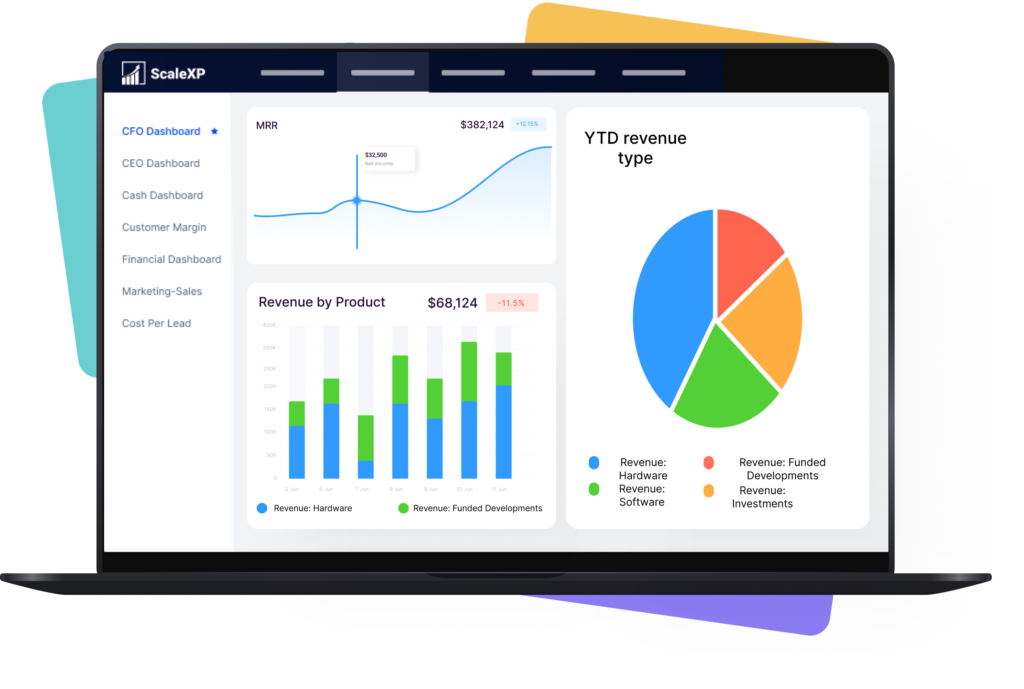
Leadership dashboard combining customer revenue and operational reporting

ScaleXP helps finance teams replace manual processes with connected workflows that improve accuracy, speed, and confidence in subscription billing.

It is especially useful for teams that want billing, reporting, and finance operations to work from the same source of truth rather than disconnected tools and spreadsheets.

To see how this fits into the wider ScaleXP platform, explore Smart Reporting, Integrations, and Revenue Recognition.

Leadership dashboard combining customer revenue and operational reporting

Subscription billing software FAQs

Subscription billing automation uses customer, contract and billing-schedule data to prepare one-off or recurring invoices without repeatedly re-keying information. It helps finance keep invoice dates, values, products and customer details aligned with approved commercial terms as subscription volumes grow. ScaleXP connects CRM and finance data, prepares invoices for review and links billing activity to renewals, recurring-revenue reporting and downstream accounting in Xero or QuickBooks.

ScaleXP brings subscription terms, customer details, billing schedules and finance data into one controlled workflow. It can prepare invoices from approved commercial information, track contract changes and pass billing activity into Xero or QuickBooks for finance review and accounting. The process reduces spreadsheet tracking and manual data entry while retaining approval before an invoice is issued. Connected billing data can also support revenue assurance, recognition, SaaS metrics and forecasting.

Yes. ScaleXP can use customer, product, price, contract-date and billing information held in a CRM such as HubSpot to prepare finance-ready invoices in Xero or QuickBooks. Finance reviews the draft before it is sent, removing repeated re-keying without giving up control. Field mapping is configured around the company’s CRM and accounting setup, so the invoice uses the commercial information already approved by Sales.

Yes. ScaleXP supports recurring and one-off invoice workflows using live subscription and contract data. Billing schedules, customer details and products can be reused across billing cycles, while approved changes are reflected in the controlled workflow rather than maintained in separate spreadsheets. This reduces the risk of missed invoices and inconsistent values, particularly for SaaS businesses managing annual contracts, monthly billing, amendments and customer-specific billing terms.

ScaleXP records renewals and contract changes alongside the associated subscription and invoice data. Finance can review the revised value, timing and product detail before the next invoice is prepared. Upsells and downgrades therefore flow into billing from the approved commercial record rather than being discovered through a manual invoice check. Detailed renewal ownership remains on ScaleXP’s renewal-management page, while the billing workflow uses the confirmed change to prepare the correct invoice.

Subscription billing automation helps identify contracts or changes that have not been invoiced as expected. By comparing CRM terms with billing activity, ScaleXP can expose missing invoices, incorrect amounts, products, quantities or timing differences before they become month-end surprises. Finance gains a clearer sold-versus-billed reconciliation and can investigate exceptions while the customer and contract context is still available. This strengthens billing assurance and reduces the chance that delivered services remain unbilled.

No. ScaleXP sits alongside systems such as HubSpot, Xero and QuickBooks. Sales continues to manage commercial activity in the CRM, and the accounting platform remains the finance system of record. ScaleXP performs the controlled work between them: mapping data, preparing invoices, checking billing accuracy and supporting reporting. This allows teams to improve subscription-billing automation without replacing the systems and processes their users already understand.