
QUICKBOOKS & SALESFORCE integration

QuickBooks & Salesforce easily & fully integrated

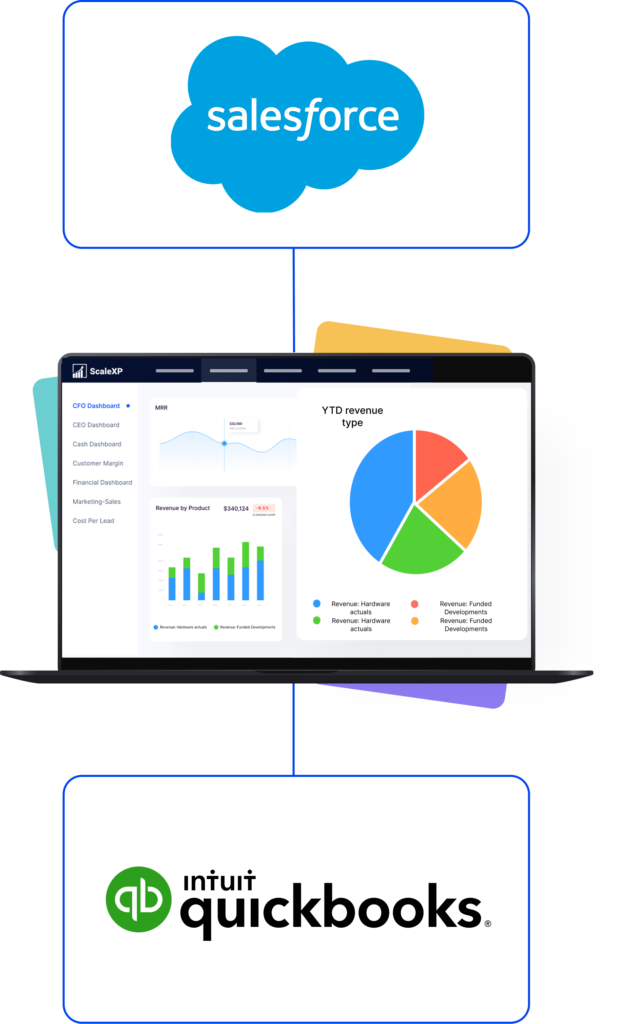
Financial dashboard displaying revenue data with Salesforce and QuickBooks logos.

Seamlessly combine data from Salesforce with QuickBooks to make better decisions.

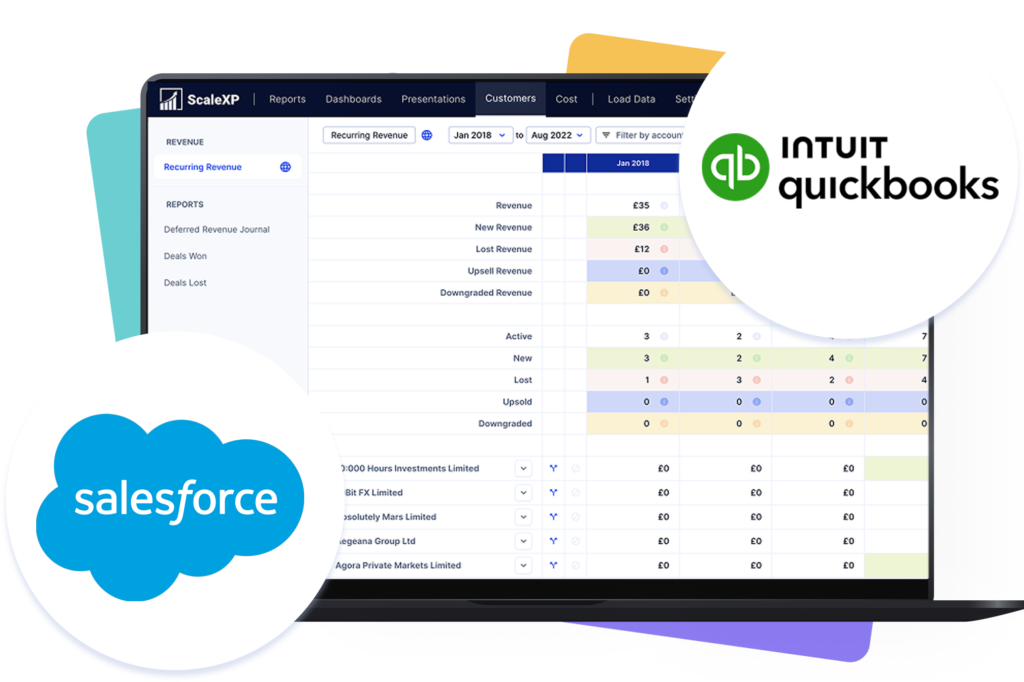
Sales and financial dashboard displaying data from Salesforce and Intuit QuickBooks.
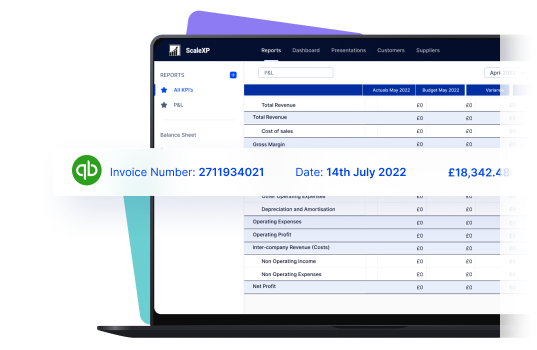
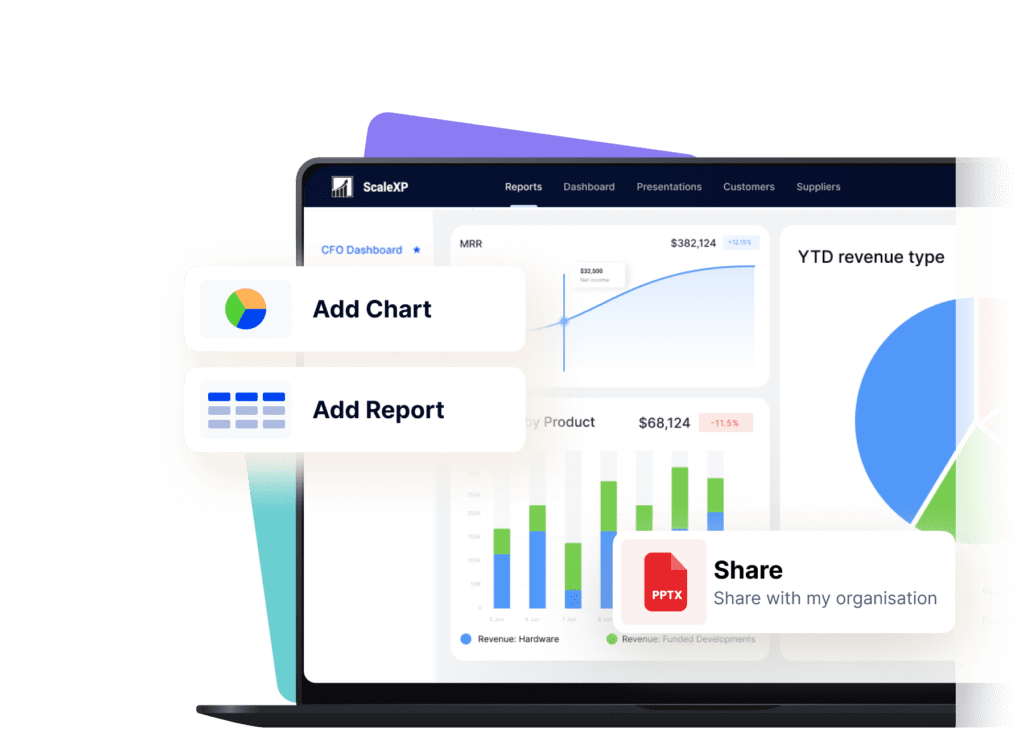
Laptop screen displaying a financial report with invoice details and a QuickBooks logo.

Smarter reporting

Laptop screen displaying a financial report with invoice details and a QuickBooks logo.

ScaleXP is an easy-to-use powerful solution designed for B2B finance teams, providing everything you need to seamlessly integrate QuickBooks & Salesforce.

The system will track through the sales funnel, highlighting when opportunities are ‘closed won’, indicating that it is time to prepare the invoice. Sales pipelines and sales funnel conversion can be easily tracked over time, making it easy to compare current and historical performance.

Read more about Smart Reporting here

Revenue recognition streamlined

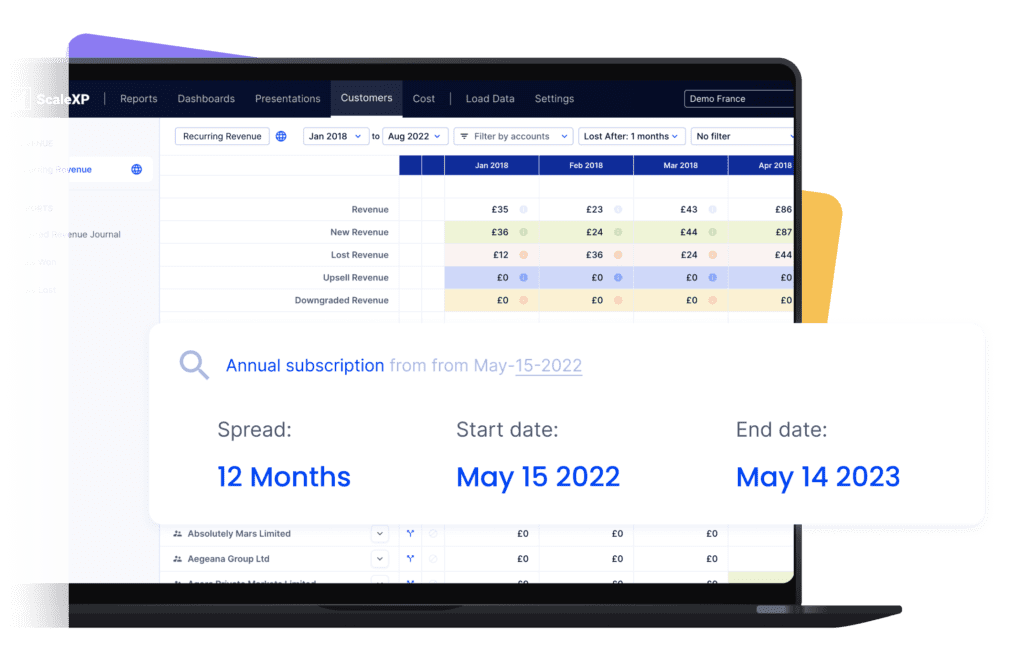
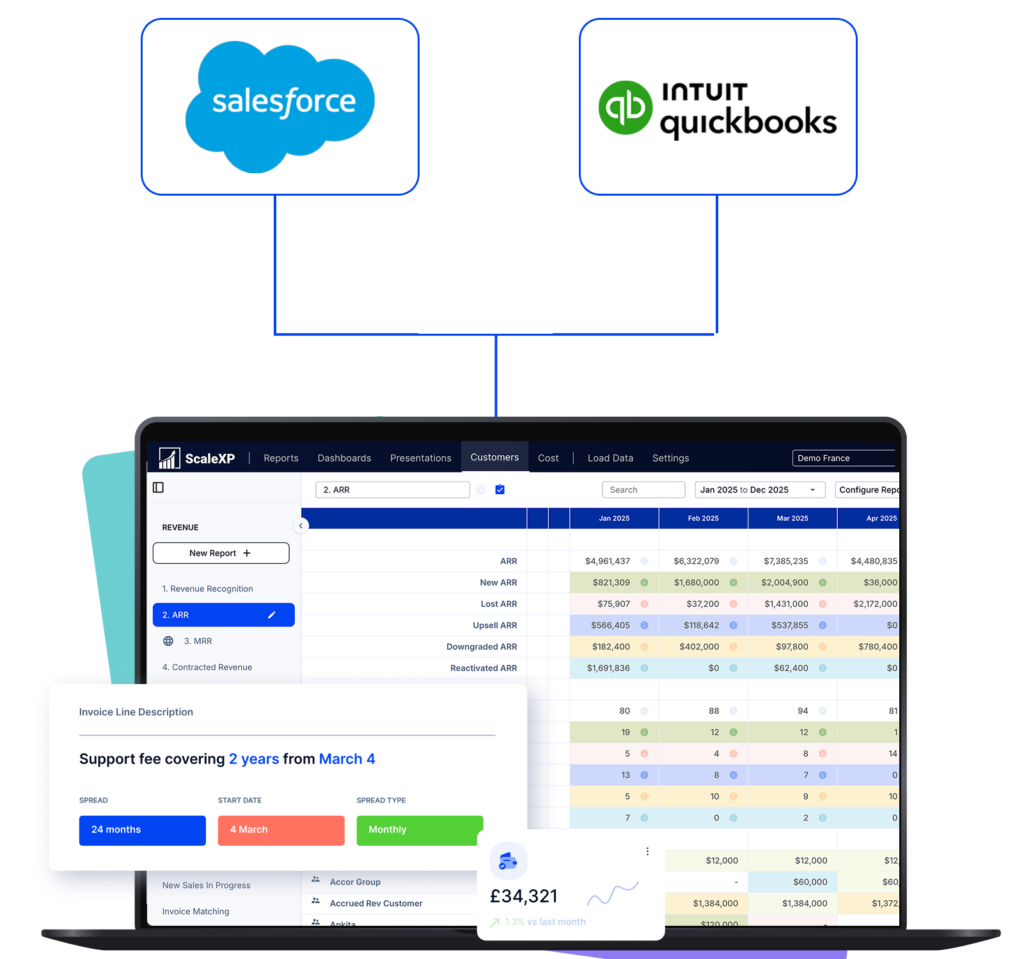
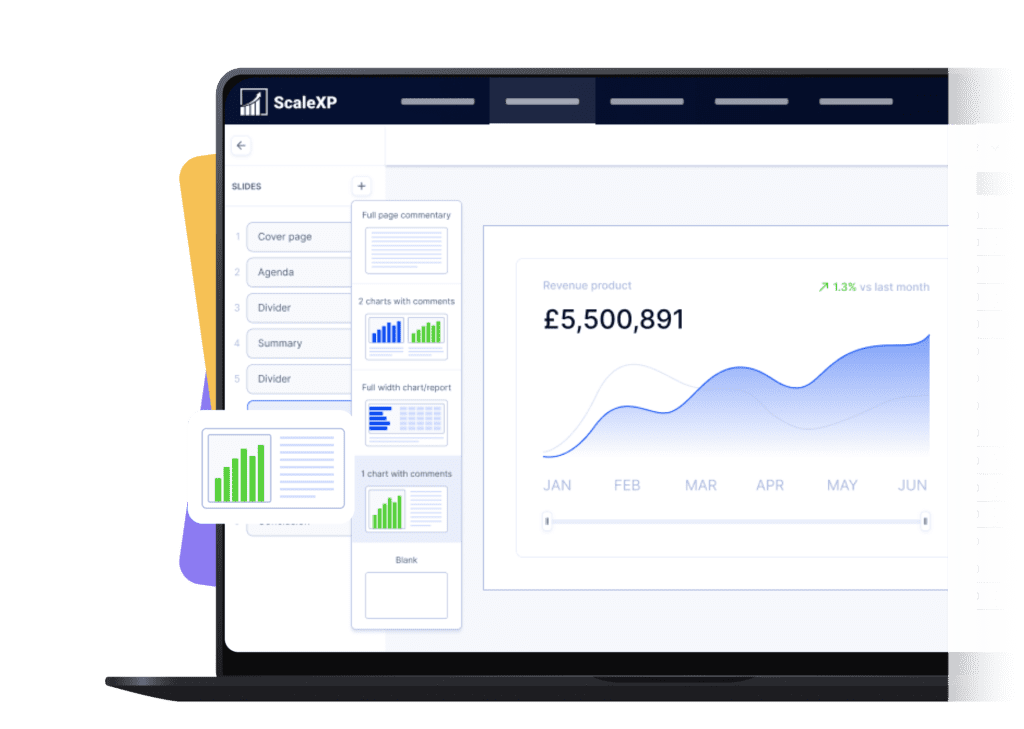
User interface of ScaleXP showing a revenue dashboard with subscription details and financial data.

ScaleXP streamlines all parts of revenue recognition, starting as soon as an Opportunity is Closed Won in Salesforce.

User interface of ScaleXP showing a revenue dashboard with subscription details and financial data.

Salesforce + ScaleXP Delivers More

+ QuickBooks

Blue cloud logo with the word 'salesforce' in black text.

+ accounting data

Fully integrate Salesforce and accounting data, without the need for unique identifiers

Automate revenue forecasting, from integrated QuickBooks + Salesforce data

Ensure all invoices are issued on time

In limited cases

Automatically track contract renewals  

In limited cases

Understand data using AI powered dashboards across integrated datasets 

Understand the highest growth customers, their channel, sector and geography

Automate business critical KPIs by fully integrated data sets

Move your finance team from routine processing to powerful business partner

A circular clock icon with a turquoise outline and clock hands indicating time.

Monitor sales pipeline

Monitor your sales pipeline over time to understand trends and issues. Easily track changes in the size of your pipeline by stage, number of deals, conversion between stages and closure rates.

Purple target icon with a dart hitting the center, symbolizing focus and precision.

Booked vs. billed in a click

Easily check that all invoices are issued, using our booked vs. billed report. The report provides a list of opportunities won in Salesforce and invoices issued in QuickBooks, making it easy to check that every invoice is issued and that all amounts are correct.

A presentation slide featuring a graph with an upward trend on a yellow background.

Track actuals vs. targets, or forecast

Automatically track actual sales performance compared to a budget or latest forecast. Targets include a wide variety of metrics including number of deals in the pipeline, conversion rates by pipeline stage, deal conversion rates.

Financial reporting dashboard displaying metrics like MRR, ARR, CAC Payback, and LTV on a laptop screen.

Subscription & SaaS metrics made easy

Financial reporting dashboard displaying metrics like MRR, ARR, CAC Payback, and LTV on a laptop screen.

Fully automate all subscription metrics & KPIs using integrated QuickBooks, Salesforce data. This includes ARR, MRRacquisition costs and unit economics.

Scale XP has a predefined metric library, filled with industry standard calculations, which are easy to customize for your business.

SaaS or tech companies read more here

Nourish logo featuring a stylized design with blue and black text.

Join Nourish & hundreds of other companies automating complex financial reporting.

Nourish started using the ScaleXP revenue recognition, SaaS metrics and consolidation functionality in late 2022 to enable them to speed up production of monthly board packs and performance analysis.

3+ days

Saved per month

1,000+

Deferred Rev Accounts

6

Deferred Rev Accounts
We have been able to significantly reduce the time to prepare our monthly reporting packs, feeding into a group board pack at the click of a button with 100% accuracy. We also have a real time view of our ARR bridge, are able to get to SaaS metrics quickly and also to sanity check that invoicing aligns with contracts.

A man with short brown hair smiling while seated in an office chair, wearing a blue shirt.
John Billington
Chief Financial Officer

QuickBooks Salesforce integration FAQ’s

Yes. ScaleXP provides full automation of all your sales revenue, past, current and future, including providing the associated accounting journals for accruals and deferrals in QuickBooks.

Further, ScaleXP provides a full breakdown of all revenue shown on your Income Statement as well as all deferred income and accrued revenue shown on your Balance Sheet. 

Revenue recognition schedules can be viewed by customer, by invoice, and by general ledger code. And, in case that’s not enough, all schedules can be downloaded to a spreadsheet or CSV.

ScaleXP is built on a series of sophisticated natural language processing algorithms, which read and understand the text, just as a person would. Any date format can be used.  You can even mix and match American date format (mm-dd-yy) and British date format (dd-mm-yy). 

The system also understands words which convey time such as annual, quarterly, 6 months, 2 weeks, 6 days, just about anything you can think of. If a person can read and understand the revenue recognition period on your invoices, the ScaleXP algorithms will also understand. 

Yes, of course. ScaleXP provides a full breakdown of both Revenue (on the P&L) and Deferred Income (on the Balance Sheet). It will work across all of your accounts, as many as you have. 

Schedules can be viewed by customer, by invoice, and by general ledger code. An audit trail of all journals passed to the accounting system. And, in case that’s not enough, all schedules can be downloaded to an Excel file.