


Salesforce Accounting Integration Built for Finance Teams

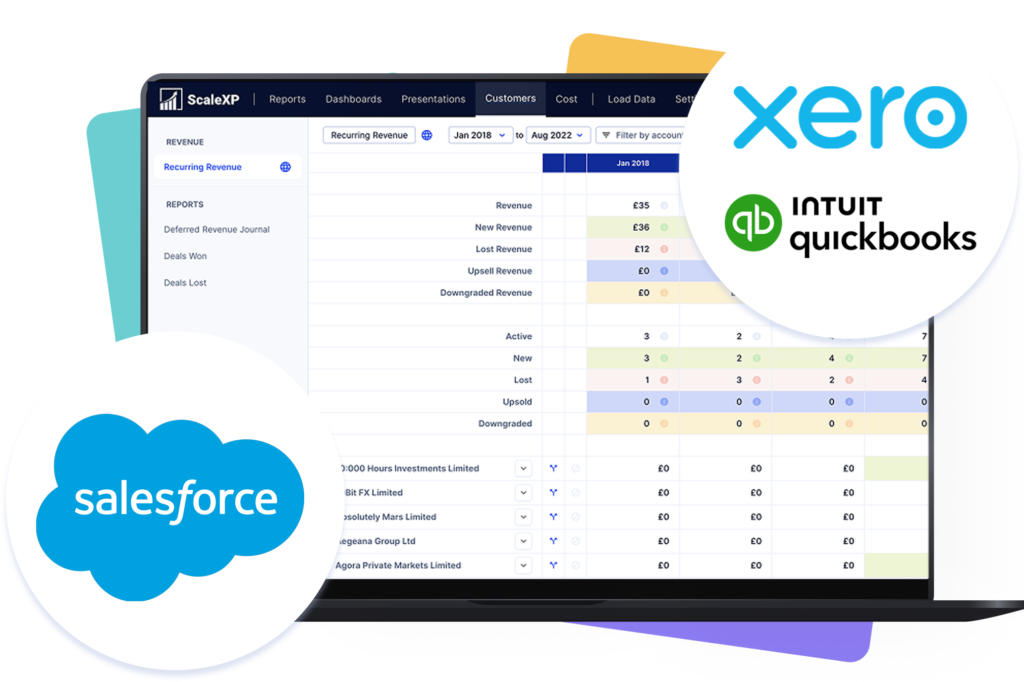
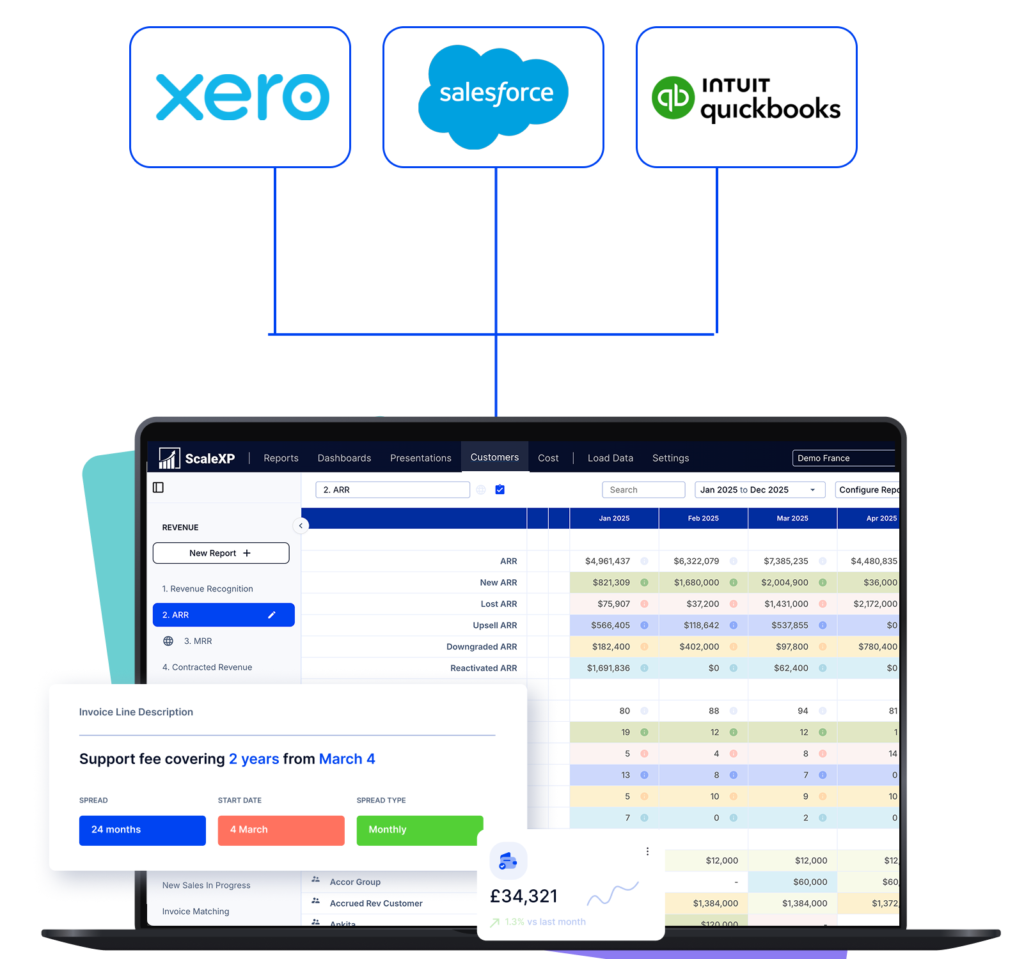
Laptop screen displaying ScaleXP integrations with Salesforce, Stripe, Intuit QuickBooks, and Xero.

Turn Salesforce activity into numbers Finance can stand behind.

Laptop screen displaying ScaleXP integrations with Salesforce, Stripe, Intuit QuickBooks, and Xero.

Integrate data across multiple platforms & systems

Salesforce, xero & qbo logos with a red X between them, illustrating the integration gap that fails to handle revenue recognition, targets vs. actuals, and P&L reconciliation.

What problem does Salesforce + accounting fail to solve for finance teams?

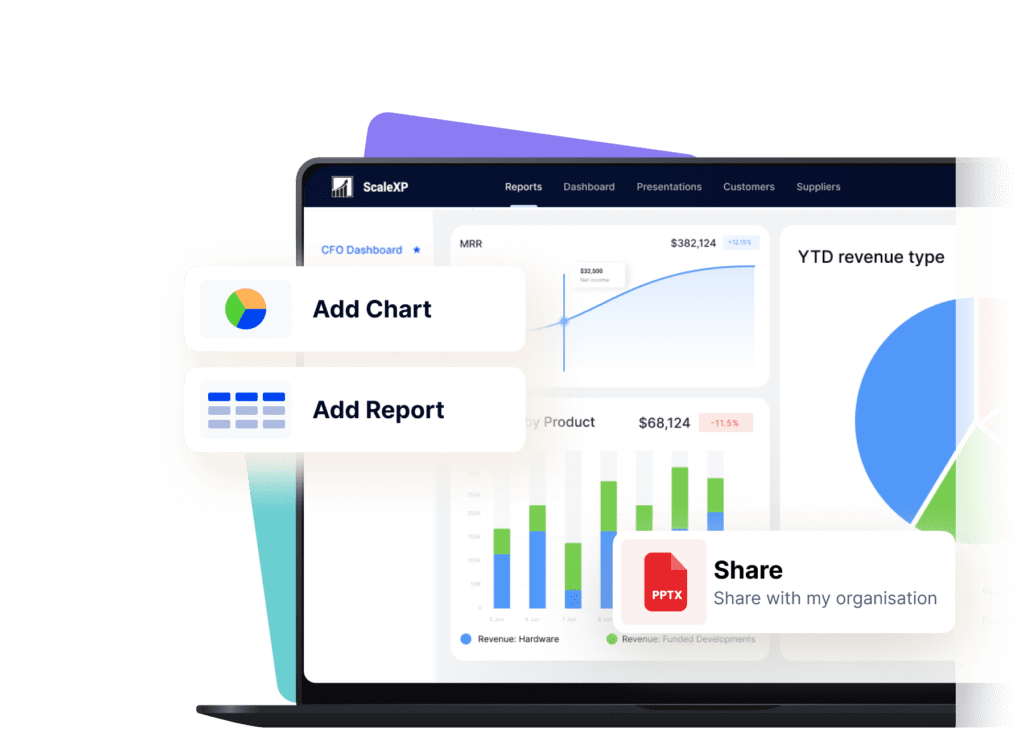
User interface of ScaleXP showing financial reports and charts on a laptop screen.

Most Salesforce accounting integrations stop at moving fields. Finance problems begin after that. Three gaps cause friction every month:

That’s why spreadsheets return before every board meeting.

What changes when Salesforce and accounting are connected properly?

User interface of ScaleXP showing financial reports and charts on a laptop screen.

ScaleXP is designed to close these gaps by putting finance logic between systems, not just syncing more data.

Finance teams gain three things:

This is not about syncing more data. It is about trusting the outcome.

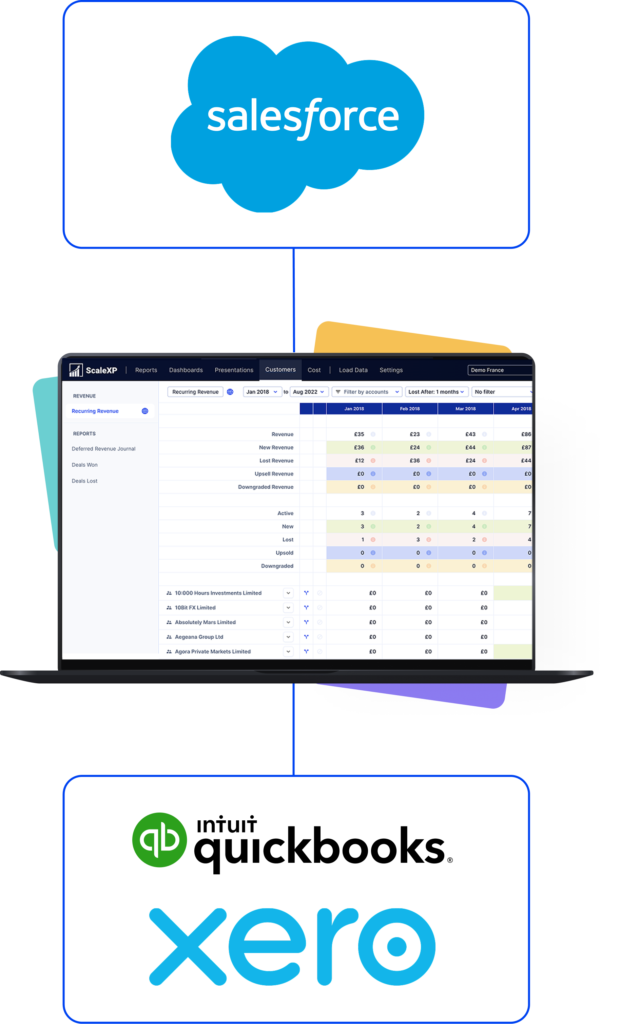
Salesforce and accounting system integration flow with scalexp
salesforce scalexp accounting system integrations

What does ScaleXP add between Salesforce and accounting?

salesforce scalexp accounting system integrations

ScaleXP adds a finance intelligence layer between Salesforce and your accounting system.

It interprets CRM deal data in the context of recognised revenue, invoicing, credits, and accounting logic, so Finance can report on what actually happened — not just what was sold.

ScaleXP is used for revenue timing validation, deferred revenue alignment, and board-ready reporting that reconciles directly to the ledger.

How does ScaleXP connect QuickBooks and Salesforce without manual rebuilds?

User interface of ScaleXP showing financial reports and charts on a laptop screen.

ScaleXP connects Salesforce to your accounting system so sales activity and financial transactions can be analysed together.

Closed-won deals are compared to invoices, credits, FX, and recognised revenue so Finance can identify gaps or delays early.

Outputs are designed to be reviewed, shared, and defended because they tie directly back to the accounting system.

Connect scalexp with salesforce and accounting systems without manual rebuilds

How does ScaleXP compare to native Salesforce syncs and middleware?

Native Salesforce syncs and middleware tools optimise for data movement. ScaleXP applies finance logic so metrics reconcile to the ledger.

Middleware

Metrics tied back to the ledger

Sometimes

Revenue timing handled cleanly

Board-ready reporting without rework

No credit card required

Who is the Salesforce accounting integration with ScaleXP built for?

Woman in a dark shirt standing next to logos of Salesforce, and quickbooks, with financial data displayed.
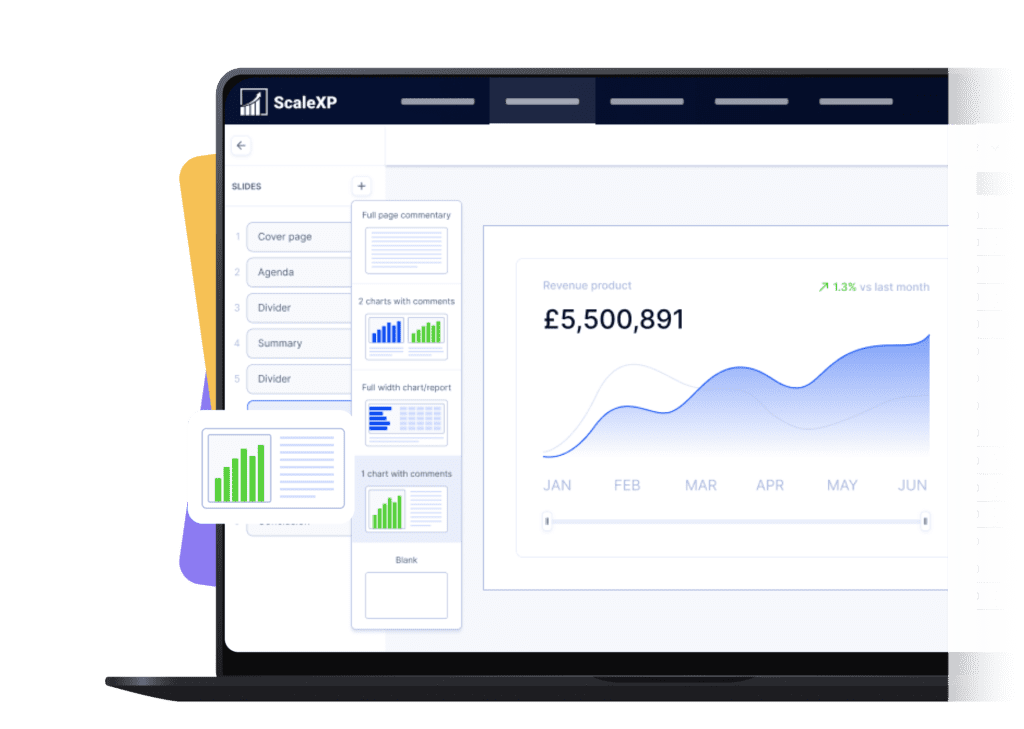
Dashboard interface of ScaleXP displaying a revenue chart and various slide options.

ScaleXP is designed for finance teams, CFOs, and founders who need Salesforce reporting they can trust.

It’s built for teams that require:

Woman in a dark shirt standing next to logos of Salesforce, and quickbooks, with financial data displayed.

Salesforce FAQs

ScaleXP pulls critical data from Salesforce and combines it with your accounting data to automate reporting. By connecting Salesforce to the finance system, ScaleXP allows you to cross-verify invoicing and track sales performance against billed revenue.

When you link Salesforce and Xero in ScaleXP, the platform ensures all new Salesforce deals are invoiced in Xero, and it automatically monitors renewals to prevent revenue leakage. In practice, this integration lets you easily check that every won deal has a corresponding invoice, and it highlights any deals due for renewal that haven’t been renewed yet.

The ScaleXP QuickBooks+Salesforce integration similarly merges pipeline and financial data. It gives finance teams visibility of Salesforce pipeline vs. actual billing in QuickBooks. You can monitor sales performance vs targets, reconcile bookings to invoices, and spot any discrepancies between what was expected (in Salesforce) and what was billed (in QuickBooks).

ScaleXP also works with Salesforce+Zoho Books. This integration automates the same tasks: it ensures new Salesforce deals lead to Zoho invoices and tracks renewals. It also centralizes your SaaS reporting so you can see metrics like bookings, churn, and renewal rates using Zoho transaction data alongside Salesforce pipeline data.

Yes. By combining Salesforce goals (pipeline, bookings, targets) with accounting results, ScaleXP lets you track actual sales against targets. You can see how your sales team is performing relative to goals at any time. This pipeline-vs-actual tracking is automatically included when Salesforce is integrated.

No. ScaleXP is not a basic sync or connector. It acts as a finance intelligence layer that sits between Salesforce and your accounting system, applying consistent finance rules so reports reflect accounting reality.

ScaleXP compares Salesforce deal outcomes against accounting events such as invoices, credits, and recognised revenue. This allows Finance to understand timing differences and ensure reporting ties back to the ledger.

ScaleXP supports Salesforce alongside leading accounting platforms such as Xero and QuickBooks. References should align with the current ScaleXP integrations hub.

Schedule Demo

We have been able to significantly reduce the time to prepare our monthly reporting packs, feeding into a group board pack at the click of a button with 100% accuracy. We also have a real time view of our ARR bridge, are able to get to SaaS metrics quickly and also to sanity check that invoicing aligns with contracts.

Circular profile picture of a woman with brown hair and glasses smiling at the camera.

Michele Ocampo

Head of Finance & People

Checkboxes