QuickBooks and Xero users

Automate Cost Accruals Without Spreadsheets

Finance teams using ScaleXP typically save around 3 days every month by removing manual accrual preparation and spreadsheet tracking.

4.9

in Xero & QuickBooks app stors

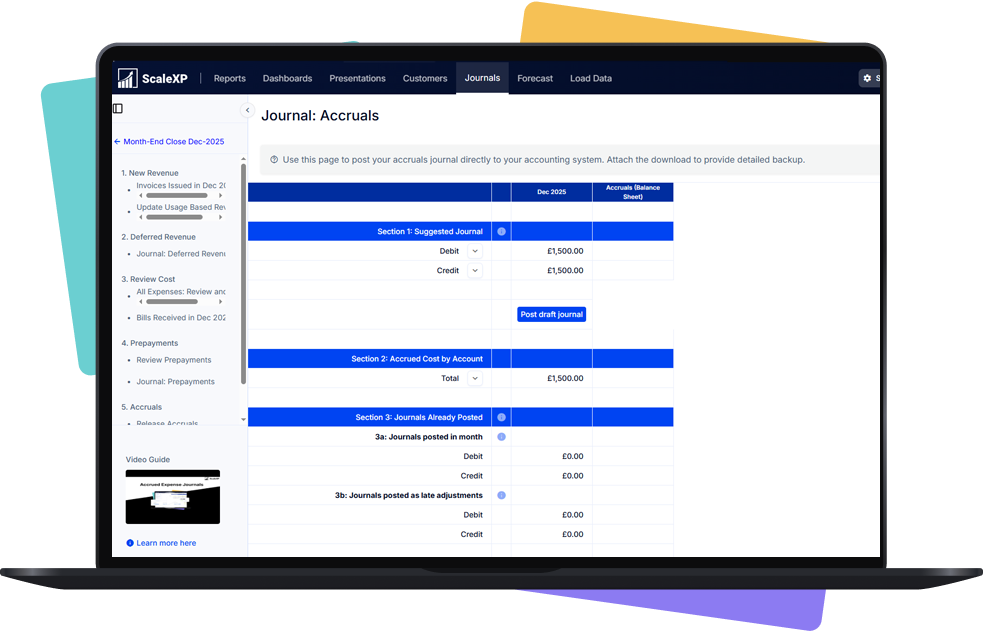
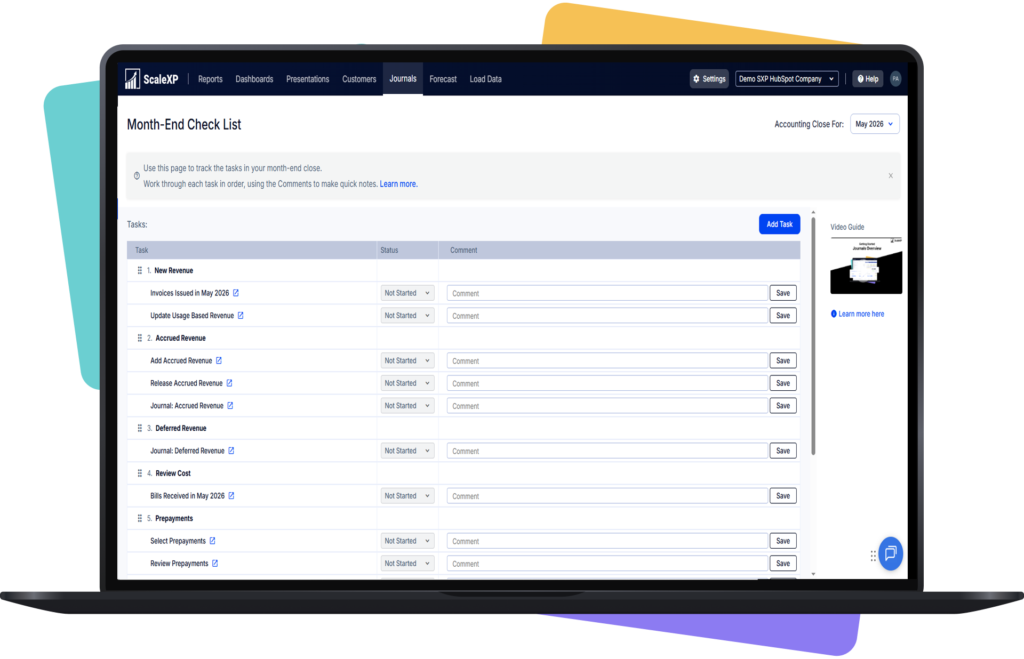
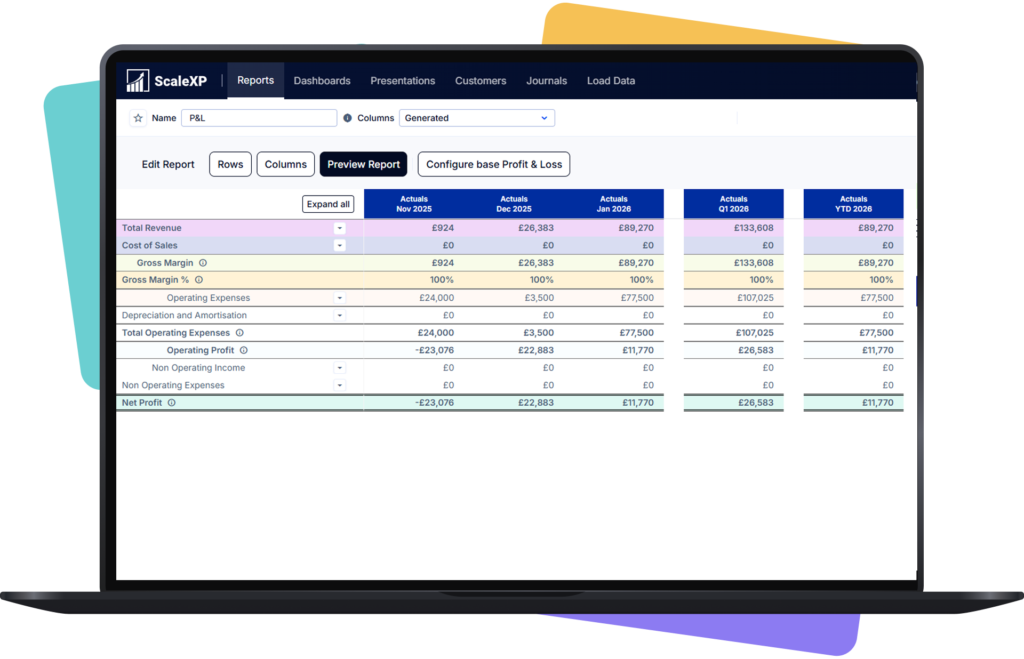
ScaleXP cost accrual automation showing expense schedules and journals generated from accounting data with real-time updates

ScaleXP is an approved app for leading accounting & CRM systems

Manual accrual calculations create risk and delay

Collage of various spreadsheets and data visualizations with arrows indicating connections and flow.

Accrual workflows become fragile as finance complexity increases.

Late invoices and spreadsheet logic lead to inconsistent cost recognition.

Collage of various spreadsheets and data visualizations with arrows indicating connections and flow.

How ScaleXP Automates Cost Accruals

ScaleXP accrued income automation showing earned but unbilled revenue calculated from accounting and CRM data with audit-ready journals

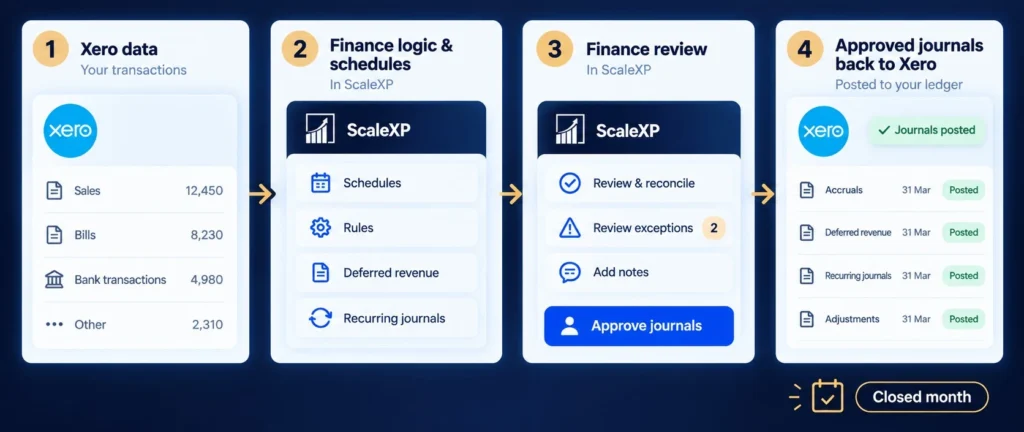
ScaleXP automates cost accrual calculations and journal preparation using accounting data.

AI models designed specifically for finance teams apply IFRS and GAAP accounting logic to generate structured accrual schedules and journals. Finance teams maintain accurate cost recognition throughout the accounting period.

ScaleXP accrued income automation showing earned but unbilled revenue calculated from accounting and CRM data with audit-ready journals

How It Works

What Changes for Your Finance Team

Before ScaleXP

After ScaleXP

Strengthen Financial Governance

Structured accrual workflows provide greater visibility and audit readiness.

Finance leaders gain traceability across accrual schedules, journal entries, and supplier invoices.

Save Time Every Month

Month-end close infographic with Current Close and Improved Close panels, Day 5 lengthy close transitioning to Day 2 faster close, blue arrow across the center.

Automated accrual calculations remove manual preparation from the month-end close process.

Finance teams using ScaleXP typically save around three days per month previously spent preparing accrual schedules and journals.

Month-end close infographic with Current Close and Improved Close panels, Day 5 lengthy close transitioning to Day 2 faster close, blue arrow across the center.

Improve Cost Recognition Accuracy

Accrual calculations are applied consistently across accounting periods.

AI models designed for IFRS and GAAP accounting frameworks ensure structured cost recognition across financial reports.

FAQs

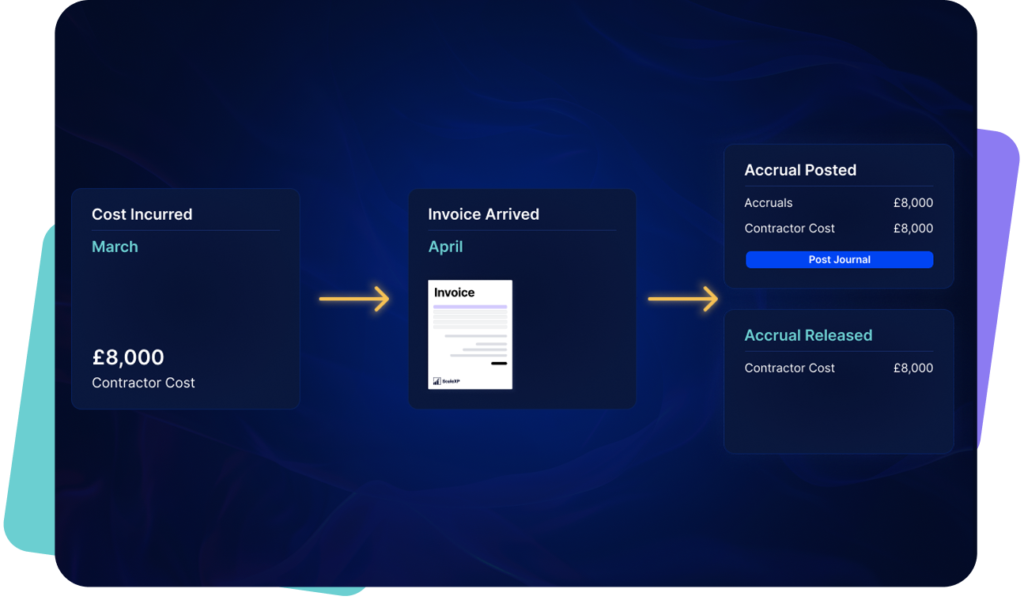
Accrual automation calculates expenses that should be recognised before supplier invoices arrive. ScaleXP automates accrual schedules and journal preparation using accounting data so finance teams maintain accurate financial statements throughout the accounting period rather than adjusting results during month-end close.

ScaleXP monitors accounting activity and identifies transactions that require accrual treatment. AI models trained on IFRS and GAAP accounting frameworks apply consistent accrual logic and generate structured journal schedules. Finance teams review and approve journals before posting to the general ledger.

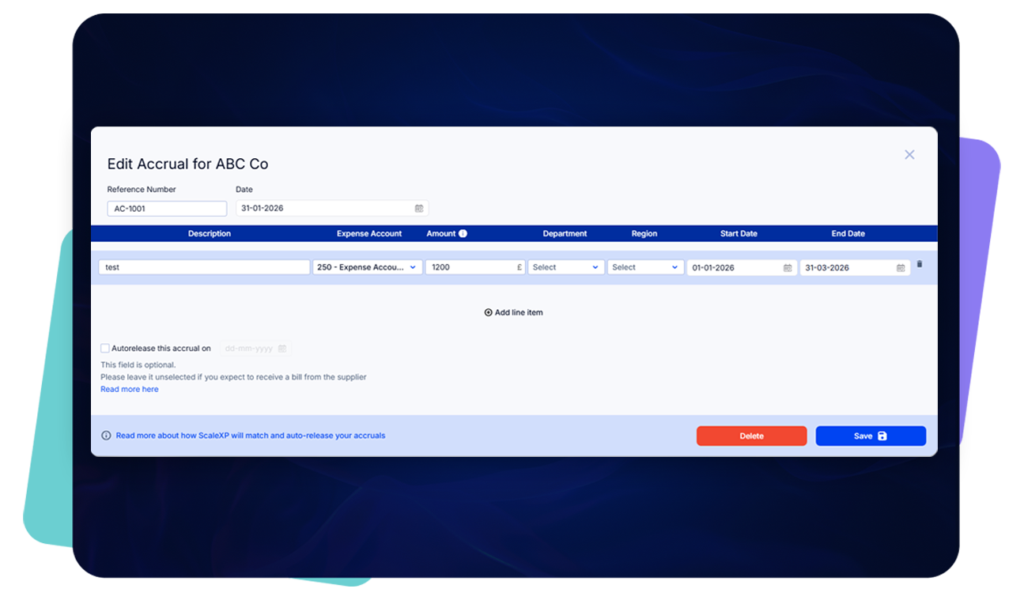
Yes. ScaleXP can generate accrual entries using purchase orders or draft supplier bills. This allows finance teams to recognise expected costs earlier and maintain accurate margin reporting even before supplier invoices are received.

ScaleXP works alongside Xero and QuickBooks Online. Accrual journals support Xero Tracking Codes and QuickBooks Classes, ensuring costs are allocated correctly across departments or projects.

Automated accrual schedules remove manual calculations and journal preparation from the close process. Finance teams maintain accurate accrual balances throughout the month, reducing late adjustments and making the close process faster and more predictable.