
Xero + Salesforce Integration for Finance Teams

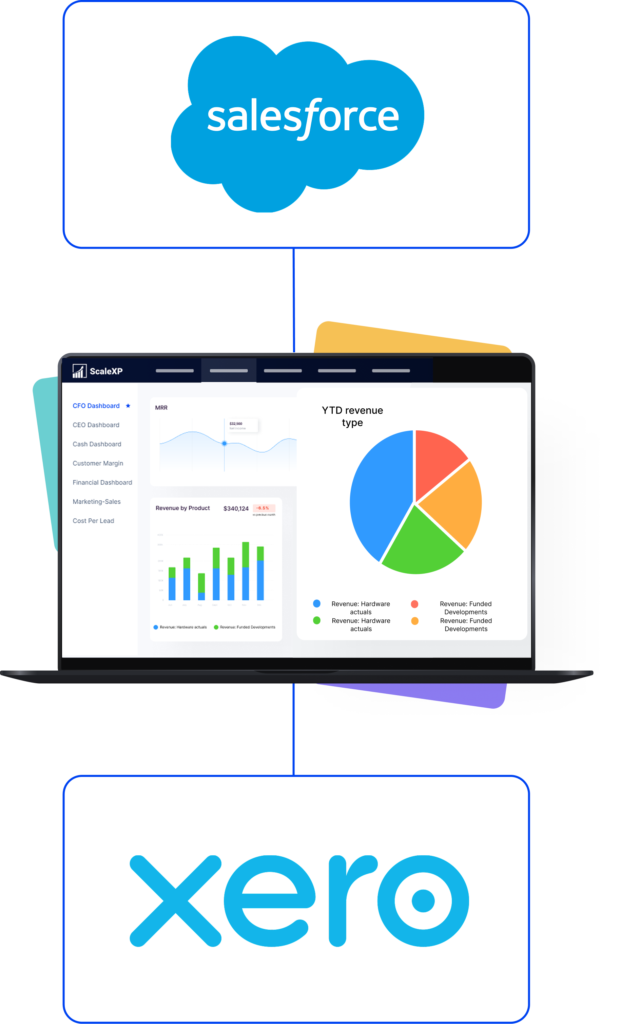
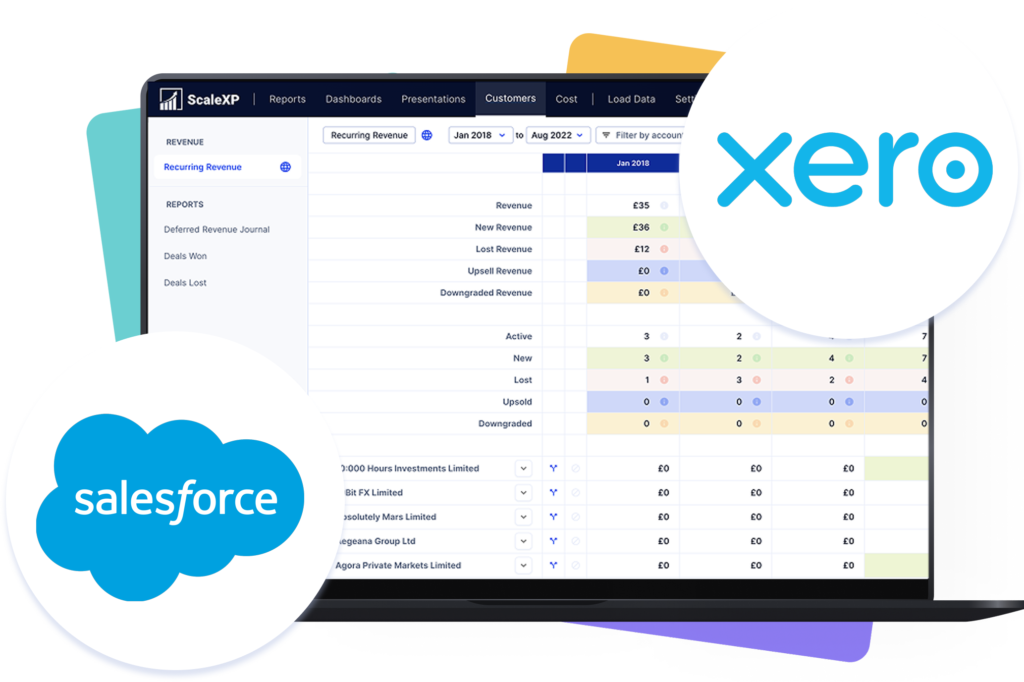
Dashboard interface displaying YTD revenue data with Salesforce and Xero logos.

Bring Salesforce deal context into Xero-backed financial reporting.

Dashboard interface displaying YTD revenue data with Salesforce and Xero logos.

Integrate data across multiple platforms & systems

SALESFORCE and xero logos with a red X between them, illustrating the integration gap that fails to handle revenue recognition, targets vs. actuals, and P&L reconciliation.

Why Xero and Salesforce drift apart as companies scale

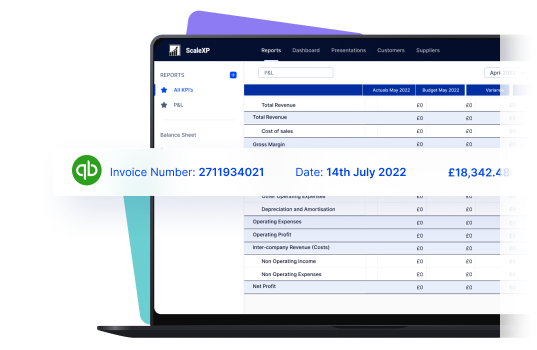
Laptop screen displaying a financial report with invoice details and a QuickBooks logo.

Xero and Salesforce are both excellent at their jobs. Problems arise when Finance is expected to explain performance across both systems. Three disconnects appear over time:

What changes when Xero stays in control of the numbers

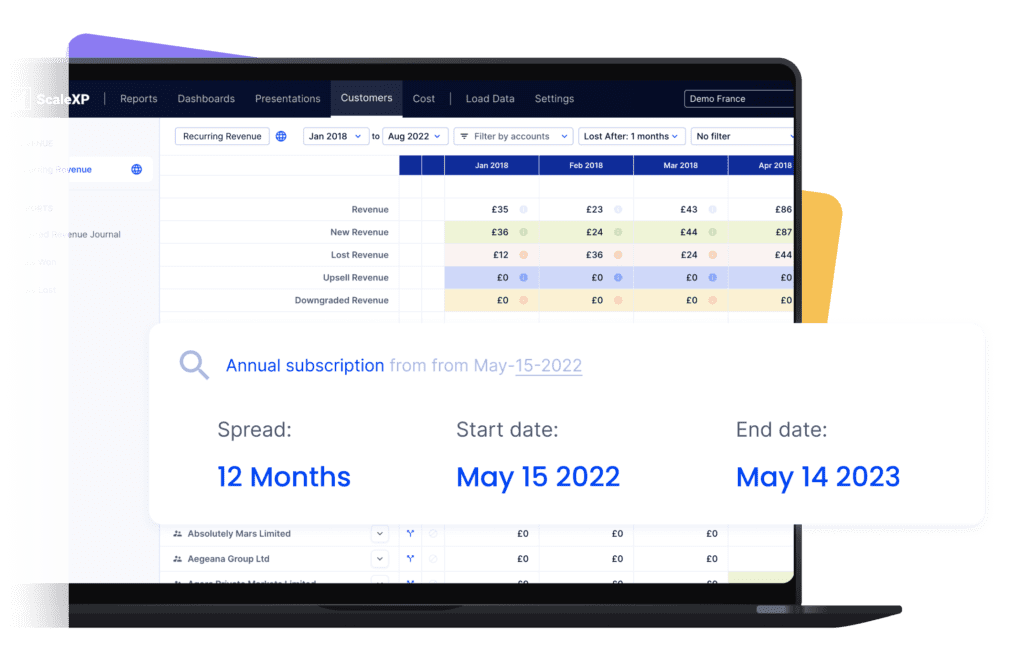
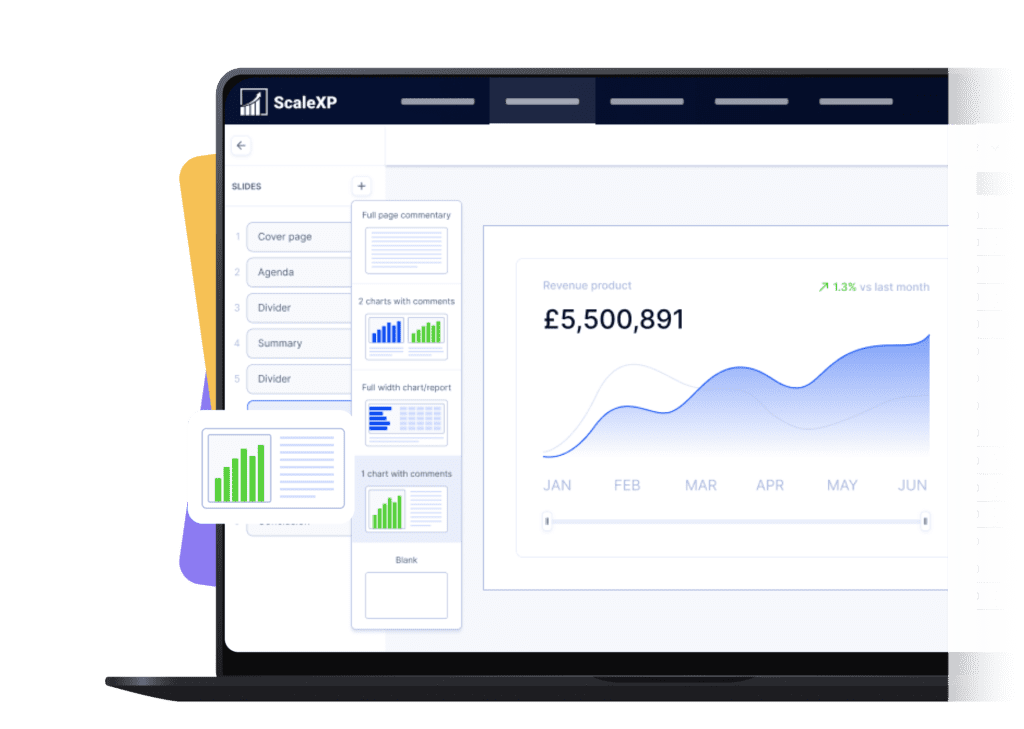
User interface of ScaleXP showing a revenue dashboard with subscription details and financial data.

ScaleXP is designed for teams that treat Xero as the financial source of truth.

When Salesforce is layered on top of Xero correctly, Finance gains:

Salesforce and xero accounting system integration flow with scalexp
salesforce xero integration with scalexp

What does ScaleXP add between Salesforce and Xero?

salesforce xero integration with scalexp

ScaleXP adds a finance intelligence layer between Salesforce and Xero.

It interprets CRM deal data through Xero-backed accounting logic so Finance can report on what actually happened, not just what was sold.

ScaleXP is used for revenue timing validation, deferred revenue alignment, and board-ready financial reporting that reconciles directly to the Xero ledger.

How does ScaleXP connect Salesforce and Xero in practice?

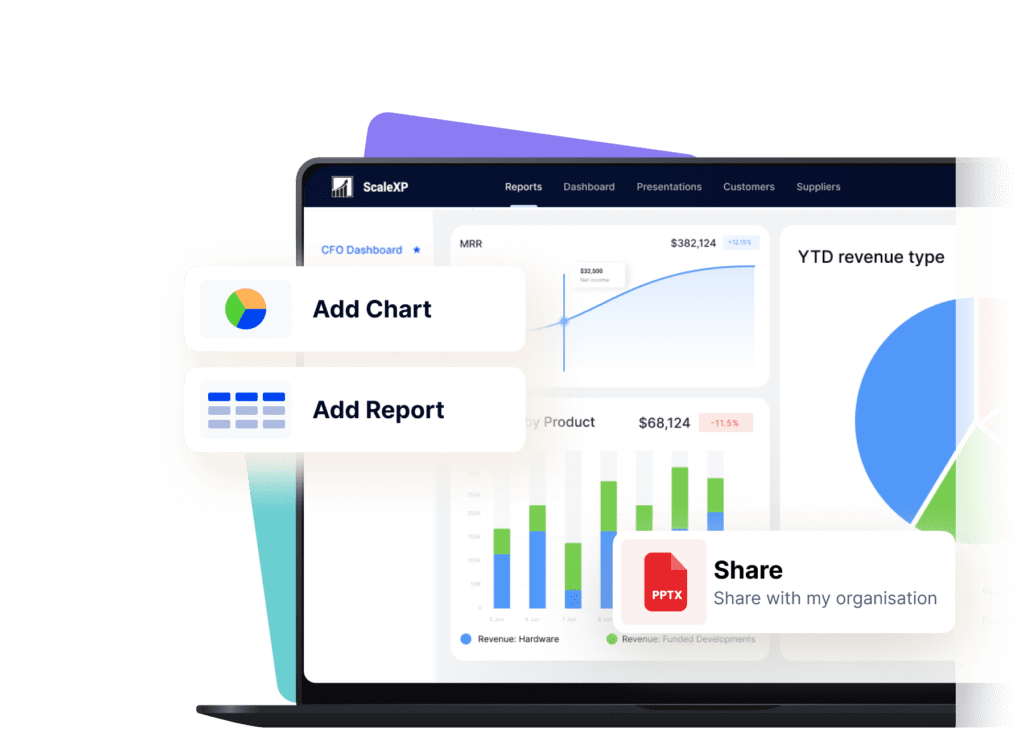
User interface of ScaleXP showing financial reports and charts on a laptop screen.

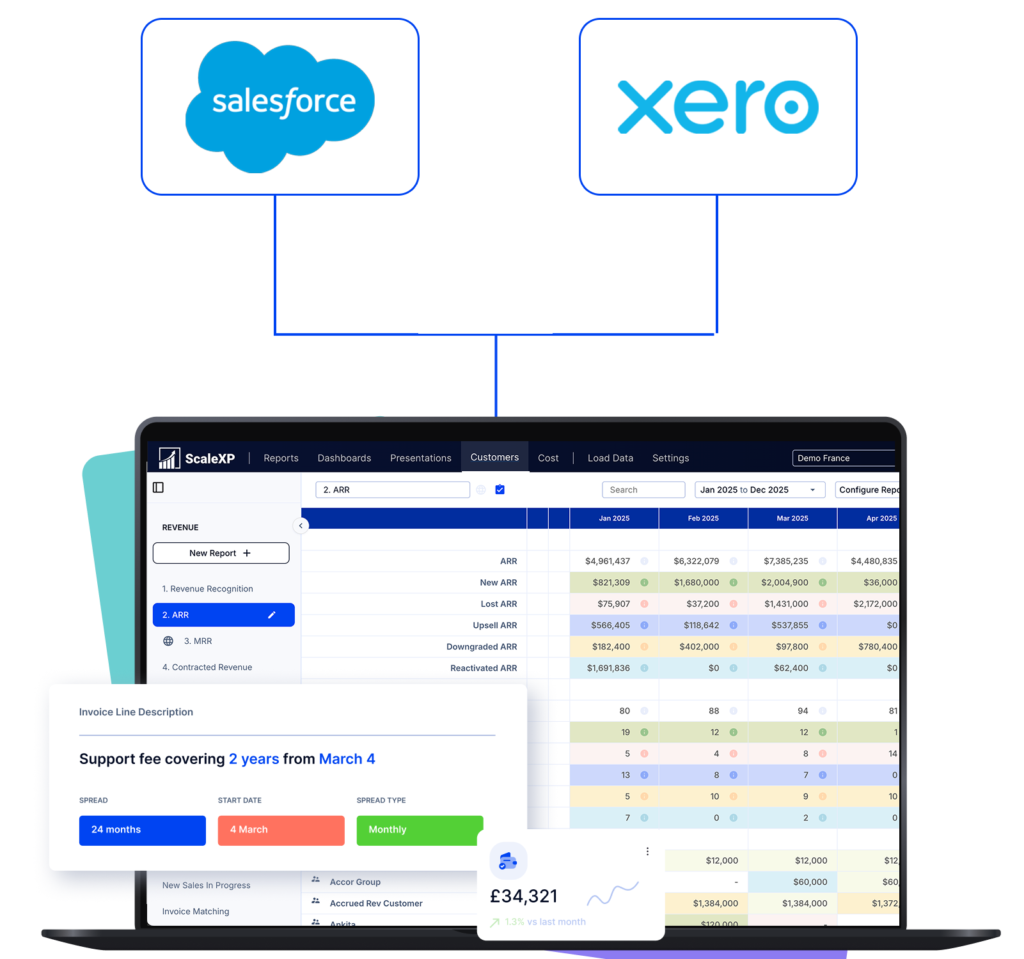
ScaleXP connects Salesforce deal data with Xero transactions so Finance can analyse both together.

Closed-won deals are reviewed against invoices, credits, FX, and revenue timing in Xero, highlighting where attention is required.

Outputs are produced in a way Finance can review, share, and stand behind, because the ledger remains the reference point.

salesforce with xero integration flow into scalexp

Salesforce + ScaleXP Delivers More

with integration

+ Xero

Fully integrate Salesforce + Xero data

Ensure marketing teams can access and understand campaign spend

Ensure all invoices are issued on time

In limited cases

Automatically track contract renewals  

In limited cases

Understand data using AI powered dashboards across integrated datasets 

Understand the highest growth customers, their channel, sector and geography

Automate business critical KPIs by fully integrated data sets

No credit card required

Salesforce + ScaleXP Delivers More

with integration

+ Xero

Fully integrate Salesforce + Xero data

Ensure marketing teams can access and understand campaign spend

Ensure all invoices are issued on time

In limited cases

Automatically track contract renewals  

In limited cases

Understand data using AI powered dashboards across integrated datasets 

Understand the highest growth customers, their channel, sector and geography

Automate business critical KPIs by fully integrated data sets

No credit card required

Who is the Xero + Salesforce integration with ScaleXP built for?

Woman in a dark shirt standing next to logos of Salesforce, and quickbooks, with financial data displayed.
Dashboard interface of ScaleXP displaying a revenue chart and various slide options.

ScaleXP is designed for finance teams, CFOs, and founders who rely on Xero as the system of record and need Salesforce context they can trust.

It’s built for teams that need:

Woman in a dark shirt standing next to logos of Salesforce, and quickbooks, with financial data displayed.

Xero Salesforce Integration FAQ’s

Yes. ScaleXP provides full automation of all your sales revenue, past, current and future, including providing the associated accounting journals for accruals and deferrals in Xero.

Further, ScaleXP provides a full breakdown of all revenue shown on your Income Statement as well as all deferred income and accrued revenue shown on your Balance Sheet. 

Revenue recognition schedules can be viewed by customer, by invoice, and by general ledger code. And, in case that’s not enough, all schedules can be downloaded to a spreadsheet or CSV.

ScaleXP is built on a series of sophisticated natural language processing algorithms, which read and understand the text, just as a person would. Any date format can be used.  You can even mix and match American date format (mm-dd-yy) and British date format (dd-mm-yy). 

The system also understands words which convey time such as annual, quarterly, 6 months, 2 weeks, 6 days, just about anything you can think of. If a person can read and understand the revenue recognition period on your invoices, the ScaleXP algorithms will also understand. 

No. ScaleXP does not mirror data between systems. It applies finance logic so reporting reflects accounting reality, not raw CRM activity.

Yes. Xero remains the accounting source of truth. ScaleXP uses Xero-backed data to produce trusted reporting.

ScaleXP compares Salesforce deal outcomes against invoices, credits, FX, and recognised revenue in Xero so timing differences are visible and explainable.

Schedule Demo

We have been able to significantly reduce the time to prepare our monthly reporting packs, feeding into a group board pack at the click of a button with 100% accuracy. We also have a real time view of our ARR bridge, are able to get to SaaS metrics quickly and also to sanity check that invoicing aligns with contracts.

Circular profile picture of a woman with brown hair and glasses smiling at the camera.

Michele Ocampo

Head of Finance & People

Checkboxes