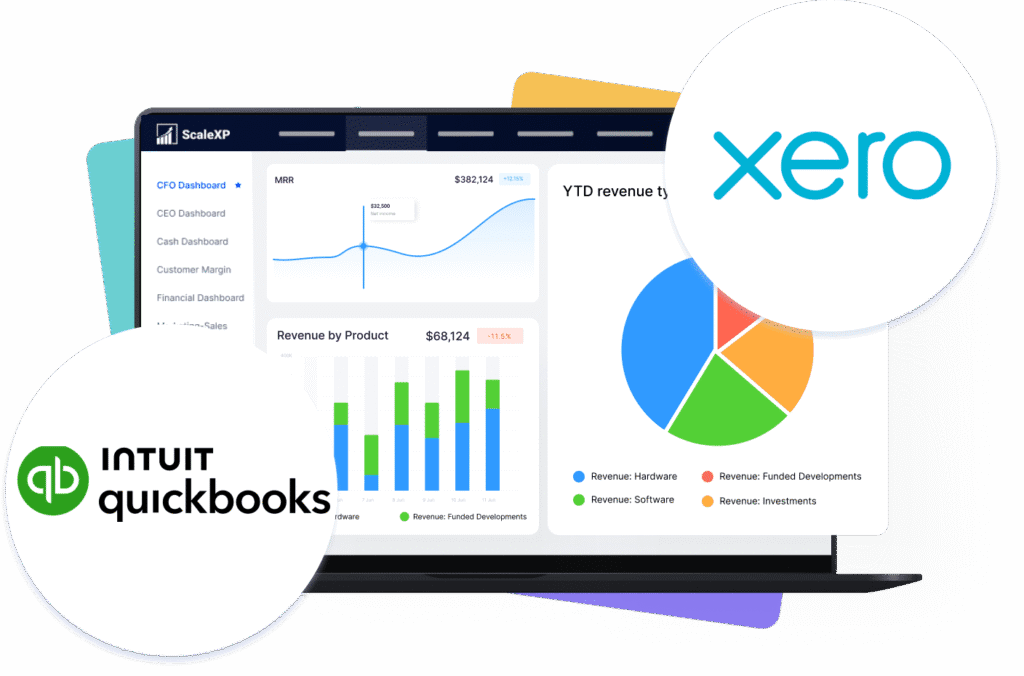
ScaleXP is an approved app for leading accounting & CRM systems
Manual prepayment workflows aren’t scalable
Manual prepayment workflows create delay, inconsistency, and unnecessary review work. They become harder to control as invoice volumes and service periods grow.
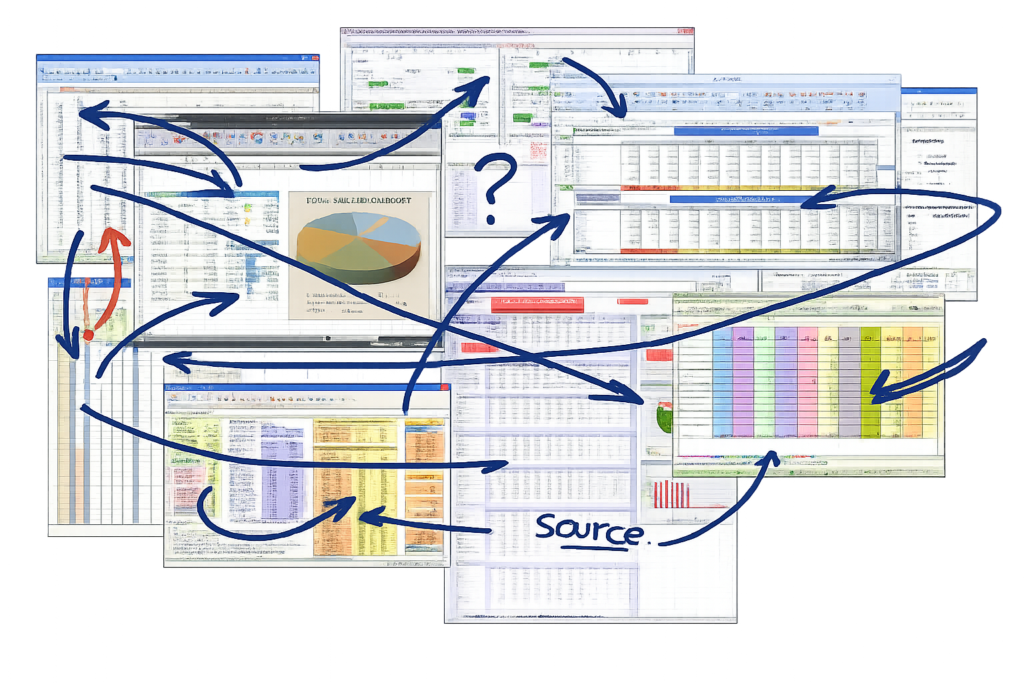
Schedules live outside the ledger in spreadsheets
Monthly amortisation is recalculated by hand
Bill changes force manual schedule rebuilds
Journal support is hard to audit quickly
Eliminate manual prepaid tracking with AI automation
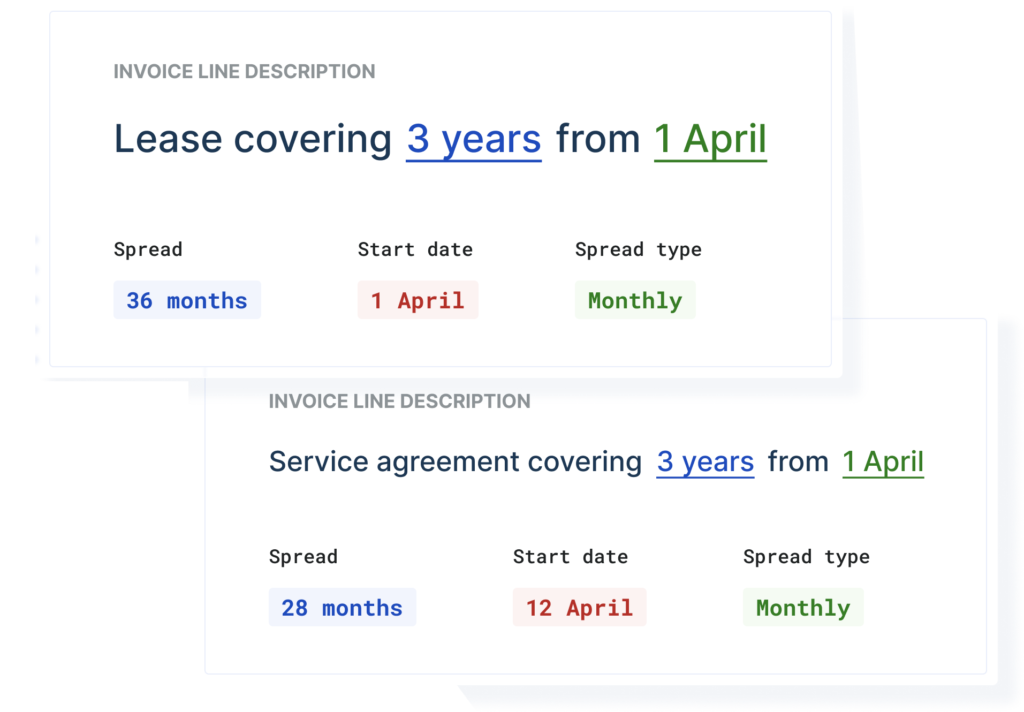
ScaleXP automates prepaid expense automation directly from bills and invoices already held in Xero or QuickBooks. It identifies prepaid periods, builds schedules, and prepares journals for review.
Reads supplier bills and credit notes automatically
Recalculates schedules when transactions change
Post journals back with full supporting details
How It Works
ScaleXP syncs bills, invoices, and credit notes from Xero or QuickBooks.
ScaleXP analyses dates, descriptions, and line items to identify prepaid expense treatment.
The platform creates the prepaid schedule across the relevant accounting periods.
ScaleXP generates journals ready for finance review before posting.
Updated bills or credits trigger controlled schedule and journal updates.
What Changes for Your Team
Before ScaleXP
Prepayment schedules maintained in separate spreadsheets
Expense release calculated manually each close
Bill amendments require schedule rework
Journal evidence assembled after the fact
After ScaleXP
Schedules generated from supplier invoices
Expense allocated across service periods automatically
Bill changes update schedules systematically
Journals prepared with transaction-level support
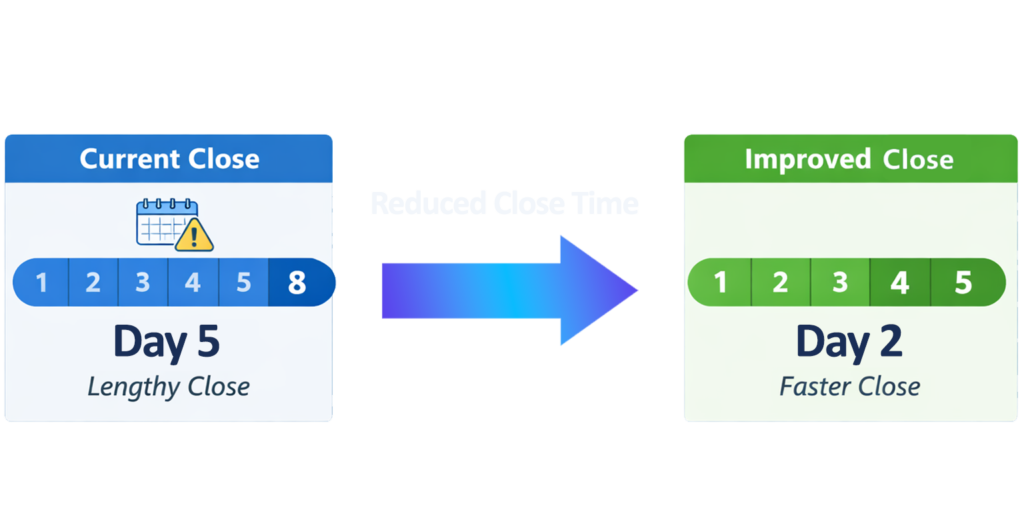
Faster month-end control
Prepaid expense automation removes repetitive spreadsheet work from the close. Finance teams spend less time rebuilding schedules and more time reviewing exceptions, approvals, and accounting treatment.
Reduce manual schedule maintenance
Shorten prepayment journal preparation
Review outputs instead of rebuilding logic
Lower spreadsheet risk
Spreadsheet-led prepayment accounting often depends on one file, one owner, and manual change tracking. ScaleXP systemises the workflow and keeps adjustments tied to source transactions.
Reduce formula and version risk
Capture bill edits and credit notes
Keep schedule logic consistent across periods
Stronger audit support
Prepayment journals need evidence that reviewers can follow quickly. ScaleXP keeps schedule calculations linked to underlying transactions and prepares journals with detail-level support.
Trace entries back to bills
Support IFRS and GAAP workflows
Improve review and sign-off quality
With the ScaleXP platform, you can:
Replace spreadsheet prepayment tracking: Generate schedules from live accounting data and keep them current as transactions change.
Post journals with more control: Prepare journals for review, then sync back into Xero or QuickBooks with supporting detail.
Keep reporting dimensions intact: Support Xero Tracking Codes and QuickBooks Classes in wider reporting workflows, with platform references to QuickBooks Locations where relevant.
We started using ScaleXP fully in the last few months and are already finding that it's slick automation is saving us numerous hours a month. Gone are the days of running lengthy reports and analysing data. ScaleXP is a must for anyone who wants to streamline their accounts and save time. Love it.
FAQs
Can ScaleXP calculate prepayments automatically?
Yes. ScaleXP automates prepaid expense automation by reading supplier bills and invoices from Xero or QuickBooks, identifying prepaid periods, generating schedules, and preparing journals for review. When transactions change, ScaleXP recalculates the schedule instead of leaving Finance to rebuild spreadsheet logic manually.
What happens if a bill changes or a credit note is issued?
ScaleXP continuously syncs source transactions. If a bill is edited or a credit note is raised, the platform updates the prepaid schedule and prepares revised journals for review. This helps Finance keep prepayment accounting aligned to the latest ledger activity without manually checking every spreadsheet tab.
Can ScaleXP post prepayment journals back into Xero or QuickBooks?
Yes. ScaleXP prepares journals for review and then posts them back into Xero or QuickBooks. The workflow is designed to keep the accounting system as the system of record while removing the spreadsheet layer that usually sits between the source bill and the final prepayment entry.
Does ScaleXP support Xero Tracking Codes, QuickBooks Classes, and QuickBooks Locations?
ScaleXP explicitly supports Xero Tracking Codes and QuickBooks Classes in reporting and related finance workflows. ScaleXP’s broader QuickBooks automation content also references preserving classes and locations when posting journals. For prepayments, this gives Finance a clear basis to discuss QuickBooks Location handling during implementation and review.
How does ScaleXP improve audit readiness for prepaid expenses?
ScaleXP keeps prepaid schedules linked to the underlying bills, invoices, and changes that created them. Journals are generated with supporting detail, which makes review faster and makes it easier to explain timing, allocation logic, and updates during audit testing or internal sign-off.
Is this prepaid expense software suitable for lean finance teams?
Yes. The workflow is designed for finance teams that want tighter control without adding ERP complexity. Instead of maintaining schedules manually each month, teams review generated outputs, resolve exceptions, and keep prepayment accounting moving without relying on one spreadsheet owner.
What do customers say about ScaleXP for prepayments?
Current Xero App Store reviews describe the “prepayment tools” as “fantastic” and say they “almost fully eliminate the need for traditional spreadsheets.” Another review says ScaleXP became a primary tool for “prepayments” and “automated a lot of the more challenging month end processes.”
Ready to transform data to insight?
Getting started with ScaleXP is easy! Try it for yourself free for 7 days. Or, if you have specific questions, just use the button to the right to schedule a quick meeting.