ScaleXP is an approved app for leading accounting & CRM systems
QuickBooks shows the books. Your close workflow lives somewhere else.
QuickBooks is a strong accounting system, but much of the logic needed to complete month-end still sits outside it.
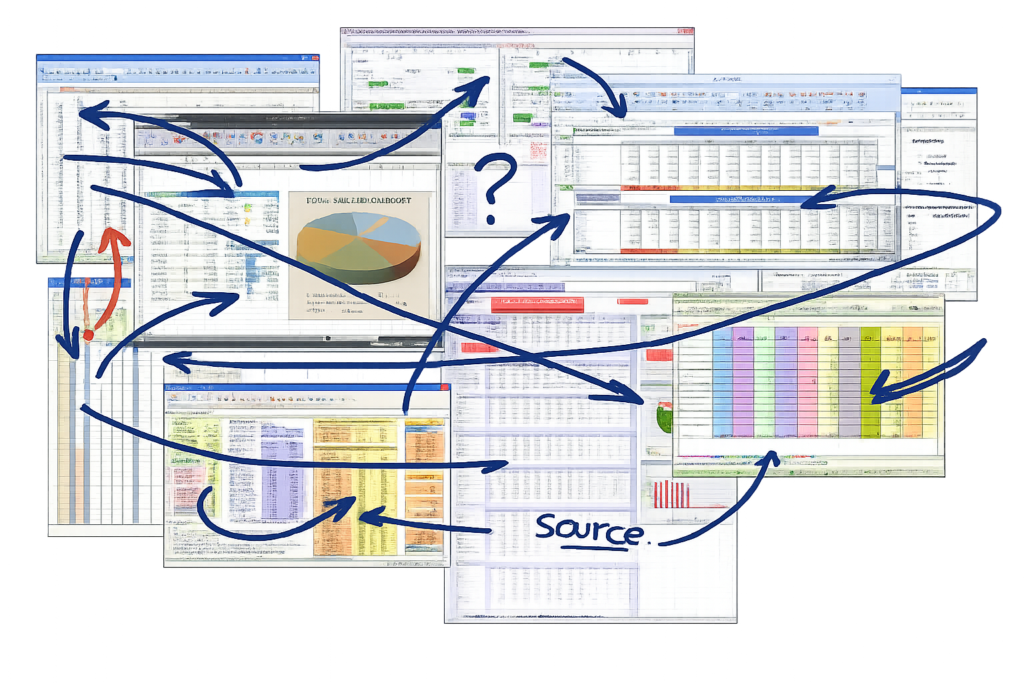
Journals are prepared in spreadsheets. Reporting packs are rebuilt manually. Finance teams spend time reconciling files instead of moving the business forward.
QuickBooks and manual reporting files do not stay aligned
Finance teams rely on spreadsheets to bridge the gaps
Reporting becomes slower, harder to check, and less consistent
ScaleXP adds the AI layer to QuickBooks
ScaleXP sits alongside QuickBooks, with the AI you need to automate your close and streamline your reporting.
Reads accounting data and transaction detail from QuickBooks
Applies finance logic for journals, schedules, and reporting structure
Produces cleaner reporting outputs for finance and leadership teams
How to fully automate your month-end close with QuickBooks
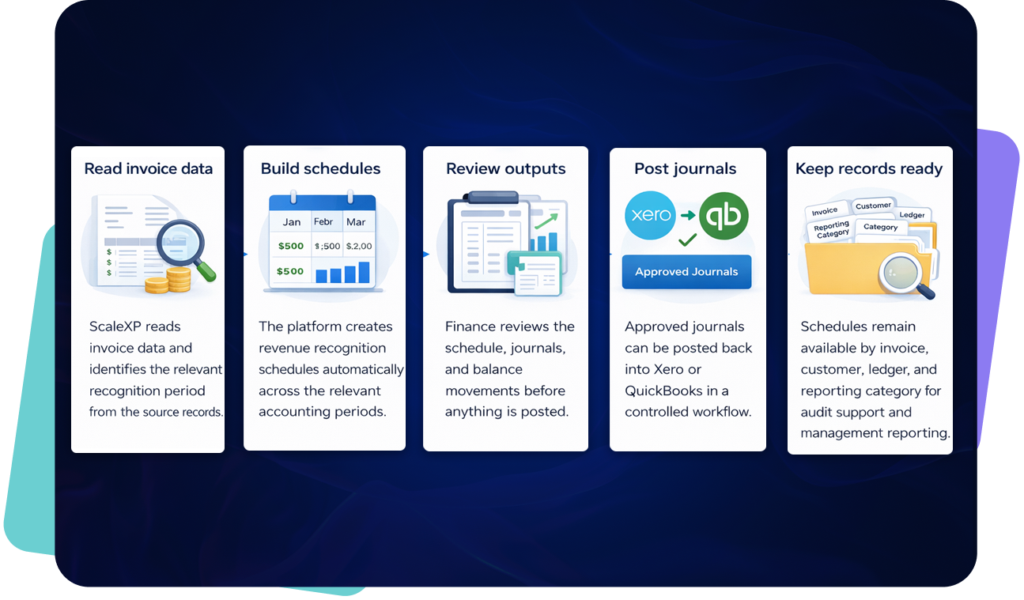
Pull invoices, bills, and journal data from QuickBooks automatically
Analyse transaction lines, service periods, and timing differences
Generate compliant schedules for deferrals, accruals, and prepayments
Finance validates proposed entries before one-click posting to QuickBooks
Approved journals sync back and reporting reflects the latest position
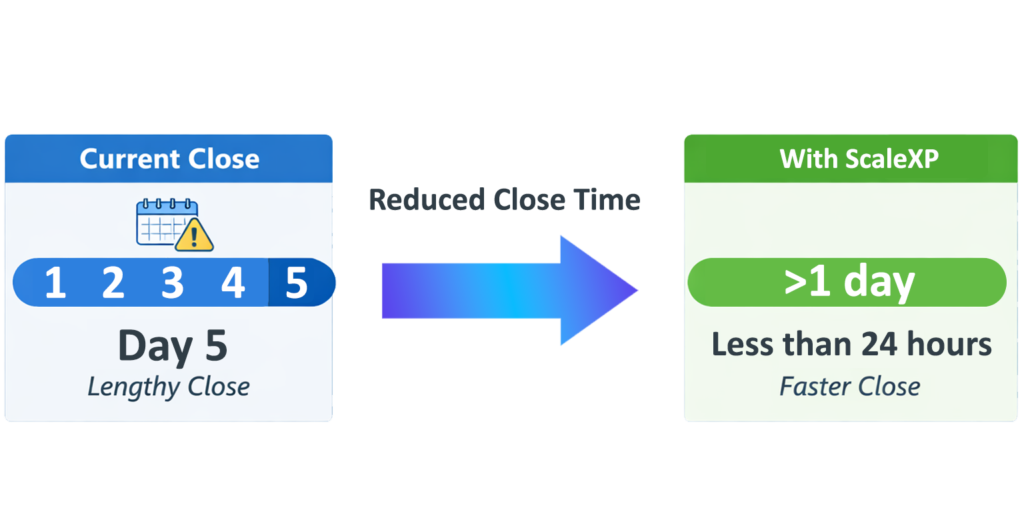
Month-end tasks live outside QuickBooks in spreadsheets
Journals prepared and reconciled manually
Reporting built after close work is complete
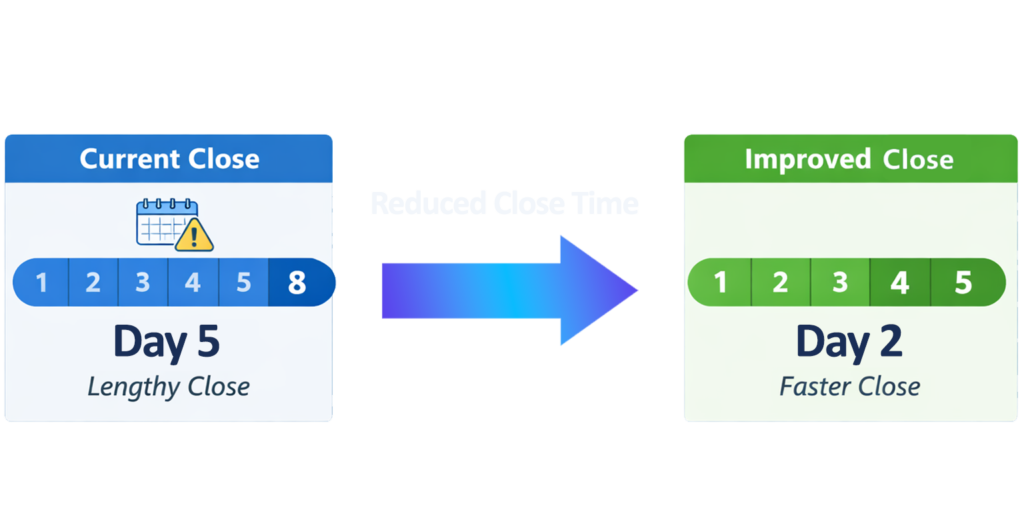
Finance teams lose time on reconciliation and adjustments
After ScaleXP
Month-end workflows run directly from QuickBooks data
Journals generated, reviewed, and posted with one click
Reporting updates as close data changes
Finance teams focus on analysis, not manual file work
Live reporting, aligned to your close
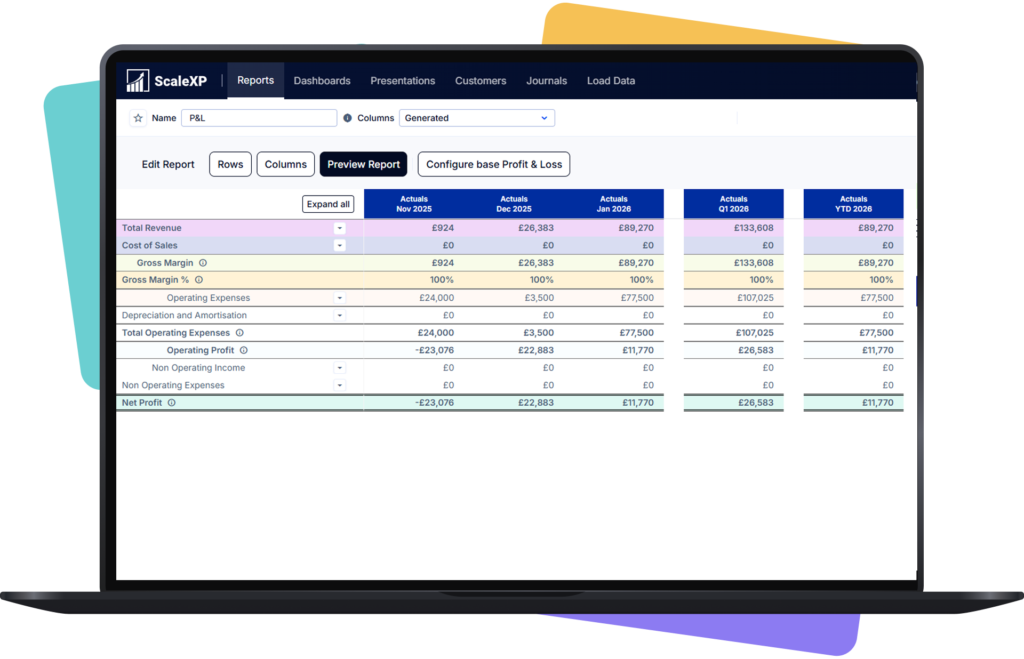
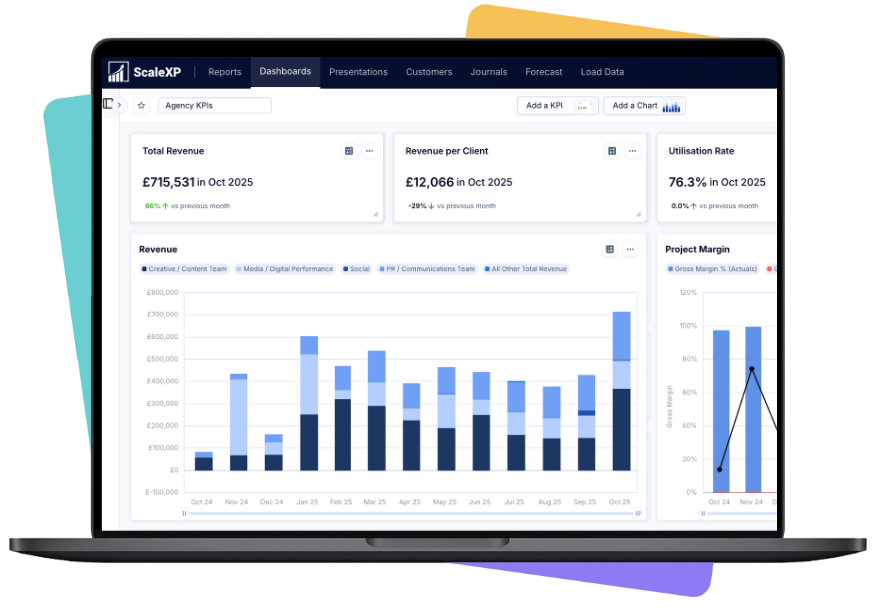
ScaleXP connects QuickBooks data directly to your reporting layer, so finance teams can build board-ready reports, dashboards, and P&L views without rebuilding files after each close.
Reports built from live QuickBooks data, not manual exports
Consolidated views across entities and reporting dimensions
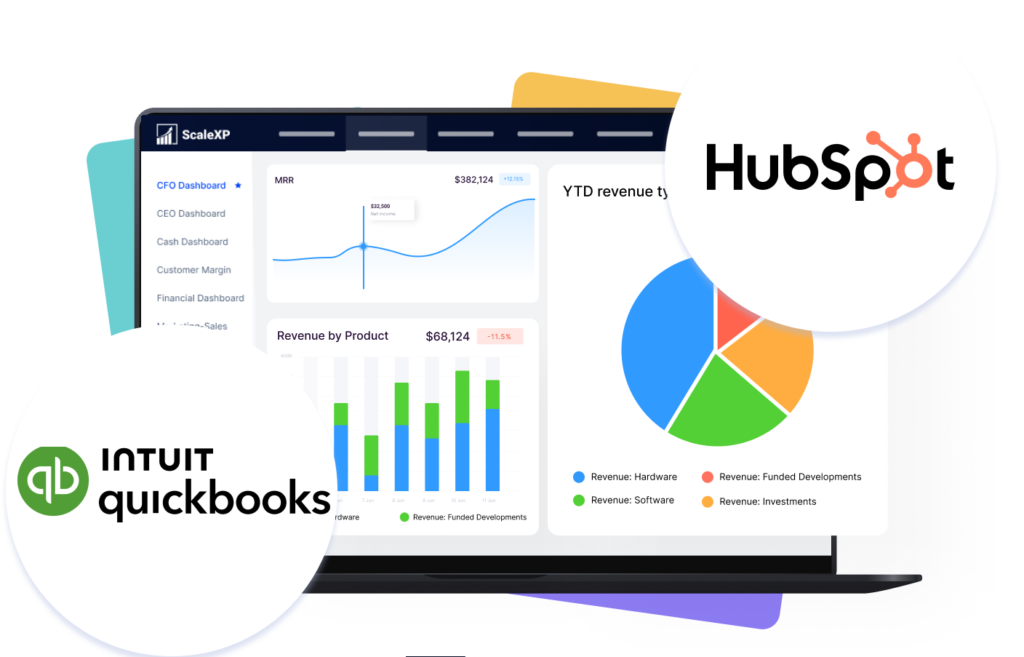
Real-time financial dashboard built from QuickBooks data
Leadership-ready outputs delivered faster after close
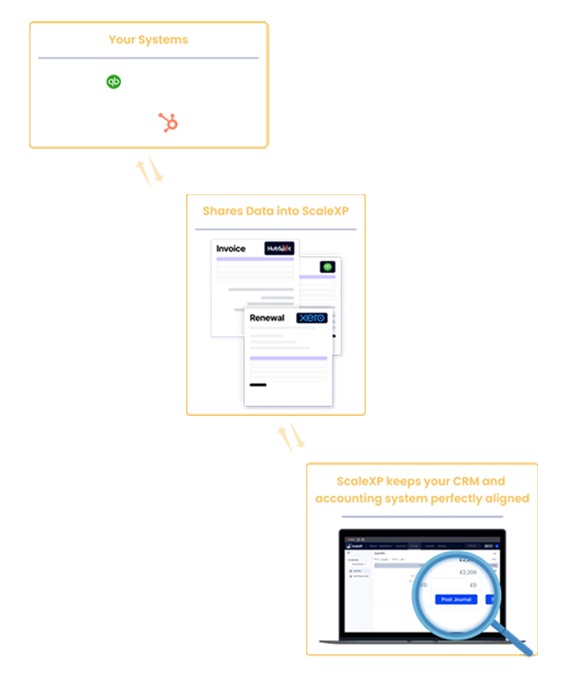
Easily combine data from QBO with your CRM
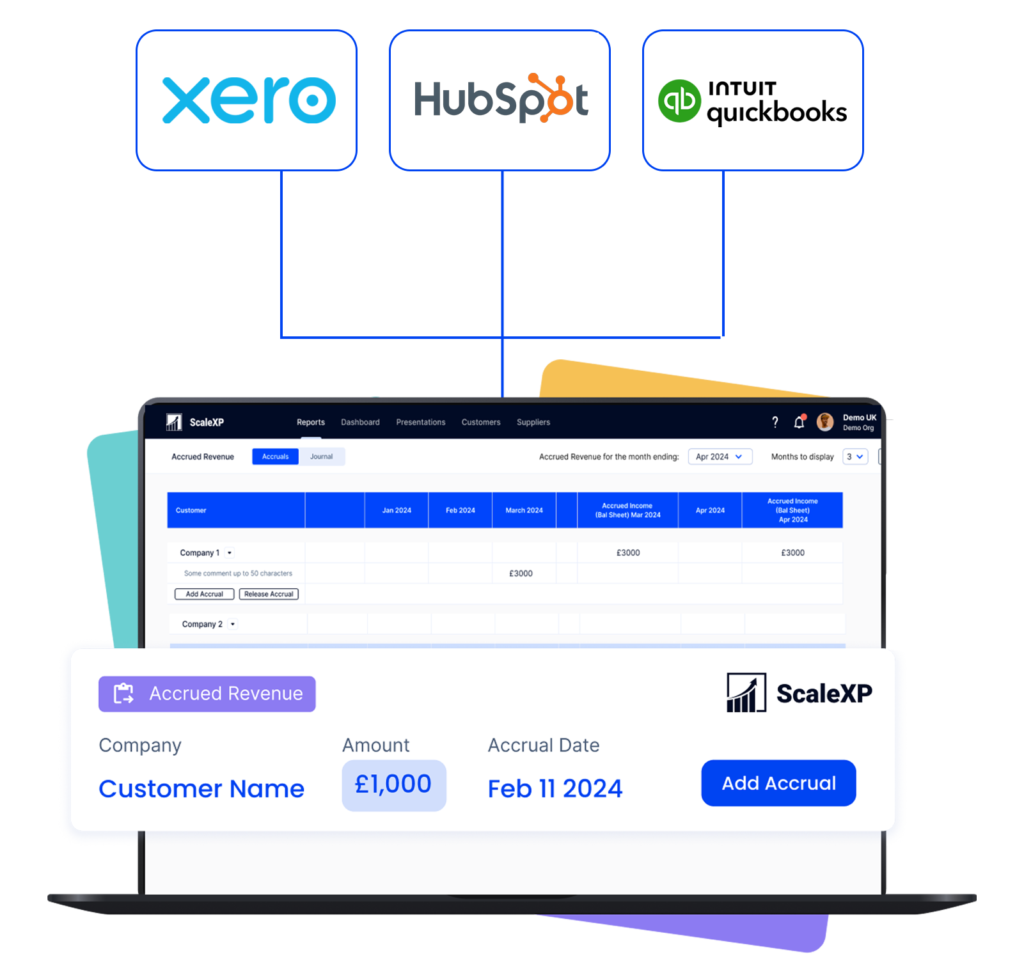
For businesses that need more than accounting visibility, ScaleXP can also connect Salesforce, HubSpot & Pipeldrive and QuickBooks into one reporting layer. This creates a clearer view of how customer activity, invoicing, and finance reporting fit together.
Connect CRM activity with financial reporting outputs
Improve visibility across finance and go-to-market data
Create a clearer bridge between customer activity and reported outcomes
Reduce manual work between customer systems and accounting
Full audit trail and schedule-level detail
Every journal and schedule generated by ScaleXP is tied back to underlying QuickBooks data, with a complete audit trail, transaction-level supporting schedules, and review steps built into the workflow.
Clear audit trail from QuickBooks source data to posted journal
Review and approval before posting back to QuickBooks
IFRS and GAAP aligned schedule structure
Downloadable supporting schedules for audit queries
ScaleXP connects to QuickBooks and reads invoice, bill, journal, and transaction data. It then applies finance logic to automate accruals, deferrals, prepayments, and reporting workflows — generating schedules, preparing journals, and posting approved entries back into QuickBooks with one click.
What journals can ScaleXP post back into QuickBooks?
Yes. Journals can be posted back into QuickBooks with one click. They can be broken down by account, QBO Class, Location, and even by supplier or customer — giving finance teams both speed and structure at month-end.
Can journals be structured by Class, Location, and GL account code?
Yes. Journals can be posted at the customer level, by supplier, and by dimensions such as Class, Location, and GL account code. This gives finance teams cleaner management reporting and more useful leadership views from the same accounting foundation.
Does this replace QuickBooks?
No. QuickBooks remains your accounting system. ScaleXP adds the AI automation layer that helps finance teams save time, reduce manual work, and deliver more value to the business.
What types of journals does ScaleXP automate in QuickBooks?
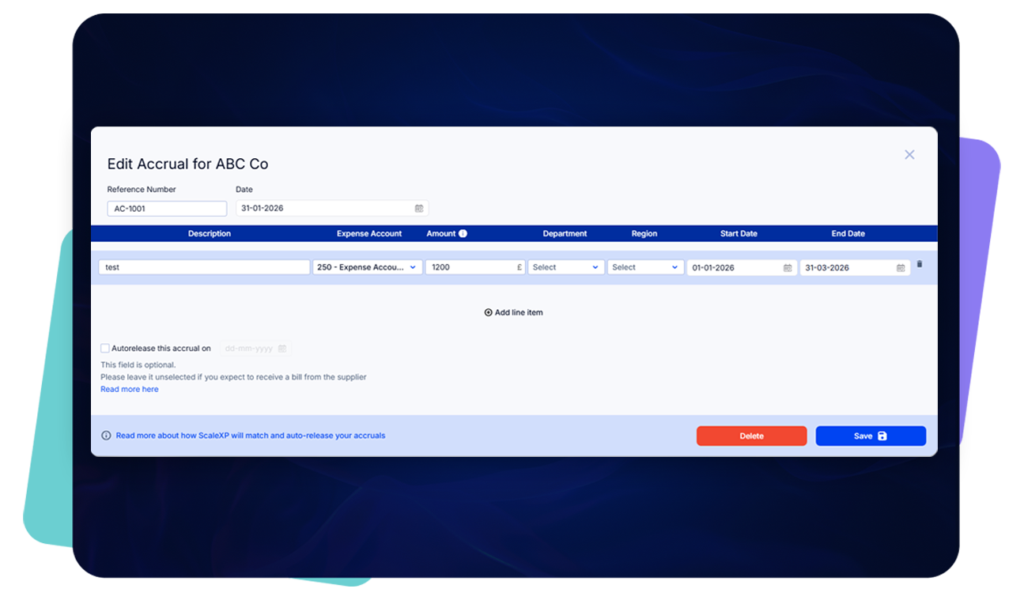
ScaleXP automates deferred revenue, accrued revenue, accruals, and prepayments. Each journal has a full audit trail with transaction-level information, making it easy to verify and confirm before posting.
Can ScaleXP handle multi-entity or consolidated reporting from QuickBooks?
Yes. ScaleXP supports multi-entity consolidation across QuickBooks and other accounting systems. Finance teams can build consolidated P&L, balance sheet, and management reports across multiple entities from one platform.
How does ScaleXP improve reporting from QuickBooks?
ScaleXP connects live QuickBooks data to a reporting layer that supports P&L, balance sheets, dashboards, and board presentations. Reports update as close data changes, without needing manual exports or rebuilding spreadsheet files.
How quickly can a finance team start using ScaleXP with QuickBooks?
Most finance teams connect QuickBooks to ScaleXP within a few hours and can run their first automated close workflow within the same week. The onboarding process is designed to be straightforward, with support from the ScaleXP team throughout.
Ready to transform data to insight?
Getting started with ScaleXP is easy! Try it for yourself free for 7 days. Or, if you have specific questions, just use the button to the right to schedule a quick meeting.