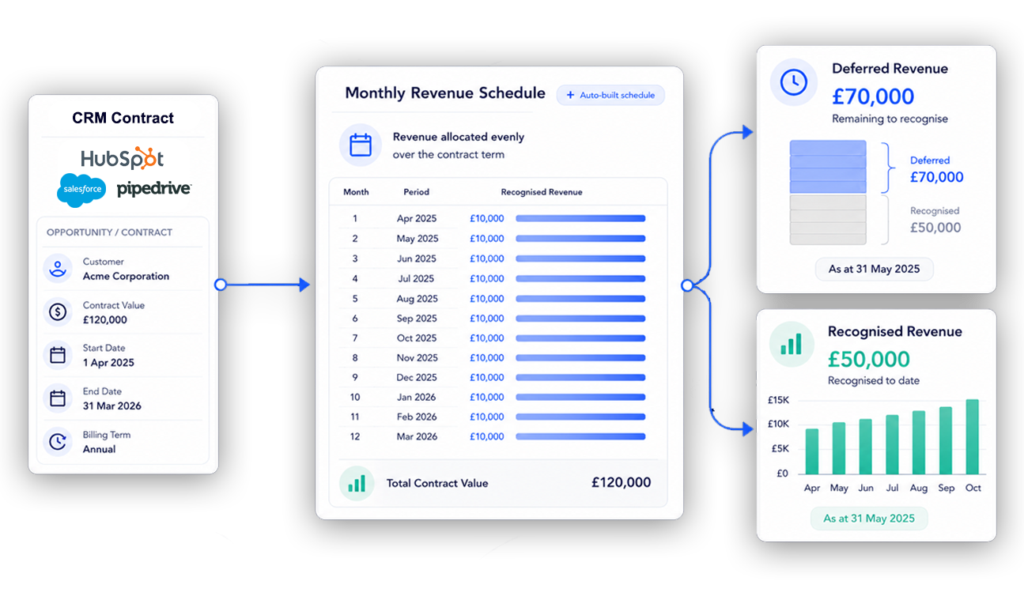
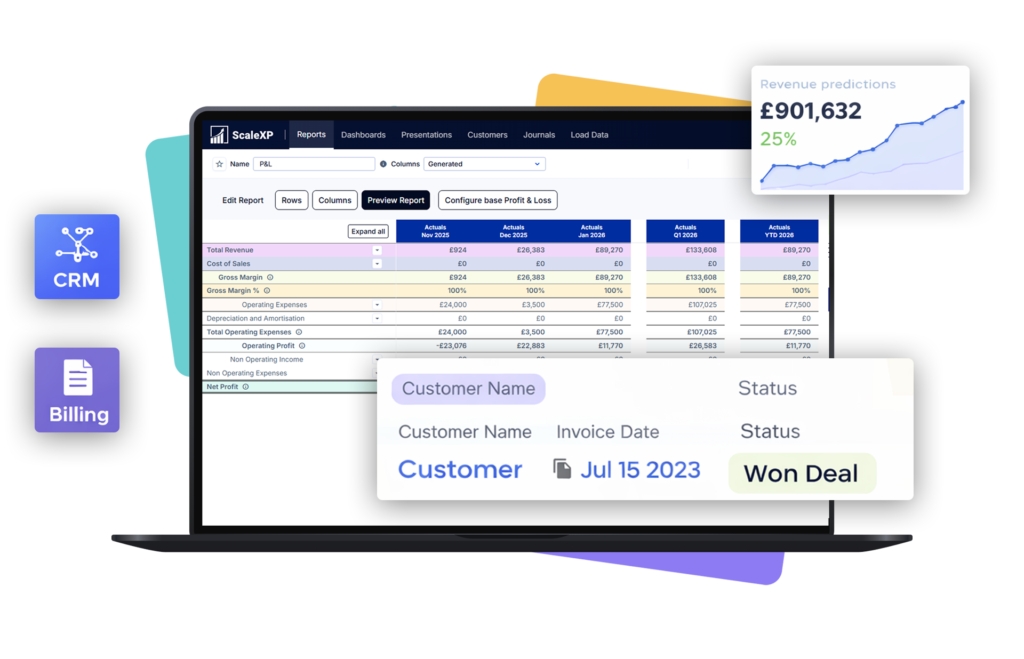
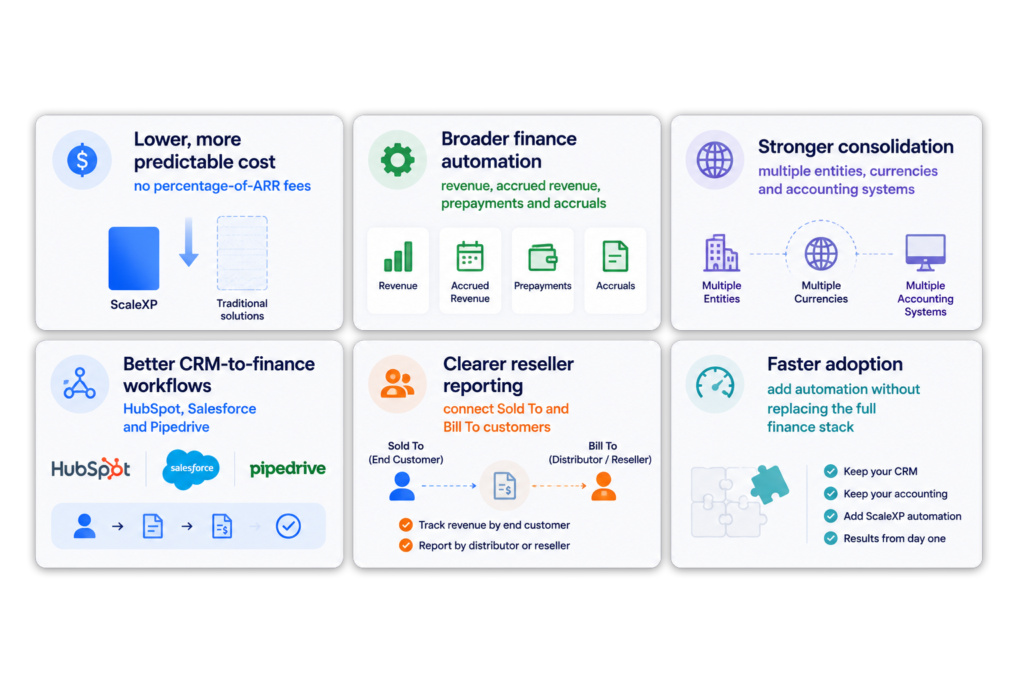
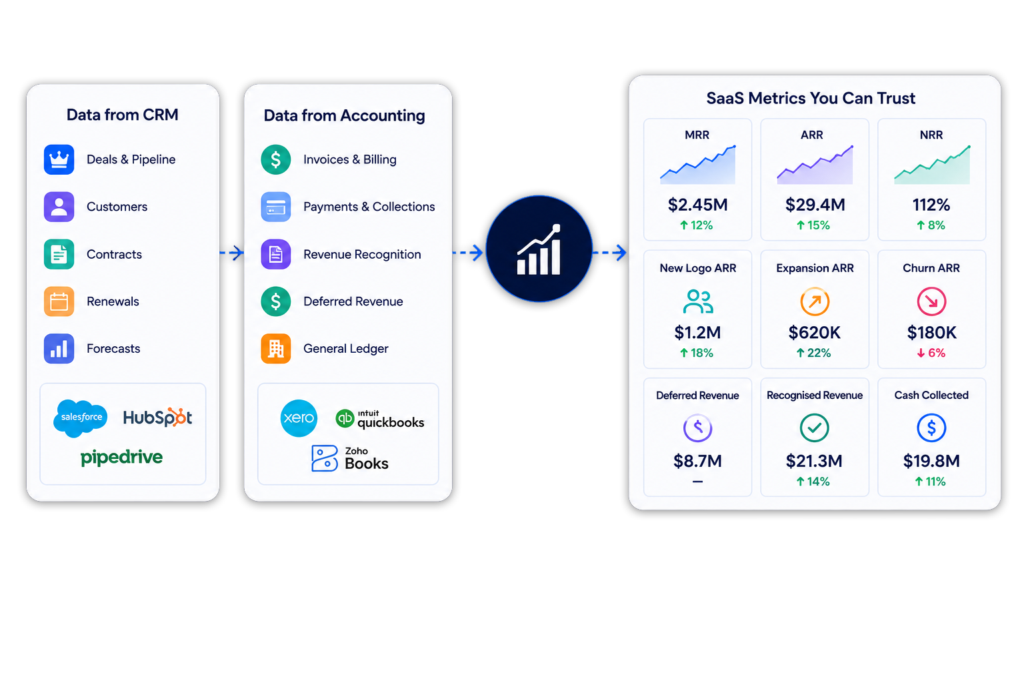
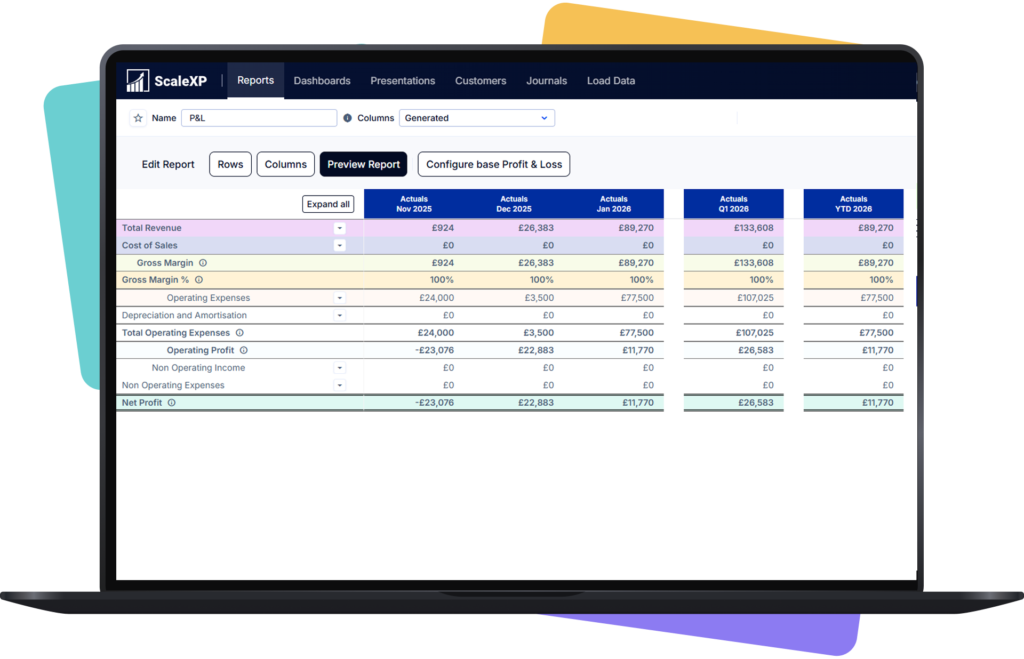
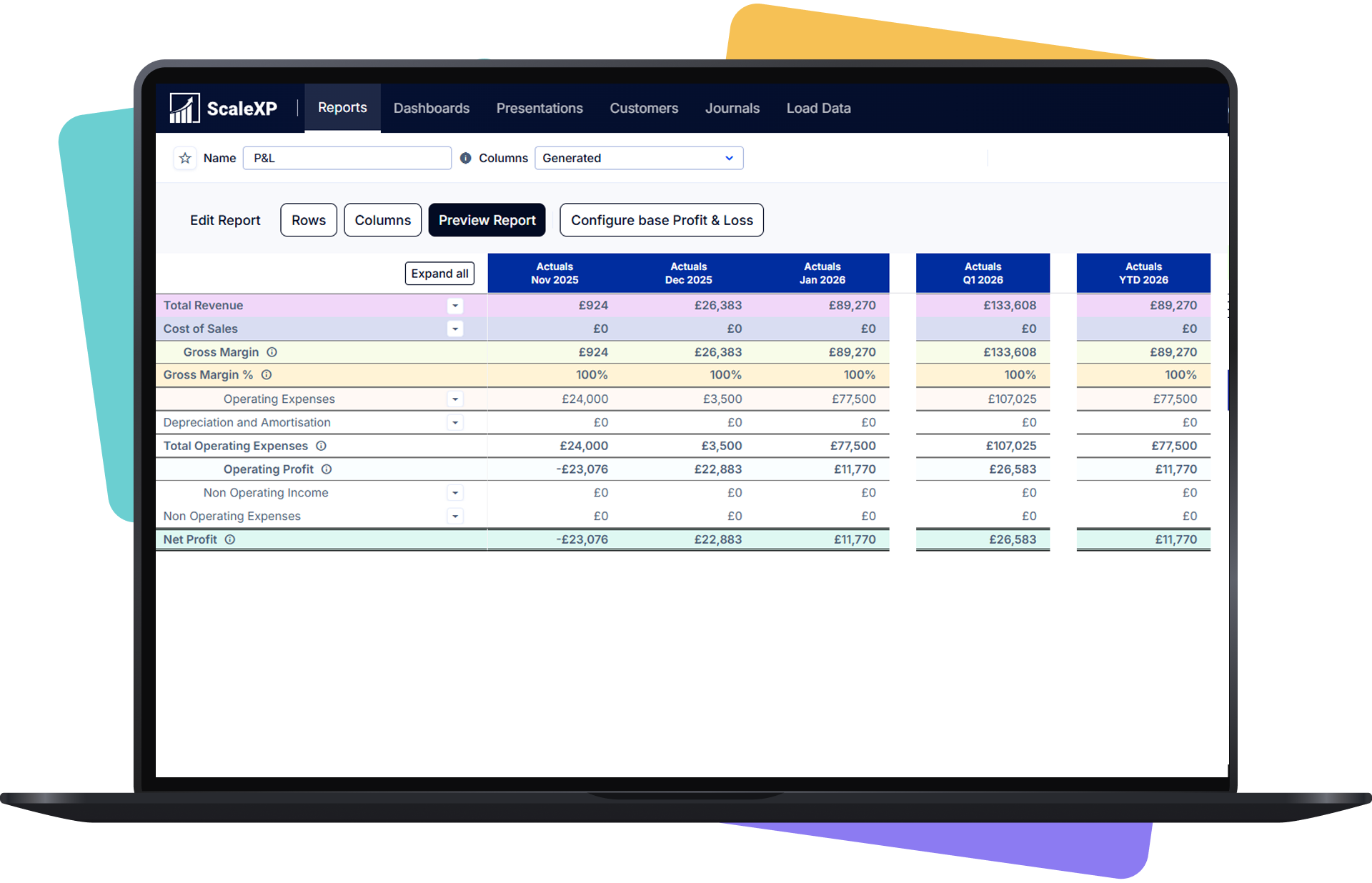
See how ScaleXP works with Xero or QuickBooks.
In a 15- or 30-minute demo, we’ll show the relevant workflows using example data and discuss how they could apply to your finance process. Complex requirements? Discuss them with us first.
SaaS billing comparison
The best Chargebee alternatives in 2026 are Maxio, Recurly and Zuora for subscription billing, Paddle as a Merchant of Record, Subscript for B2B SaaS billing and revenue recognition, and ScaleXP for teams that keep invoicing in Xero or QuickBooks Online, create invoices from CRM deals and want revenue recognition and SaaS metrics on top.
First decide what actually needs replacing. Chargebee is built for billing, so if billing already works and month-end is still manual, the gap is finance rather than billing. ScaleXP closes that gap without replacing the systems that already work.
Updated October 2026
5.0
on the Xero App Store (90+ reviews)
Chargebee makes sense when you need to replace your subscription billing engine.
But many finance teams already have billing that works. The manual work starts afterwards — revenue schedules, ARR and MRR, forecasts, journals and month-end reporting.
Replacing billing does not automatically fix finance.
Even when billing works, finance still has to reconcile what was sold, invoiced, recognized and reported.
If those answers still live in spreadsheets, billing is not the main problem.
Chargebee’s main competitors are Recurly, Maxio and Zuora in subscription billing, Paddle as a Merchant of Record and Subscript in B2B SaaS billing. ScaleXP competes differently: it automates finance around Xero or QuickBooks Online instead of replacing billing.
Replace subscription billing
Recurly, Maxio or Zuora — best when you need recurring billing, usage pricing, payment recovery or subscription management.
Use a Merchant of Record
Paddle — best when you want a third party to handle more of payments and tax administration.
Combine SaaS billing, revenue recognition and reporting
Subscript — best when billing, revenue recognition and SaaS reporting should sit in one platform.
Keep billing. Fix finance.
ScaleXP — best when Xero or QuickBooks already works, but finance still relies on spreadsheets for invoicing, revenue recognition, reporting and month end.
It depends on what you need to replace. Maxio, Recurly, Zuora and Subscript replace the billing platform, and Paddle takes over payments and tax as Merchant of Record. ScaleXP suits teams that keep billing and invoicing in Xero or QuickBooks Online.
Platform
Who it suits
What changes
ScaleXP
Teams keeping Xero or QuickBooks Online that create invoices from CRM deals
Keep CRM and ledger; automate revenue, metrics and consolidation
Maxio
SaaS teams moving billing, subscriptions and revenue recognition to one platform
Move billing and subscription processes into Maxio
Recurly
Subscription businesses that want billing and failed-payment recovery together
Add a dedicated subscription and payments platform
Paddle
SaaS and app sellers who want payments, tax and compliance handled as Merchant of Record
Paddle becomes seller of record and handles more payment/tax administration
Subscript
B2B SaaS teams wanting billing, revenue recognition and reporting in one tool
Add SaaS-focused billing, revenue and reporting
Zuora
Larger companies that need an enterprise quote-to-cash platform
Adopt a broader enterprise quote-to-cash platform
The key question: do you need to replace billing — or make finance work better around it?
Vendor facts checked on each vendor’s own website on October 24, 2026. See full ScaleXP pricing.
How ScaleXP does this
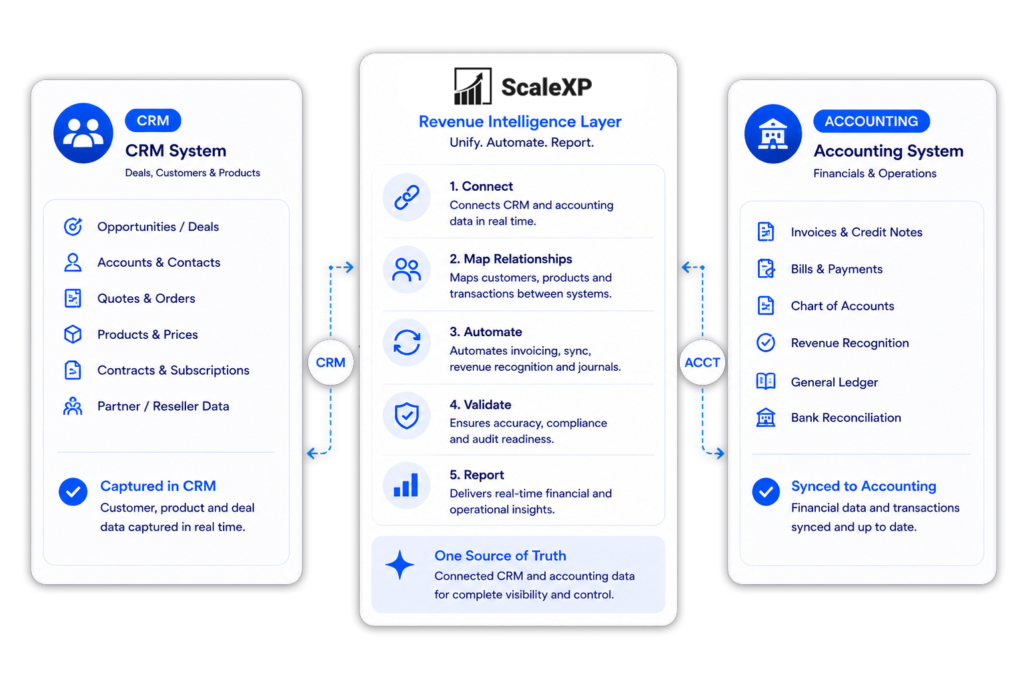
If billing is not broken, do not rebuild it just to fix month end. ScaleXP connects your CRM and accounting data and automates the finance work still being done in spreadsheets.
Accounting stays in Xero or QuickBooks. Commercial data stays in HubSpot, Salesforce or Pipedrive. ScaleXP connects both so finance can use the same data for invoicing, revenue recognition, forecasting, renewals and reporting. See it in practice for HubSpot and Xero.
Keep the ledger your team already knows. Add the automation it is missing.
See how ScaleXP would work with your current finance stack.
Customer result
Real-time SaaS metrics for directors and investors
All SaaS metrics are consolidated moments after month end close and shared in online dashboards.

“It's allowed me to provide our directors and potential investors with real-time information on our SaaS metrics.”

Estiaan
Finance Manager, Cue Technology
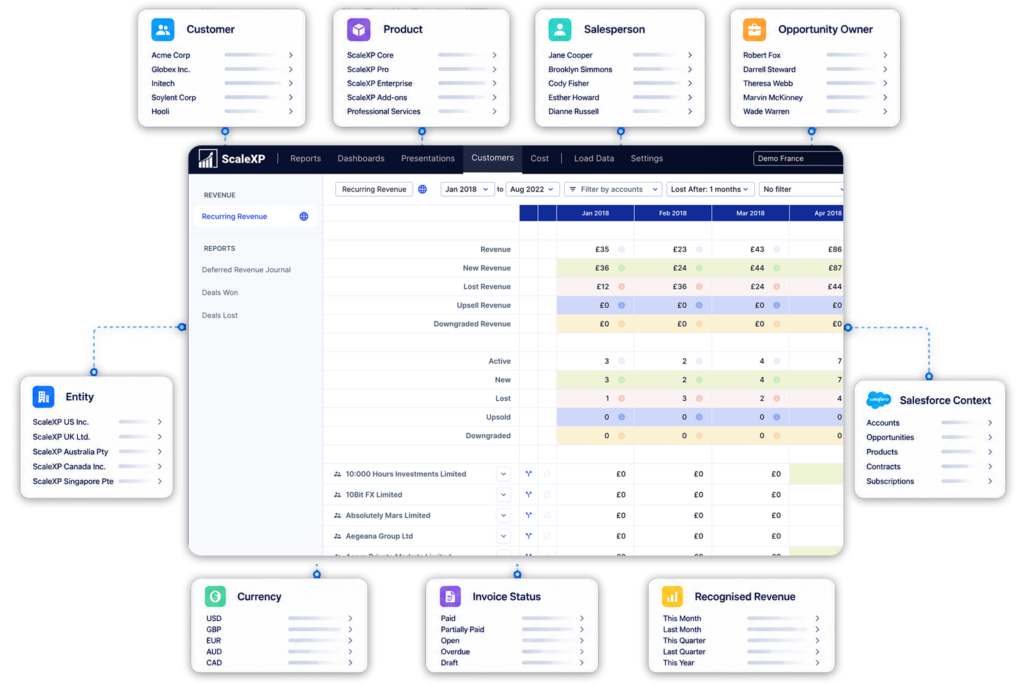
One entity may use Xero. Another may use QuickBooks or Zoho Books. ScaleXP brings them into one group view without forcing every subsidiary to migrate first.
Get the group view management needs without making system migration a prerequisite. More on financial consolidation software.
The company using your product is not always the company paying the invoice. ScaleXP connects the end customer in CRM with the reseller or distributor in accounting.
Invoice the right business without losing visibility of the real customer.
ScaleXP, Recurly, Maxio, Paddle, Subscript and Zuora. The right choice depends on whether you need subscription billing, Merchant-of-Record services, SaaS analytics, or finance automation around your existing accounting system.
Recurly, Maxio and Zuora in subscription billing. Paddle for Merchant-of-Record. Subscript for B2B SaaS billing and analytics. ScaleXP competes on finance automation around Xero or QuickBooks rather than on billing itself.
ScaleXP, if you want to keep QuickBooks and automate invoicing, revenue recognition and reporting around it. Choose a dedicated billing platform instead if replacing the billing engine is the real requirement.
ScaleXP, for Xero teams who want automated revenue schedules, CRM-connected invoicing and month-end reporting while keeping Xero as the ledger. A billing platform is the better answer if subscription billing itself needs replacing.
Compare Maxio, Recurly or Zuora when complex metering, usage pricing or enterprise subscription management is the main requirement. ScaleXP fits better when billing already works and the finance workflow around it does not.
When billing already works and the problem is the finance workflow around Xero or QuickBooks — invoicing, revenue recognition, journals, metrics and reporting. The same applies if Stripe already handles payments. Chargebee fits when the billing engine itself needs replacing.
Yes. Chargebee’s pricing page lists Xero and QuickBooks Online integrations as included on its Billing plans (checked October 24, 2026). Compare the specific invoice, payment, journal and reconciliation workflows you need rather than treating the existence of an integration as enough. Depth of sync matters more than the integration badge.
Chargebee’s billing pricing is linked to monthly invoicing volume, with revenue recognition priced separately (Chargebee pricing page, checked October 24, 2026). ScaleXP uses flat monthly plan pricing, listed on its pricing page in your local currency. Check both vendors’ current pricing before deciding.
Yes. ScaleXP produces revenue schedules, deferred and accrued revenue, and finance-reviewed journals from the same CRM and accounting data it uses for invoicing, so the numbers reconcile.
Yes. It connects Xero or QuickBooks with HubSpot, Salesforce or Pipedrive so finance can use one dataset for invoicing, renewals, forecasting and reporting — without replacing either system.
Yes. ScaleXP supports the schedules, calculations and journal workflows that finance teams use when applying ASC 606 and IFRS 15. ScaleXP prepares the schedules and journals; they post once finance approves. Every journal includes a full audit trail, downloadable as a spreadsheet, and auditors can have read-only access. If you are comparing billing platforms, check each vendor’s own documentation for its revenue recognition and audit features.
Last reviewed: October 2026
““functionality we needed at a fraction of the cost of NetSuite”
Choosing a platform
See how ScaleXP can connect your accounting, CRM and revenue workflows without forcing another platform migration.
In a 15- or 30-minute demo, we’ll show the relevant workflows using example data and discuss how they could apply to your finance process. Complex requirements? Discuss them with us first.