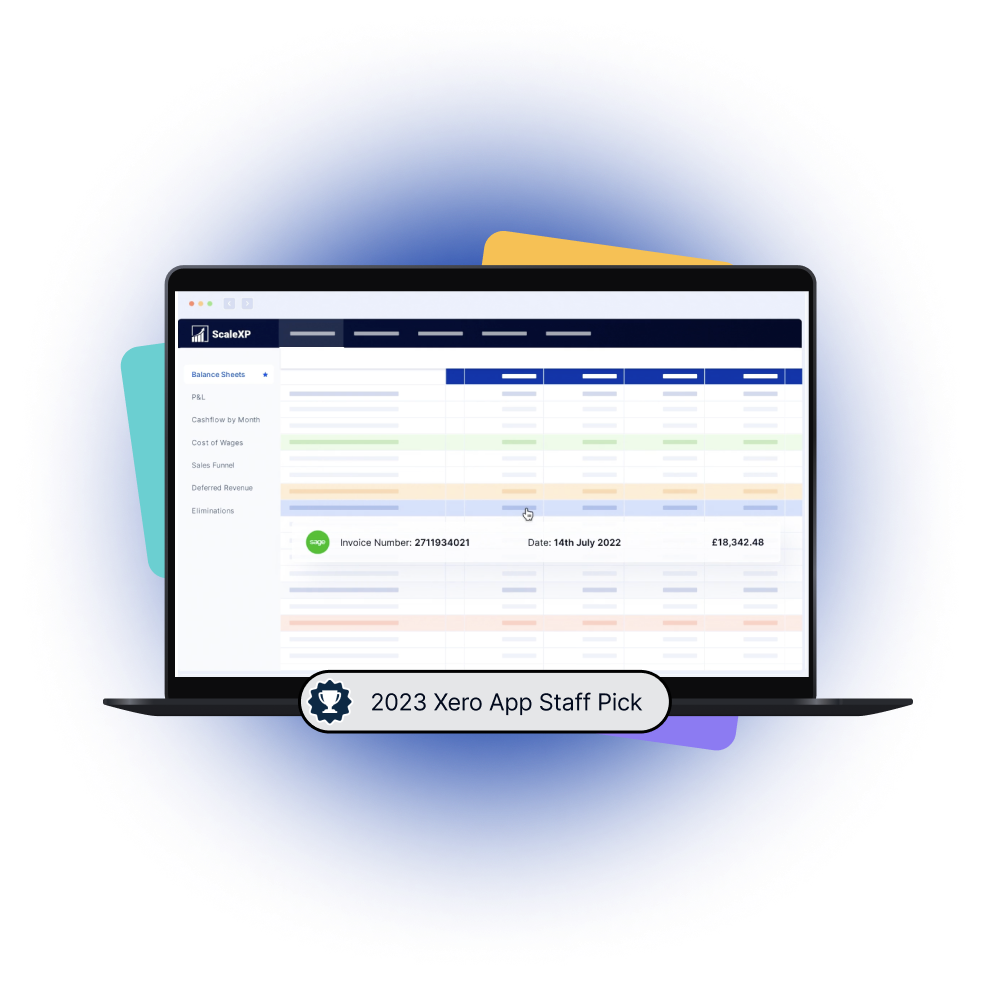
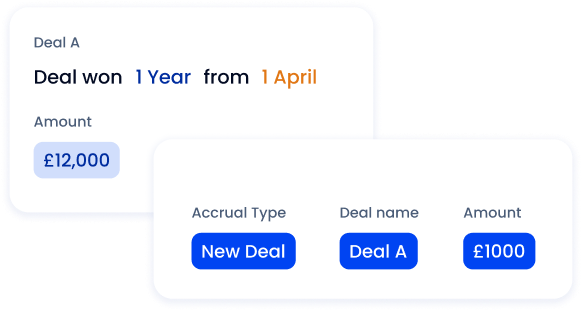
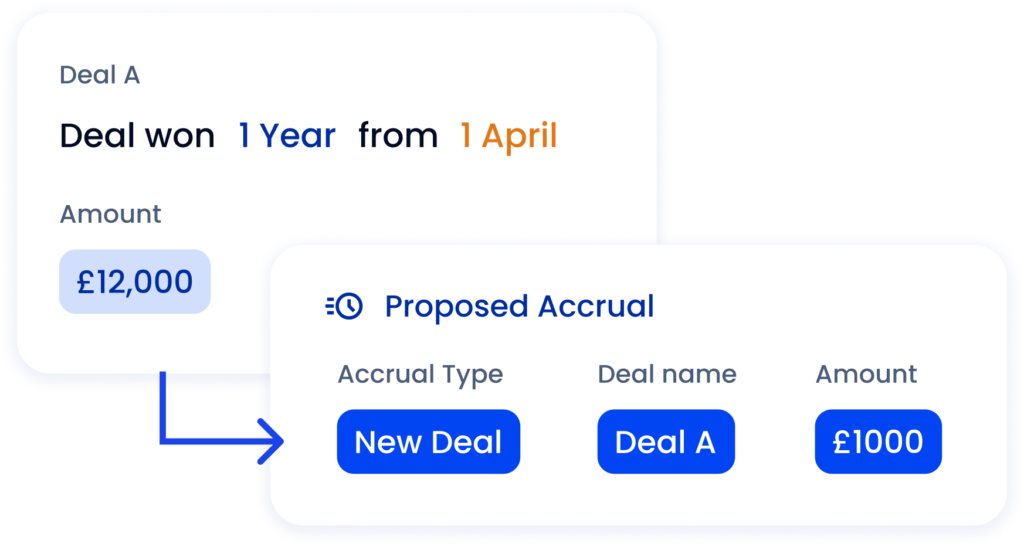
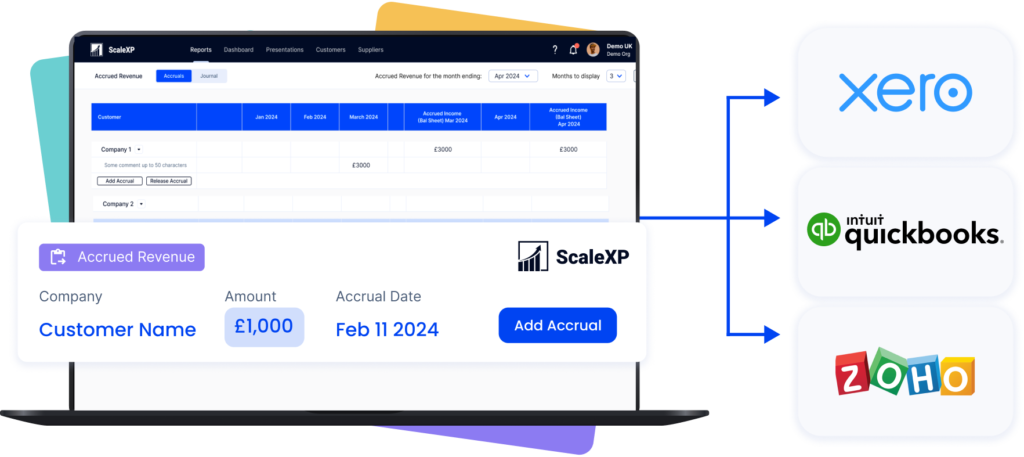
Reduce time spent manually tracking deferred revenue, income in advance and pre-paid expenses. Eliminate tedious spreadsheet tracking and improve accuracy
ScaleXP fully automates revenue recognition and prepayments using a sophisticated series of text recognition algorithms, which read and process all of the data and text on invoices.
Read more about automating revenue recognition
Read more about automating revenue recognition
Stop revenue leakage & get paid faster with integrated billing
Eliminate unnecessary delays in issuing invoices with automated workflows linking HubSpot to receivables
Reduce invoicing error rates by capturing key data fields in HubSpot and passing this data into invoices in Xero or QuickBooks for automated billing
Easily share the payment status in HubSpot, making it easy for the sales teams to help chase late payments where necessary
Read more
Create a single source of truth for metrics
Automate complex calculations, saving hours each month
Create transparency with clear, detailed schedules
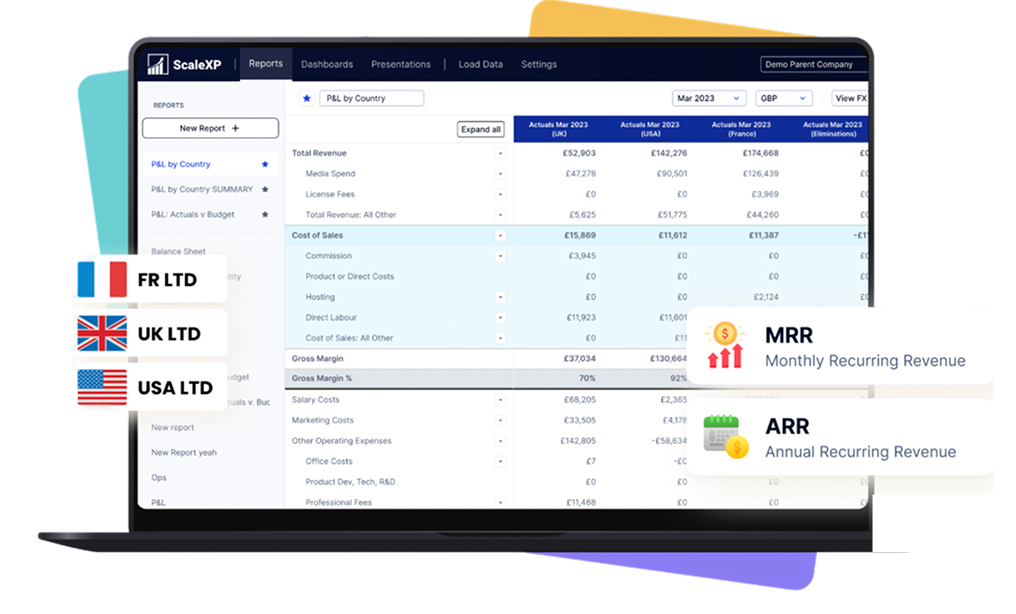
Consolidate data across countries and currencies, creating an instant global view of performance
Read more about smart reporting
Easily forecast revenue or MRR
ScaleXP builds a forecast directly from HubSpot and QuickBooks or Xero
Eliminate unnecessary delays in issuing invoices with automated workflows linking HubSpot to receivables
Reduce invoicing error rates by capturing key data fields in HubSpot and passing this data into invoices in Xero or QuickBooks for automated billing
Easily share the payment status in HubSpot, making it easy for the sales teams to help chase late payments where necessary
Read more about revenue forecasting
Real-time 2-Way sync between HubSpot & your accounting system
Keep your teams aligned with a seamless sync between HubSpot and your accounting software (Xero, QuickBooks).
ScaleXP automatically updates payment status and customer financial info in real time, so your sales and customer success teams can instantly see if a client is up to date or overdue, all within HubSpot.
What our customers say
I'm very impressed how quickly ScaleXP can sync and pull through this data. It's saved us lots of manual processes.
Hubspot Contract Management FAQs
Can my team join my free trial?
Yes, you can add up to 5 additional users to the trial free of charge. Simply go to your account settings and add the additional users.
What's the difference between paying annually compared to monthly?
Yes, you can add up to 5 additional users to the trial free of charge. Simply go to your account settings and add the additional users.
Does ScaleXP integrate with other apps?
Yes, you can add up to 5 additional users to the trial free of charge. Simply go to your account settings and add the additional users.
Do I pay for consolidation & multi-entity groups?
Yes, you can add up to 5 additional users to the trial free of charge. Simply go to your account settings and add the additional users.
Do I have to enter payment details to sign-up?
Yes, you can add up to 5 additional users to the trial free of charge. Simply go to your account settings and add the additional users.
What payment methods do you accept?
Yes, you can add up to 5 additional users to the trial free of charge. Simply go to your account settings and add the additional users.
Is customer support included?
Yes, you can add up to 5 additional users to the trial free of charge. Simply go to your account settings and add the additional users.
Ready to transform data to insight?
Getting started with ScaleXP is easy! Try it for yourself free for 7 days. Or, if you have specific questions, just use the button to the right to schedule a quick meeting.