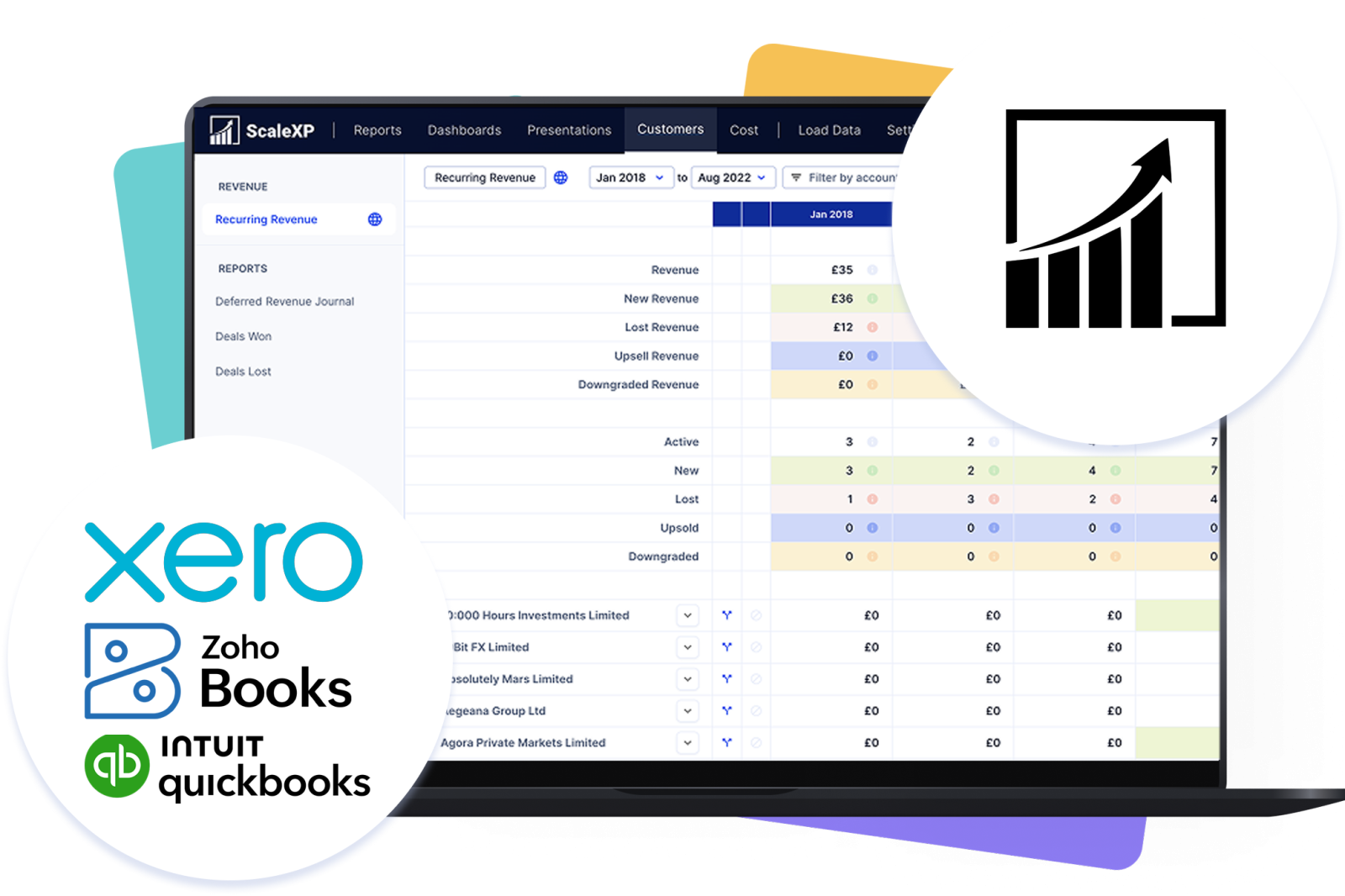
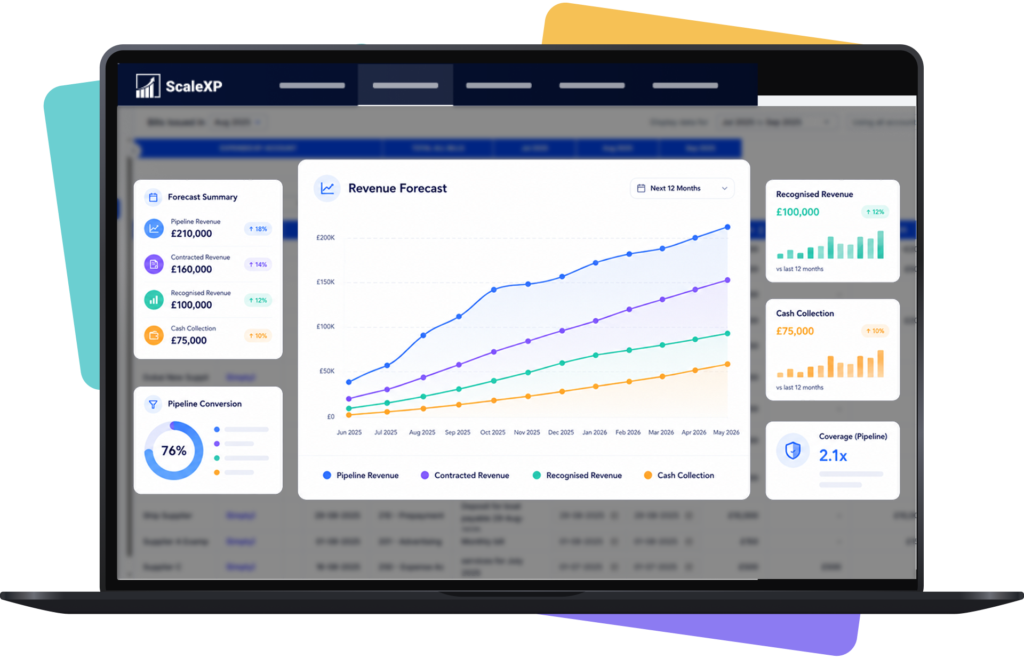
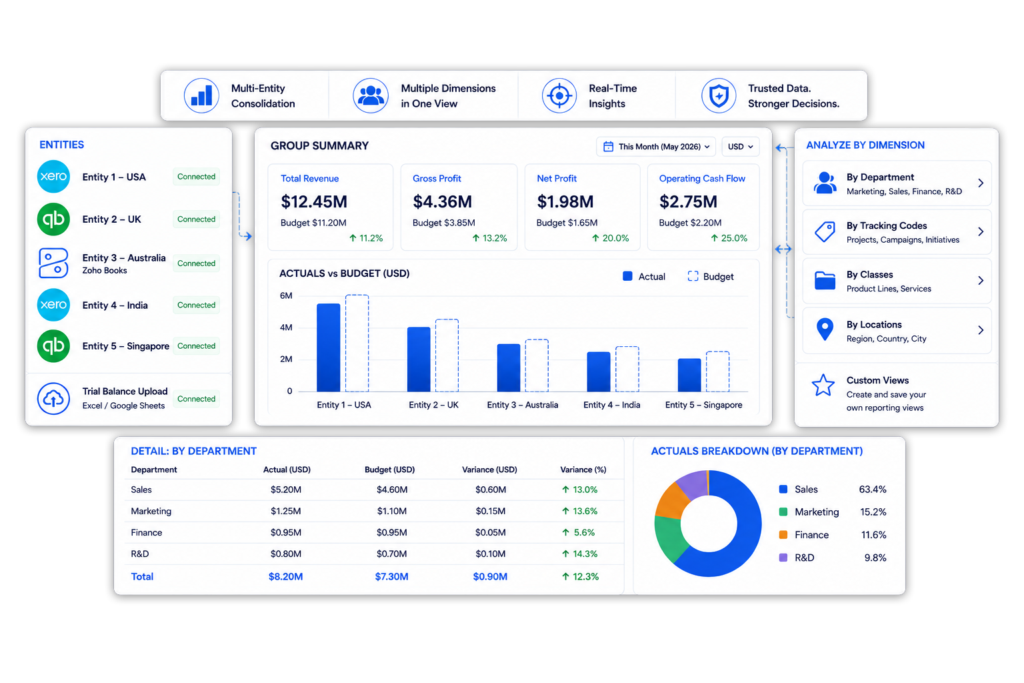
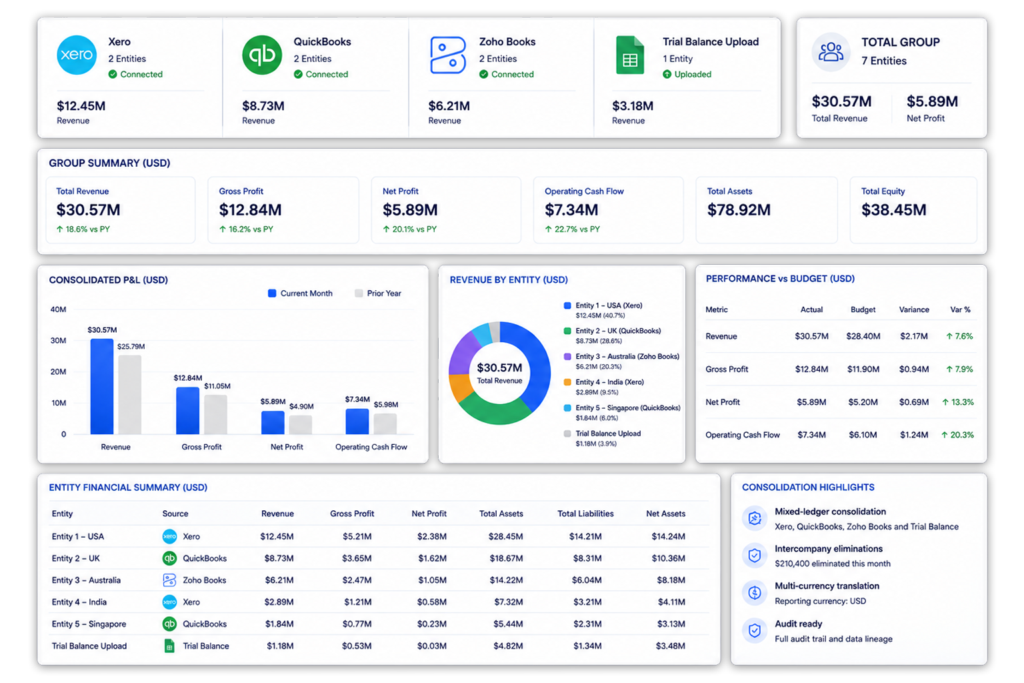
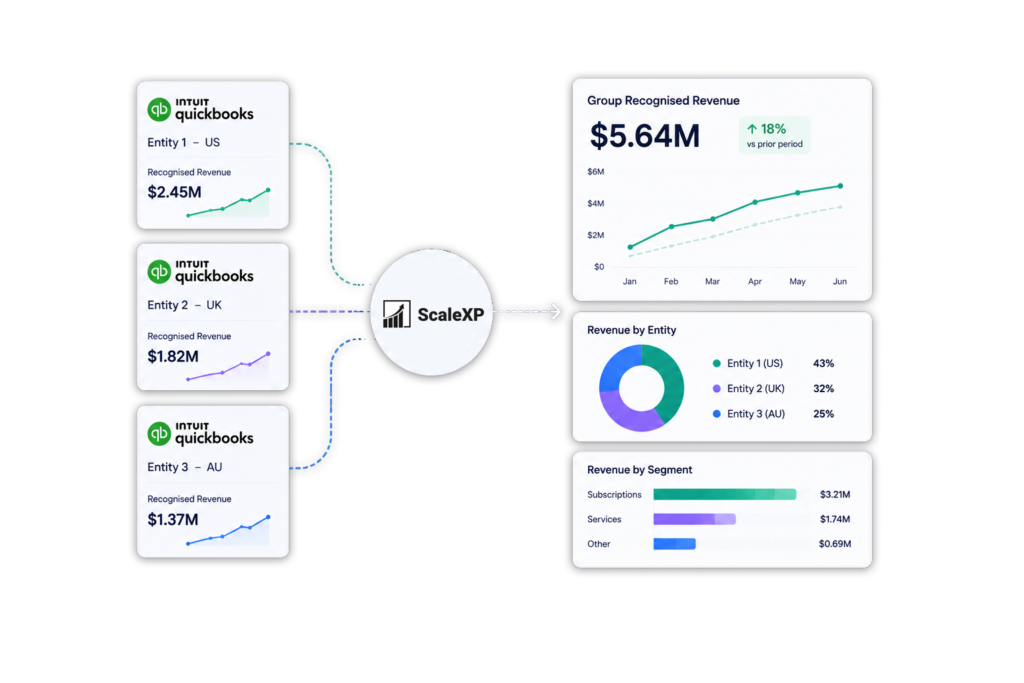
ScaleXP consolidates Xero and QuickBooks entities in one group reporting layer, with support for Zoho Books and trial balance data where the group uses mixed accounting systems.
Consolidate Xero and QuickBooks companies
Add Zoho Books or trial balance entities
Create group reports without forcing every entity onto one ledger
ScaleXP is an approved app for leading accounting & CRM systems
Group reporting gets harder when entities use different ledgers
Many growing groups do not run every company on the same accounting system. One subsidiary may use Xero, another may use QuickBooks Online, and acquired or international entities may use Zoho Books or provide trial balance data.
This creates a reporting problem for finance teams. Group accounts, board packs and management reports often have to be rebuilt manually because the underlying ledgers do not share the same chart of accounts, reporting dimensions or close process.
Xero and QuickBooks data sit in separate systems
Entity-level reports do not roll up cleanly
Account mappings are maintained in spreadsheets
Consolidate Xero and QuickBooks in one reporting layer
ScaleXP helps finance teams consolidate Xero and QuickBooks entities without forcing every company onto one accounting system.
Finance teams can connect each entity, map local account structures into a consistent group view, include Zoho Books or trial balance data where needed, and create consolidated reporting for management, boards and investors.
Connect Xero and QuickBooks Online entities
Add Zoho Books companies where relevant
Include trial balance data from Excel Online or Google Sheets
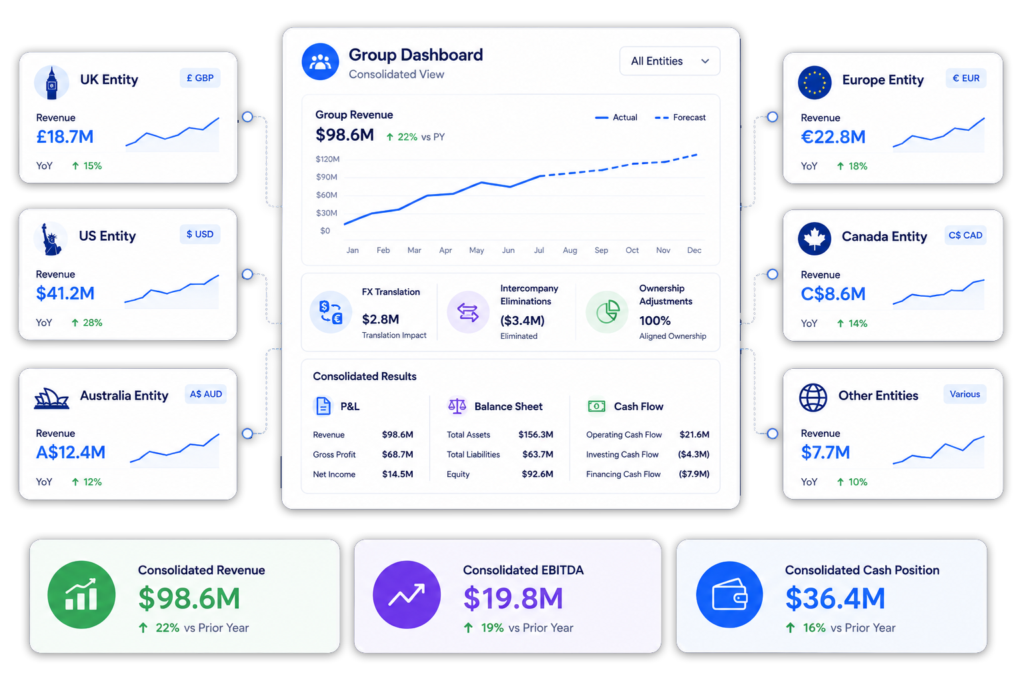
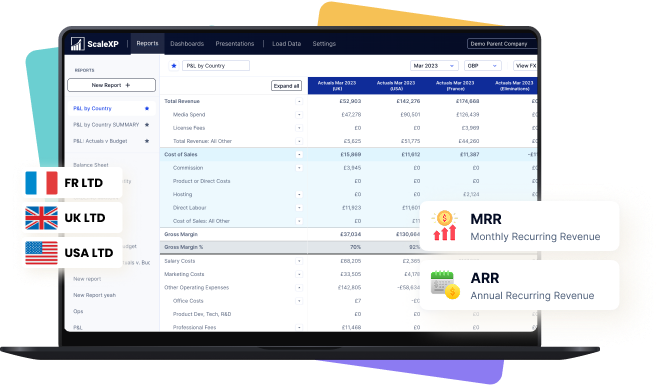
Create consolidated P&L, Balance Sheet and Cash Flow reporting
This page is focused on mixed-ledger consolidation. For broader consolidation workflows, including intercompany eliminations, budget vs actuals and multi-currency reporting, see Financial Consolidation Software.
Connect each entity: Connect the Xero and QuickBooks Online companies that need to be included in group reporting.
Add other entities where needed: Include Zoho Books entities or trial balance uploads for subsidiaries that are not held in Xero or QuickBooks.
Map local charts of accounts: Map different account structures into a consistent group chart of accounts.
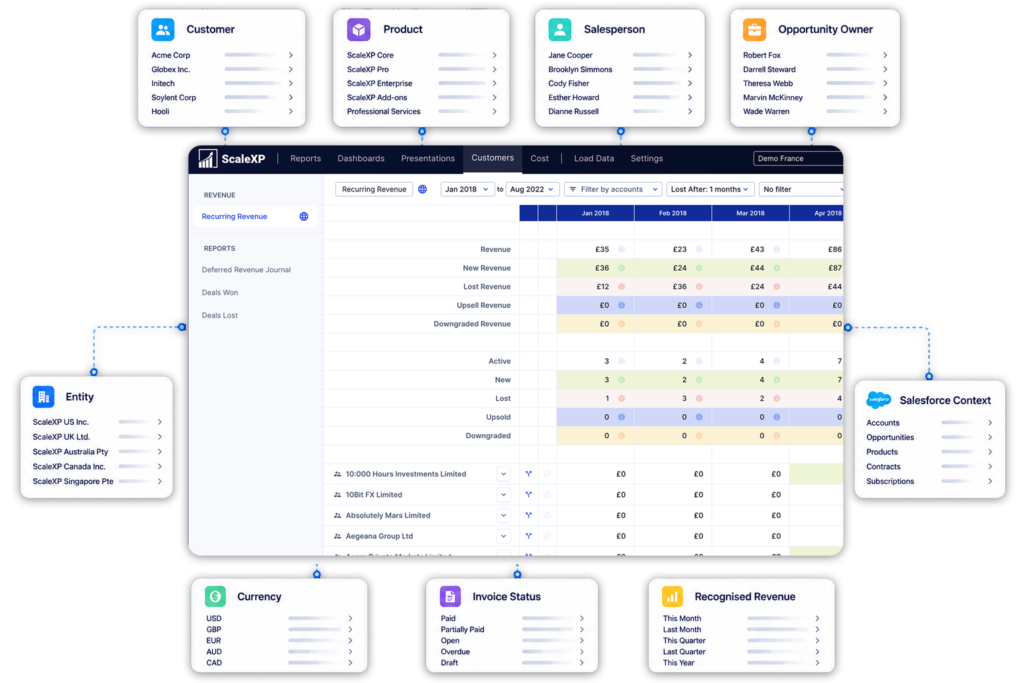
Standardize reporting dimensions: Use entity, region, department, tracking category, class, location or other reporting dimensions where relevant.
Review group results: Create consolidated reporting for P&L, Balance Sheet, Cash Flow, board packs and management reporting.
Build one group view from different accounting systems
Xero and QuickBooks are both widely used by growing companies, but they do not naturally create one group reporting view when different subsidiaries use different systems.
ScaleXP helps finance teams consolidate Xero and QuickBooks companies into one reporting layer, so group reporting can be prepared without exporting every entity into a spreadsheet first.
Combine Xero and QuickBooks entity data
Map different charts of accounts into one structure
Standardize reporting by entity, region or department
Review group-level P&L, Balance Sheet and Cash Flow
Include every entity, even when systems differ
Some groups do not just use Xero and QuickBooks. They may also have Zoho Books entities, newly acquired companies, dormant entities or subsidiaries that provide trial balance data.
ScaleXP helps finance teams include these entities in group reporting without requiring an immediate ledger migration.
Add Zoho Books entities to the group view
Include trial balance data from Google Sheets or Excel Online
Bring non-core entities into consolidated reporting
This allows finance teams to build a more complete group reporting pack, even when the underlying accounting systems are different.
Mixed-ledger consolidation is not only about connecting systems. Finance teams also need to map different local account structures into one group reporting format.
A QuickBooks entity may use different account names, codes or categories from a Xero entity. ScaleXP helps finance teams bring these into a consistent group view.
Map local accounts to group reporting lines
Standardize entity-level P&L and Balance Sheet reporting
Reduce manual account mapping spreadsheets
This keeps local flexibility while giving the group a consistent reporting structure.
Review group results across entities and currencies
Groups using Xero and QuickBooks across different countries often need to report in one group currency while keeping local entity accounts in their own currency.
ScaleXP supports multi-currency group reporting as part of the consolidation workflow, helping finance teams review consolidated results across entities and currencies.
Consolidate entities with different local currencies
Review group reporting in a consistent reporting currency
Reduce manual FX reporting work
Support management and board reporting across countries
This gives finance teams a practical way to review group performance across currencies, while keeping the page focused on Xero and QuickBooks consolidation.
Move consolidation checks out of spreadsheets
When different entities use different ledgers, intercompany balances, recharges and group adjustments can be harder to review.
ScaleXP helps finance teams manage group-level reporting adjustments in a more controlled consolidation workflow, reducing reliance on linked spreadsheets.
Review balances across entities
Prepare group-level reporting adjustments
Reduce manual spreadsheet consolidation work
This gives finance teams a more repeatable way to review group adjustments when entities use different accounting systems.
Compare performance across entities & reporting dimensions
Finance teams often need to compare actual performance against budget across Xero, QuickBooks and other entities.
ScaleXP helps finance teams bring budget vs actuals reporting into the group reporting workflow, using reporting structures already held in the accounting systems where available.
Compare actuals vs budget across entities
Report by department, region, fund, project or cost center
Use Xero tracking categories and tracking codes
Report by QuickBooks Classes and QuickBooks Locations
Include Zoho tracking codes where relevant
Create group reports leadership can understand
Mixed-ledger consolidation should not stop at combining the numbers. Finance teams also need to present group results clearly to leadership, investors and the board.
ScaleXP helps finance teams turn Xero, QuickBooks, Zoho Books and trial balance data into group reporting packs that are easier to prepare and review.
Yes. ScaleXP combines Xero and QuickBooks entities in one group reporting layer. Finance can map local accounts, currencies and reporting dimensions into a consistent group structure without exporting and rebuilding each ledger in spreadsheets.
Xero and QuickBooks consolidation software combines entity-level accounting data from both systems into group P&L, balance sheet, cash flow, management and board reporting. Each entity can retain its local ledger and chart of accounts. See our financial consolidation software.
Yes. ScaleXP supports mixed-ledger consolidation across Xero, QuickBooks Online and Zoho Books. It can also include trial balance data from Google Sheets or Excel Online for entities using another local system.
No. Xero, QuickBooks and Zoho Books entities can remain on their existing systems. ScaleXP provides the mapped reporting and consolidation layer above those ledgers, avoiding a disruptive group-wide migration.
No. ScaleXP maps different local account names, codes and categories into one group reporting structure. Each entity can retain its own chart of accounts while finance produces consistent consolidated statements.
Yes. Trial balances from Google Sheets or Excel Online can be included alongside connected Xero and QuickBooks entities. This supports newly acquired, dormant or locally managed entities that are not yet connected directly.
Yes. ScaleXP consolidates entities across countries and currencies. It tracks separate compliant rate sets for the P&L, balance sheet, budgets, and invoice consolidation and KPIs while retaining local-currency detail.
Yes. ScaleXP supports intercompany balances, elimination entries and group adjustments across mixed ledgers. Finance can review entity-level inputs and consolidated outputs in one controlled workflow.
Yes. ScaleXP combines actuals, budgets and forecasts across Xero, QuickBooks and Zoho Books entities. Reports can use Xero Tracking Codes, QuickBooks Classes and Locations, departments, regions, projects or cost centers. This also supports multi-entity SaaS reporting.
A straightforward Xero and QuickBooks consolidation can be set up in as little as one day. More complex groups require additional time for account mapping, entities, currencies, dimensions, trial balances and eliminations.
“
“functionality we needed at a fraction of the cost of NetSuite”
Group consolidation
Consolidate Xero and QuickBooks entities in one view.
See how ScaleXP standardizes different charts of accounts and builds group reporting across every entity.
See how ScaleXP works with Xero, QuickBooks or Zoho Books.
In a 30-minute demo, we’ll show the relevant workflows using example data and discuss how they could apply to your finance process. Complex requirements? Discuss them with us first.