ScaleXP is an easy-to-use powerful solution, designed for B2B finance teams, providing everything you need to seamlessly integrate QuickBooks & HubSpot.
The system will track deals through the sales funnel, highlighting when deals are ‘closed won’, indicating that it is time to prepare the invoice.
Sales funnel and time to convert metrics can be included in forecasts, easily.
Benefits of a QuickBooks & HubSpot integration
Monitor sales pipeline
Monitor your CRM pipeline over time to understand trends and issues. Monitor the number and value of deals, conversion between stages and closure rates. Understand where performance is improving and where to take action.
Booked vs. billed in a click
Ensure all invoices have been issued, using our booked vs. billed report, which provides a list of deals won in HubSpot and invoices issued in QuickBooks, making it easy to check that every invoice is issued and that all amounts are correct. Review the report each week or at the end of a month to ensure your invoicing is always up to date.
Track actuals vs. targets, or forecast
Track actual sales performance compared to a forecast automatically. Tracking can be across a wide variety of metrics including the number and size of deals in the pipeline, conversion rates, average time to convert (in days), value of deals closed. This data makes it easy to track performance and highlights issues which may need to be addressed.
Revenue recognition streamlined
ScaleXP streamlines all parts of revenue recognition, starting with deals won in HubSpot.
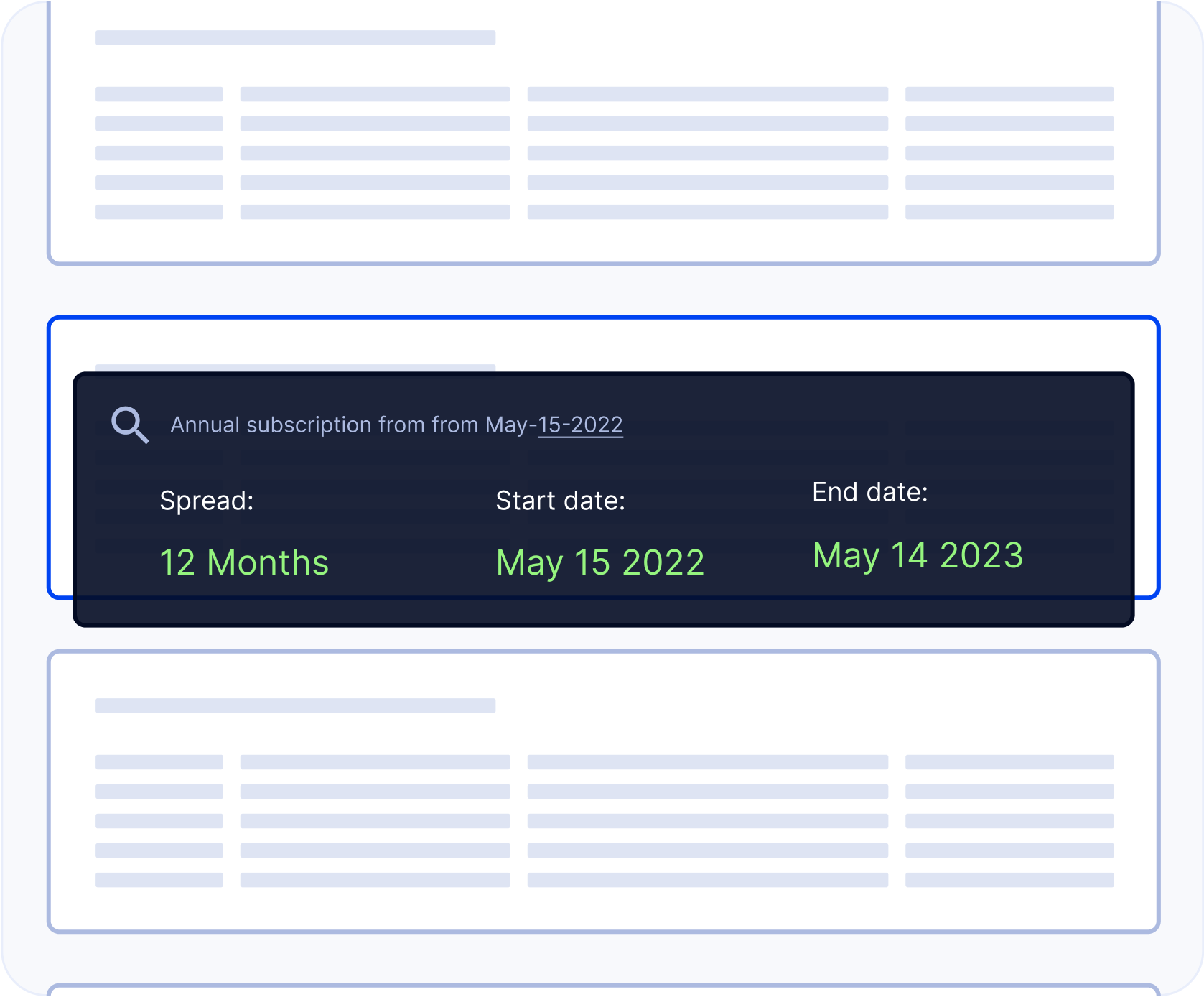
After an invoice has been issued, the system will use a sophisticated series of text recognition algorithms to allocate revenue by month, using all of the data and text on the invoice.
Manual tracking is reduced, and you have an accurate, real time view of revenue. The system can even prepare deferred revenue journals for entry in Quickbooks.
Subscription & SaaS metrics made easy, using QuickBooks & HubSpot
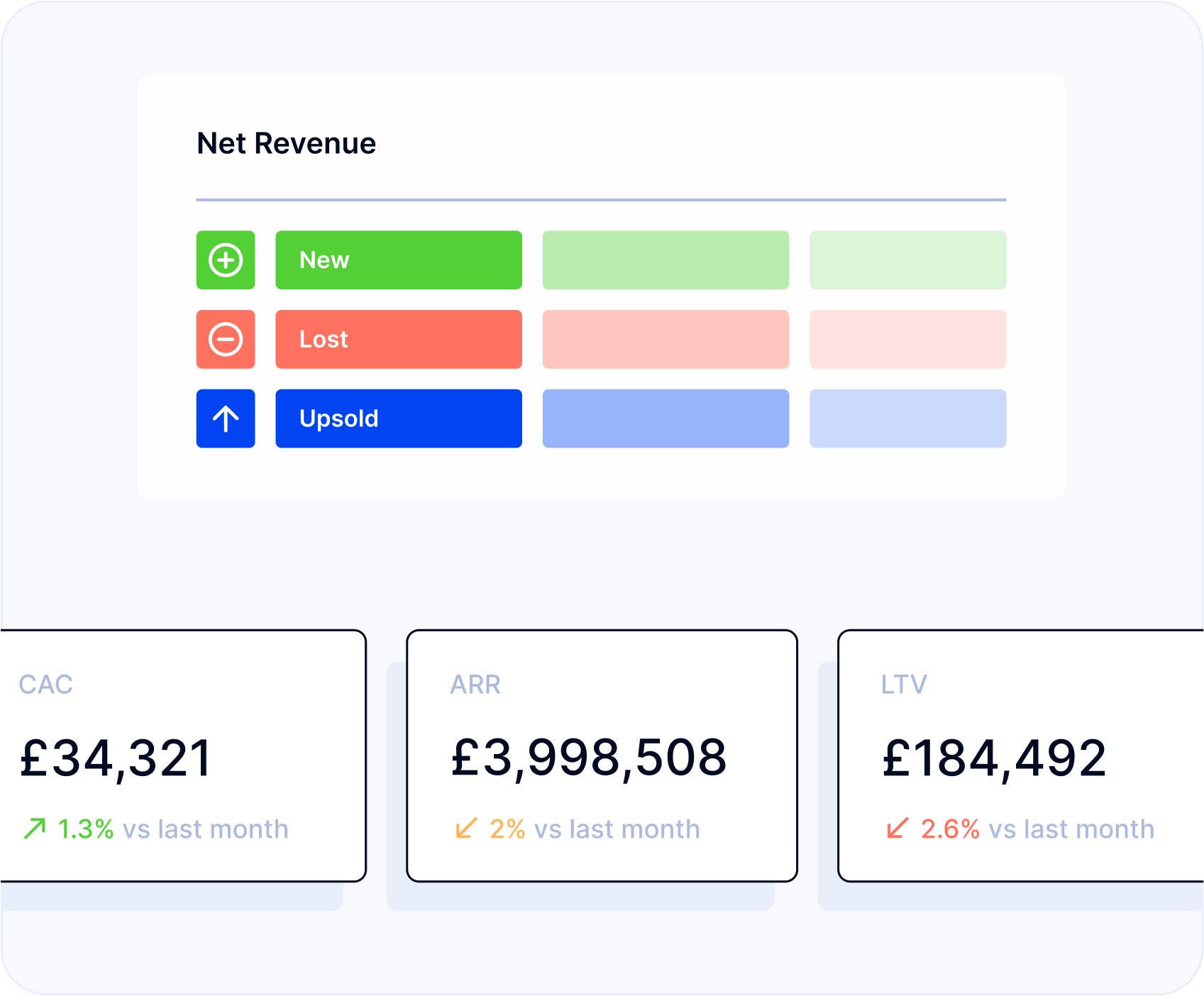
HubSpot sales funnel and conversion data can be combined seamlessly with QuickBooks to automate subscription business critical KPIs. ARR, MRR, lifetime value and more can be fully automated using the integrated QuickBooks and HubSpot data.
Onboarding takes just 1 hour and is done over Zoom, ensuring that you are set up and ready to go quickly. Getting started is easy. Book an onboarding session now.
Yes, of course. ScaleXP allows you to track up to multiple CRM funnels, across new sales and customer renewals. All conversion statistics are provided by funnel or across all.
ScaleXP imports data from QuickBooks & Hubspot every morning by default. If you need to ensure that the data is accurate up to the minute, you can always use our ‘Sync Now’ functionality.
Whatever your requirements, the system can ensure your data is accurate.
Ready to transform data to insight?
Getting started with ScaleXP is easy! Try it for yourself free for 7 days. Or, if you have specific questions, just use the button to the right to schedule a quick meeting.