See how ScaleXP works with Xero, QuickBooks or Zoho Books.
In a 30-minute demo, we’ll show the relevant workflows using example data and discuss how they could apply to your finance process. Complex requirements? Discuss them with us first.
ScaleXP connects Pipedrive with Xero or QuickBooks so leadership teams can move from deal data to invoices, payments, and reporting faster.
on the Xero App Store (75+ reviews)
ScaleXP turns Pipedrive and Xero or QuickBooks into one integrated operating layer, so teams can move from sales activity to billing, payments, and reporting without manual handoffs.
For contracts billed across multiple periods, see Pipedrive revenue recognition software.
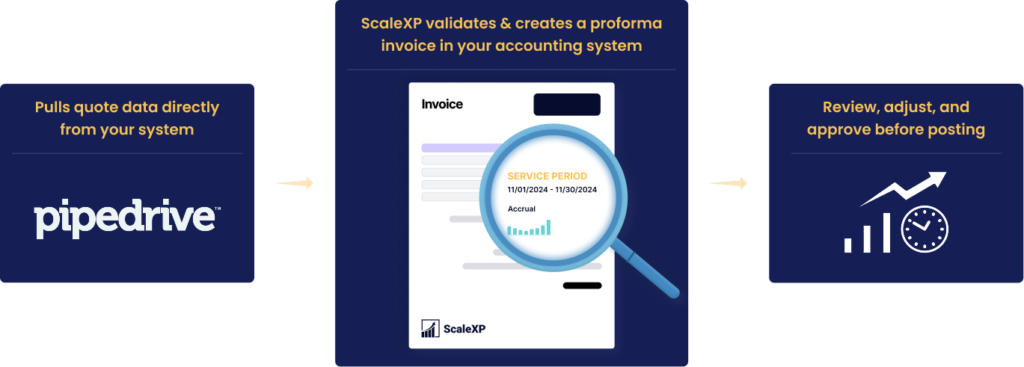
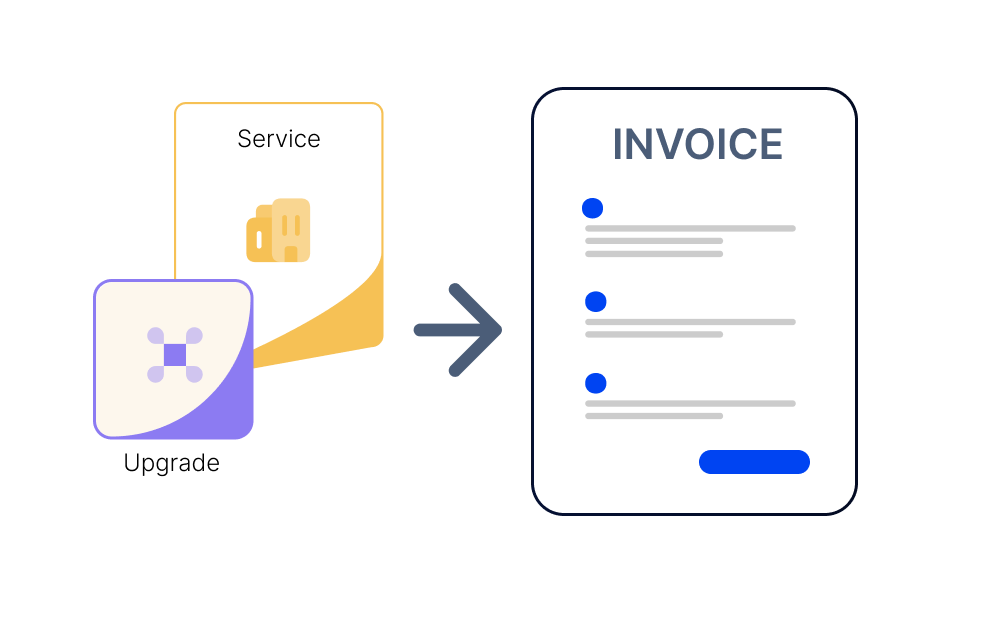
Once a deal is Won in Pipedrive, ScaleXP can use the customer, product, pricing, quantity, contract dates, billing frequency and other mapped deal data to prepare draft invoices in Xero automatically.
Finance reviews the invoice before finalization, helping teams move from Closed Won to billing faster without manually rebuilding the deal in Xero.
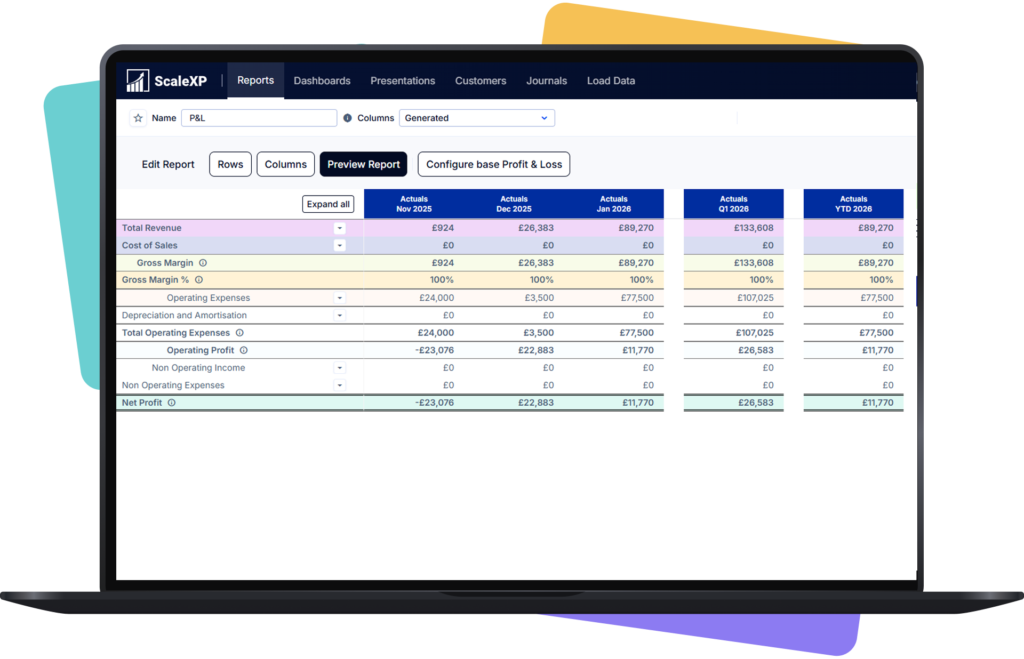
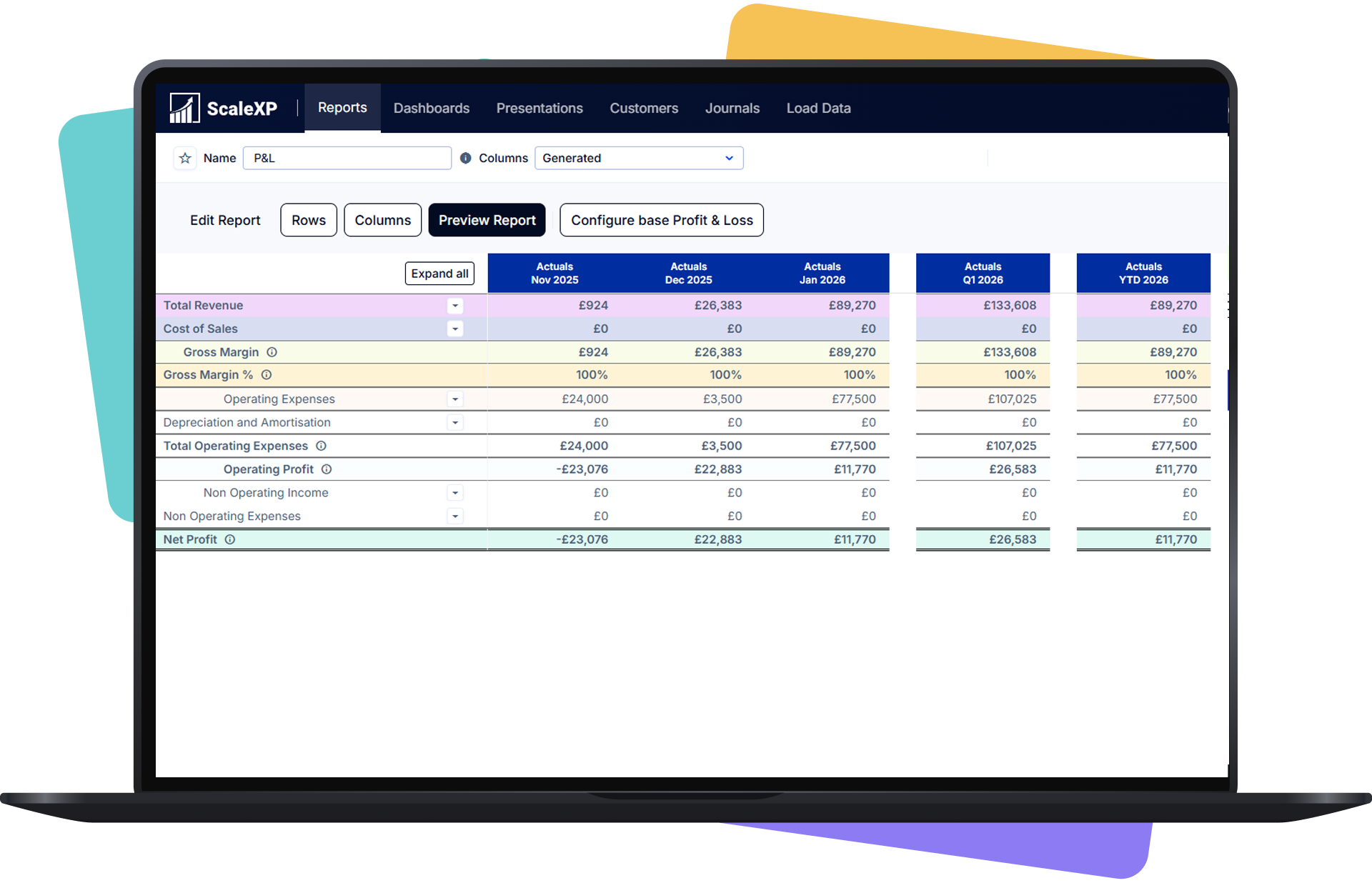
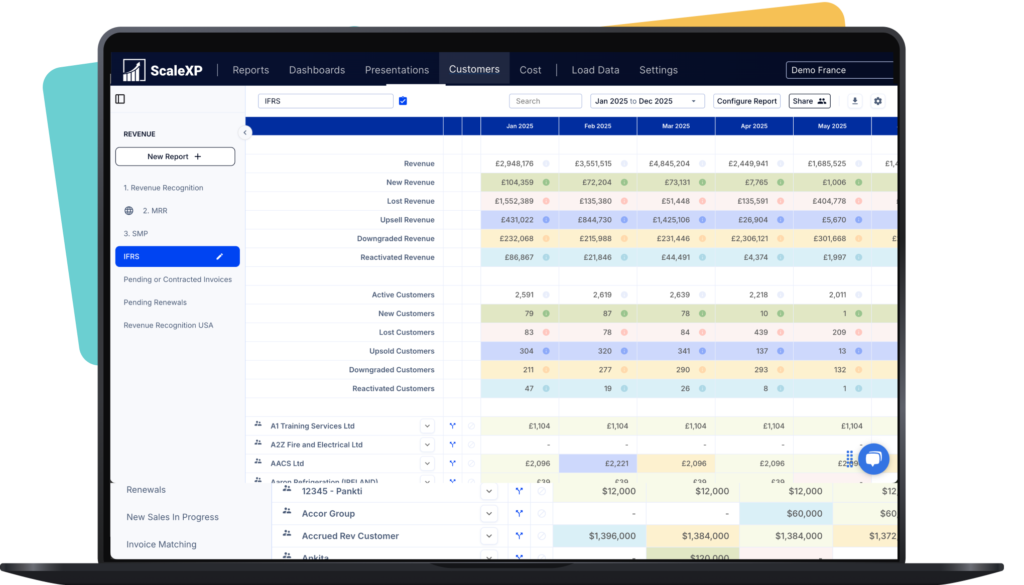
Connected data makes it easier to see what has been sold, billed, paid, and forecast.
Without ScaleXP
Post-sale workflow
Teams manage the gap after close manually.
Deals move into billing and reporting through one flow.
Invoice creation
Deal data is re-entered into accounting systems.
Billing starts from connected CRM and accounting data.
Payment visibility
Sales teams have limited view after invoice creation.
Teams can track progress from deal through payment.
Reporting clarity
CRM and accounting tell different stories.
Reporting reflects one connected workflow.
Operational speed
Handoffs slow down after closed-won.
Teams move faster with fewer manual steps.
Leadership visibility
Answers take longer to assemble.
Leaders get faster, clearer updates.
ScaleXP keeps the page broad for all leadership teams, while giving subscription businesses clearer recurring revenue visibility.
ScaleXP helps teams move from disconnected updates to one operating view across deals, invoices, payments, and reporting.
Most teams can get live in approximately three weeks, depending on systems, field mapping, and reporting requirements.
ScaleXP connects Pipedrive with Xero or QuickBooks. This covers the two most widely used accounting systems for growing businesses, giving finance teams a single connected workflow from deal close through to invoicing and reporting — whichever accounting system they use.
The core workflow is simple: a deal closes in Pipedrive, billing data is connected in Xero or QuickBooks, payment progress becomes visible, and reporting updates.
Yes. ScaleXP connects Pipedrive with Xero and can use Deal and Product data — including customer details, products, quantities, pricing, contract dates and billing frequency — to prepare draft Xero invoices. Finance reviews the invoice before finalization, reducing duplicate data entry and helping teams move from Closed Won to billing faster.
See the full Pipedrive Xero integration for the invoicing workflow step by step.
Yes. The goal is to give teams better visibility from deal through invoice and payment, not just at the CRM stage.
No. This page is designed for CEOs, COOs, CFOs, and Rev Ops leaders who need clearer post-sale workflow visibility.
It is better positioned as a more structured solution for pipeline-to-finance workflows and reporting, rather than a generic automation builder.
Yes. One of the main benefits is reducing the mismatch between CRM and accounting data so reporting becomes clearer and faster.
Yes. Connected pipeline and accounting data gives teams a stronger base for forecasting and performance tracking.
Those approaches often leave teams with manual workarounds, fragmented visibility, and slower reporting after deals close.
““challenging requirements ... tremendous help in making this happen”
Pipedrive integration
See pipeline, billing, payment and reporting data connected without manual handoffs.
In a 30-minute demo, we’ll show the relevant workflows using example data and discuss how they could apply to your finance process. Complex requirements? Discuss them with us first.