Automate Revenue Recognition Without Replacing Your Accounting System
Use AI to turn invoice, contract and CRM data into revenue schedules and finance-reviewed journals.
ScaleXP helps finance teams extract key dates, terms and service periods from invoices, billing records and CRM data to prepare revenue schedules, deferred revenue schedules and journals for finance review.
Reduce manual revenue-recognition spreadsheets
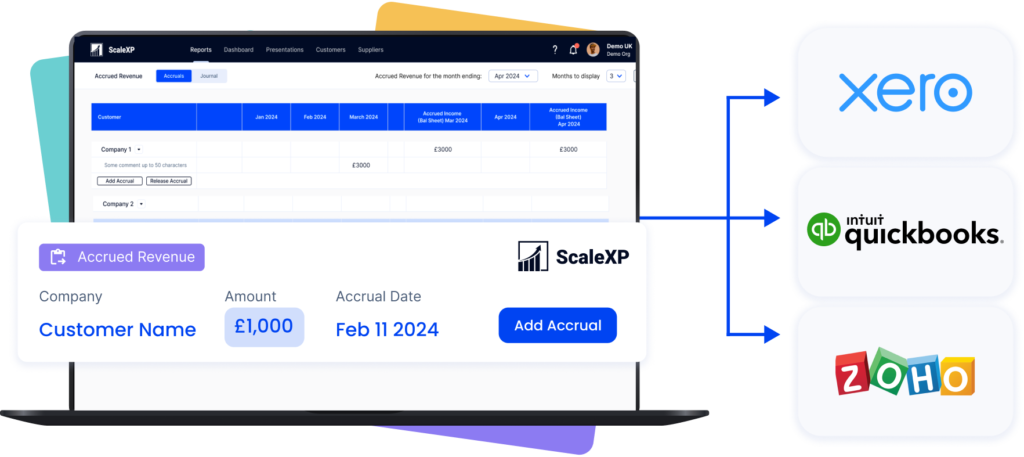
Post approved journals directly to Xero or QuickBooks
Improve ASC 606 control and audit support
Use AI-assisted preparation to identify dates, terms and service periods for finance review
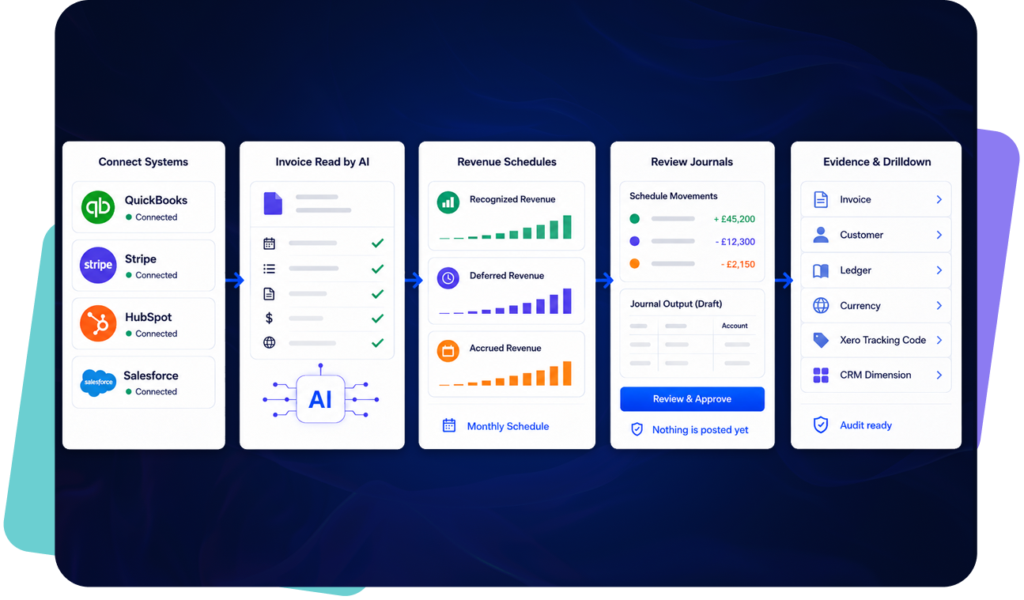
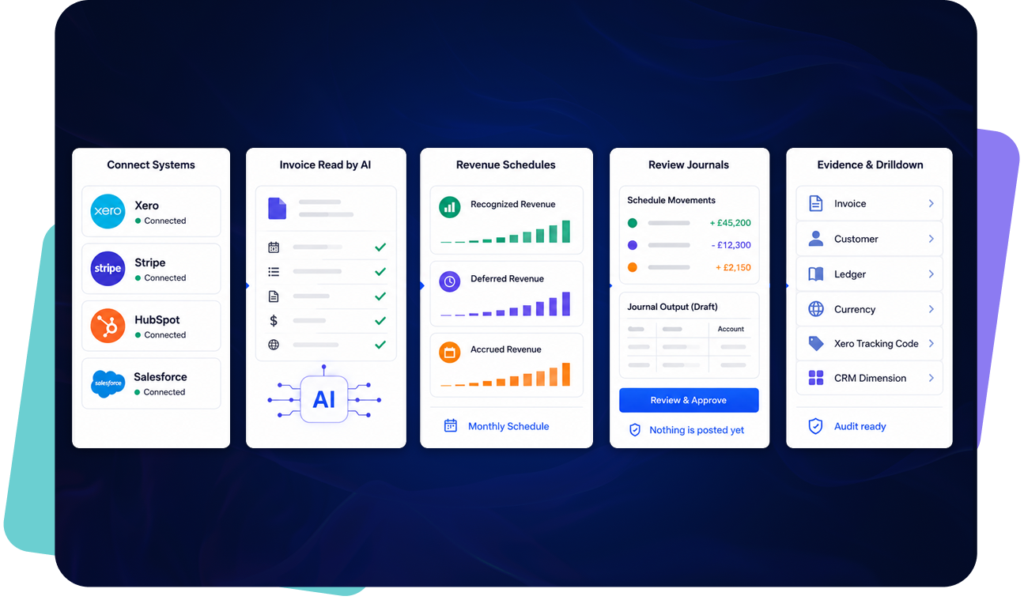
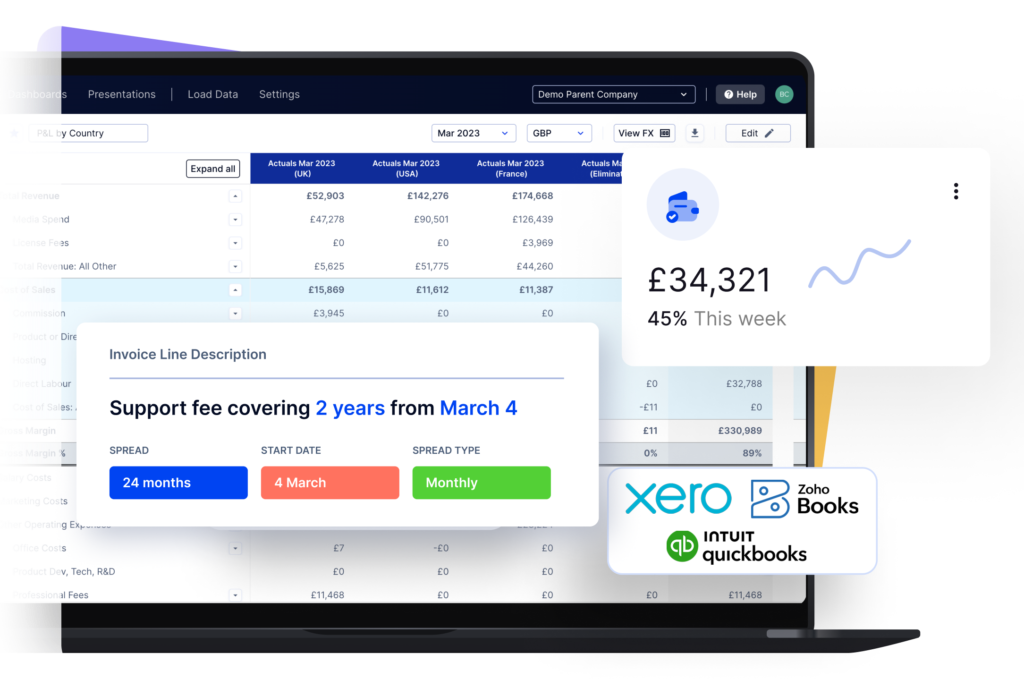
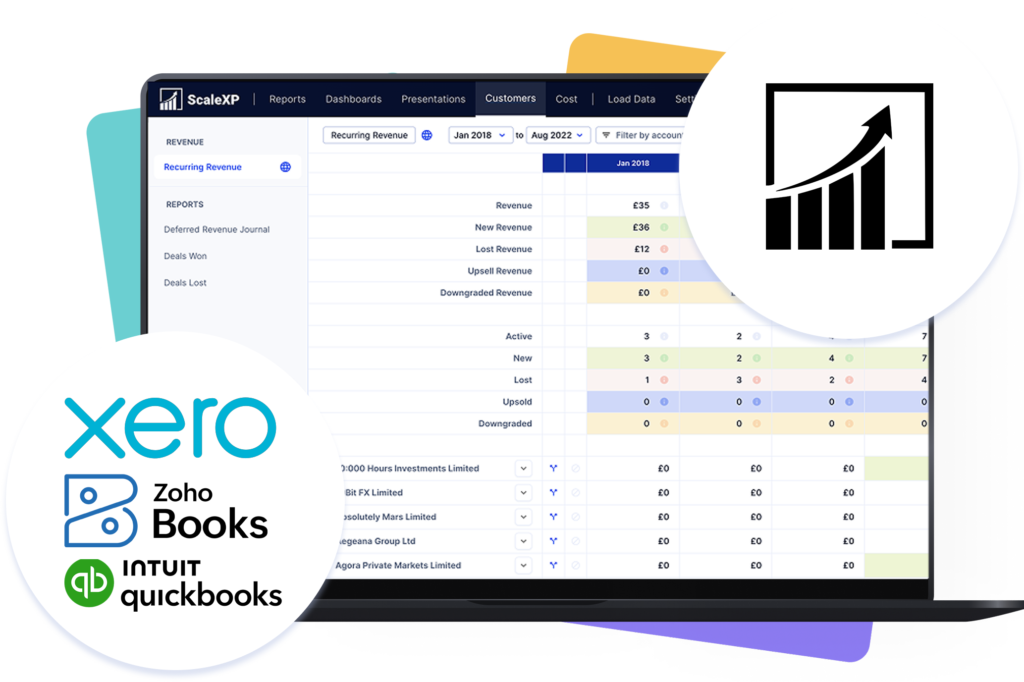
ScaleXP connects directly to Xero or QuickBooks and uses AI to read invoice descriptions, line items, dates, currencies and service-period information.
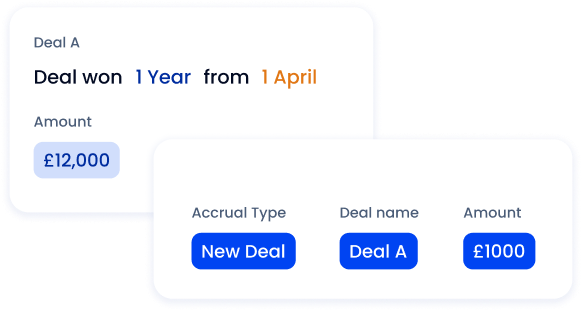
It then applies configured rules to prepare recognized, deferred and accrued revenue schedules for finance review.
Read revenue dates from invoice text
Apply rules by invoice, customer, product or account
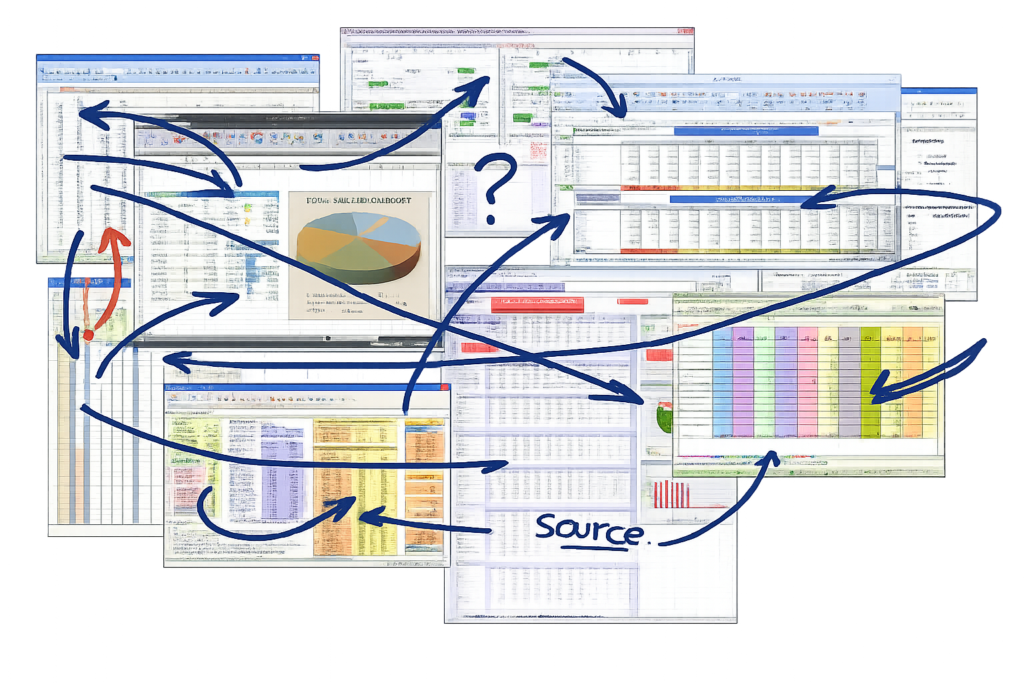
Revenue recognition depends on accurate dates, service periods, billing terms and contract values. For many finance teams, that information sits across invoices, billing records, CRM deals and spreadsheets. This creates manual work before a revenue schedule can even be reviewed.
ScaleXP helps finance teams use AI-assisted preparation to identify the inputs needed for revenue recognition workflows.
This can include: invoice dates, service start dates, service end dates, billing frequency, contract terms, customer and product information, values to recognise or defer, items requiring finance review.
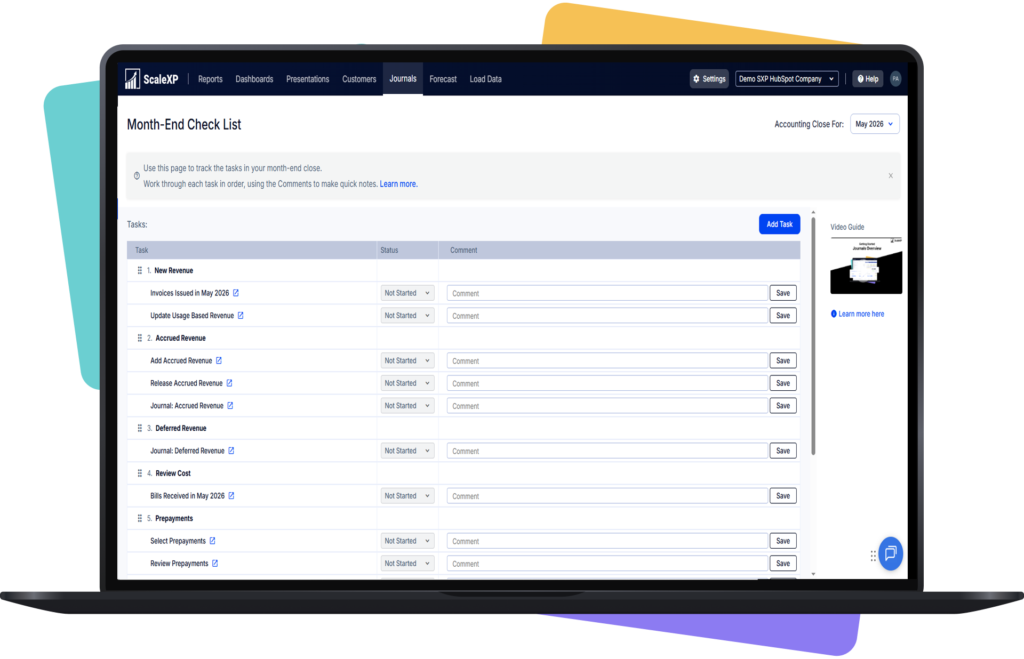
ScaleXP then helps prepare revenue schedules and deferred revenue schedules for finance review. AI supports the preparation process, but finance teams remain responsible for reviewing the accounting treatment, approving schedules and managing month-end outputs.
For finance teams reducing manual schedule preparation, ScaleXP also supports AI Revenue Recognition Software to help identify dates, terms and service periods for finance review.
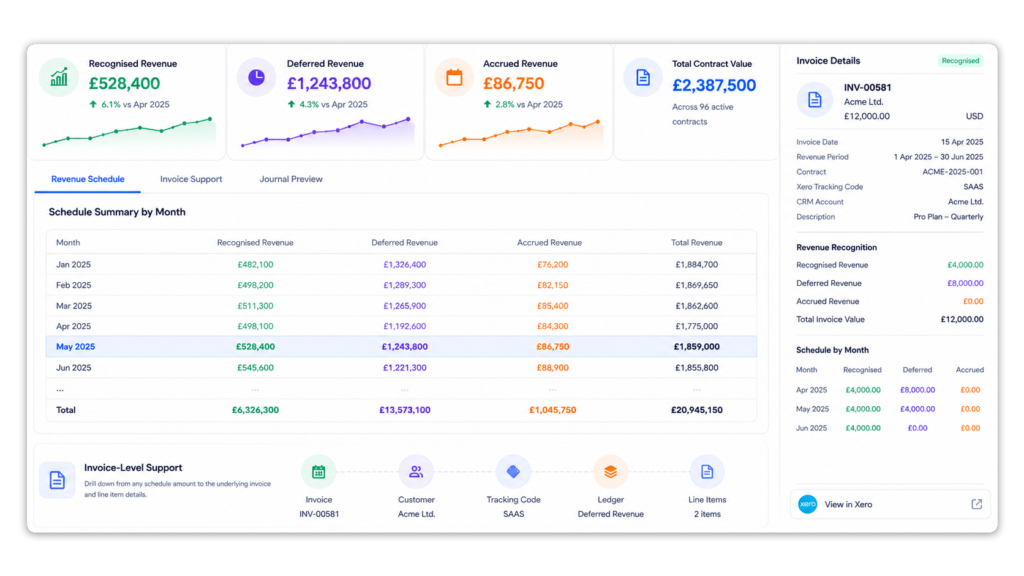
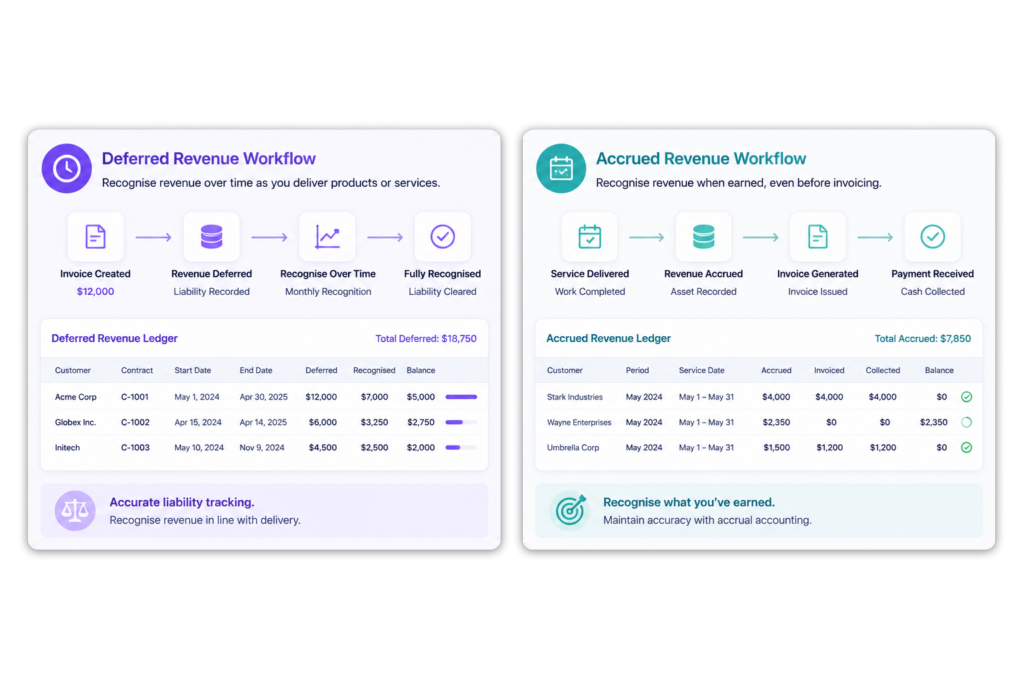
Reconcile Recognized, Deferred and Accrued Revenue
CFOs need more than a monthly journal total.
ScaleXP retains the detail needed to explain each balance and movement.
Built for Xero or QuickBooks users needing revenue recognition, AI-driven invoice parsing, automated journals, SaaS metrics, and CRM-linked forecasting without replacing their accounting system.
You want automation without replacing your accounting system
Finance-Controlled Revenue Automation
ScaleXP automates preparation while retaining finance oversight.
Review schedules before journal posting
Trace calculations to individual invoices
Retain supporting detail for audit
Apply consistent configured rules
Keep Xero or QuickBooks as the accounting ledger
Revenue Recognition Software FAQs
What is revenue recognition software?
Revenue recognition software calculates when invoiced or contracted revenue should be recognized in the financial statements.
It creates schedules for recognized, deferred and accrued revenue and can prepare the related accounting journals.
How does AI automate revenue recognition?
AI can read invoice descriptions, line items, dates, currencies and service-period information.
ScaleXP uses this data with configured finance rules to prepare revenue schedules and journals for review.
Does ScaleXP work with QuickBooks Online?
Yes. ScaleXP connects directly with QuickBooks Online to import invoice and accounting data, calculate revenue and prepare journal entries.
Approved revenue-recognition journals can be posted to QuickBooks Online in two clicks.
Does ScaleXP work with Xero?
Yes. ScaleXP connects with Xero to automate revenue schedules, deferred and accrued revenue calculations, journal preparation and reporting.
Can revenue recognition software handle annual prepaid contracts?
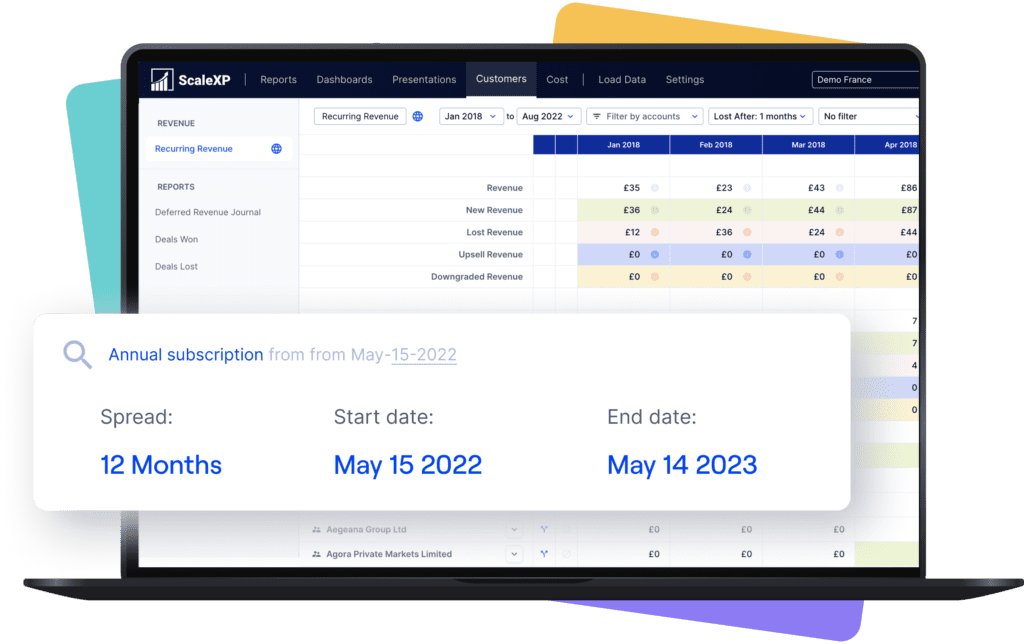
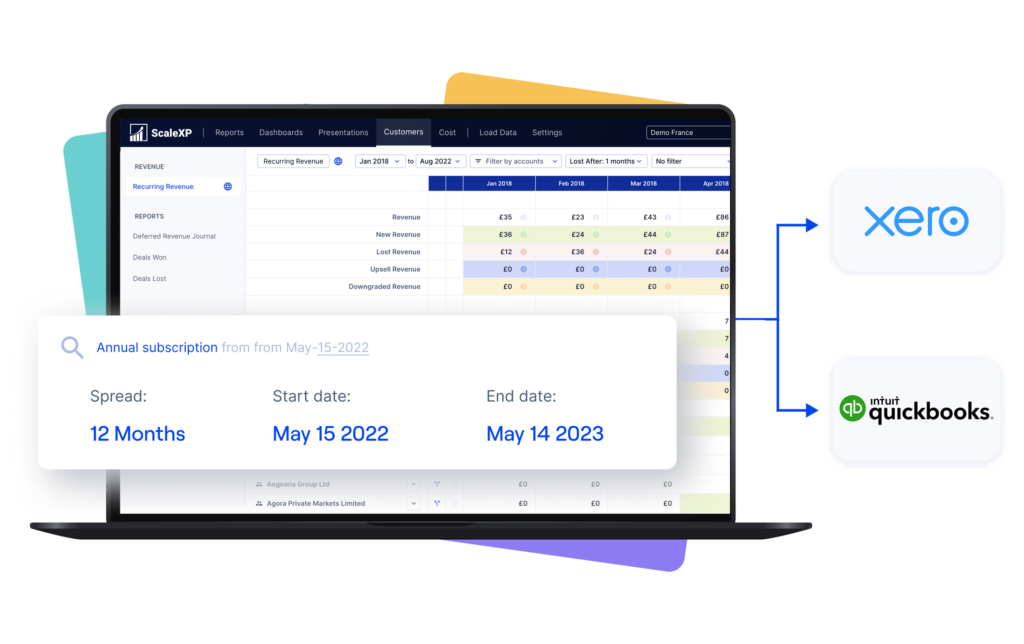
Yes. ScaleXP spreads an annual prepaid invoice across the relevant service period.
It separates current recognized revenue from the amount deferred into future periods.
Can ScaleXP handle multi-year SaaS contracts?
Yes. ScaleXP can prepare schedules across multiple financial years using the available invoice, service-date, product and contract information.
Different invoice lines can use different recognition periods where configured.
Does ScaleXP support ASC 606?
ScaleXP supports the schedules, calculations, journal workflows and audit detail used by finance teams applying ASC 606.
Each company remains responsible for determining and approving its accounting policy.
Can ScaleXP calculate accrued revenue?
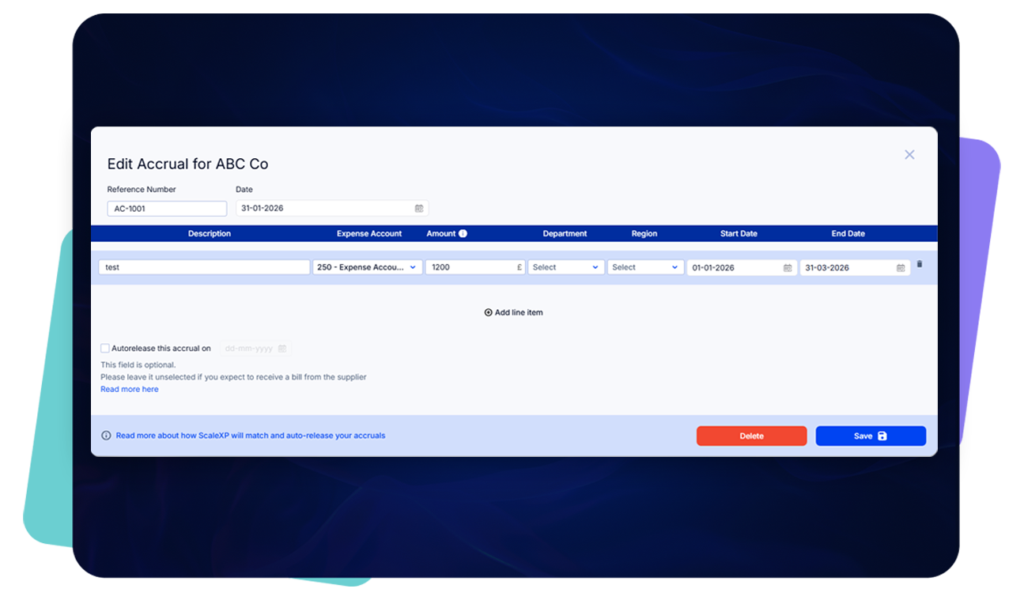
Yes. ScaleXP can calculate revenue earned before invoicing where the relevant service-period and commercial data is available.
This supports accrued or unbilled revenue schedules and journals.
Can finance review journals before posting?
Yes. Finance reviews the detailed schedules and proposed journal before approved entries are posted to Xero or QuickBooks.
Is ScaleXP an alternative to Maxio or Ordway?
ScaleXP can be an alternative for teams that already use Xero or QuickBooks and do not need to replace them with a broader subscription billing or quote-to-cash platform.
It focuses on accounting automation, revenue schedules, journals, CRM-connected reporting and SaaS metrics.
Can AI help with revenue recognition?
Yes. AI-assisted workflows can help identify dates, service periods, billing terms and other inputs used in revenue recognition schedules. ScaleXP helps finance teams prepare revenue schedules, deferred revenue schedules and journal outputs for review. Finance teams still review the accounting treatment and approve outputs before anything is posted or used in reporting.
Does AI replace finance review in revenue recognition?
No. ScaleXP does not position AI as a replacement for finance review. AI-assisted preparation helps reduce manual work around extracting dates, terms and service periods. Finance teams remain responsible for reviewing exceptions, approving schedules and controlling revenue recognition outputs.
Ready to transform data to insight?
Getting started with ScaleXP is easy! Try it for yourself free for 7 days. Or, if you have specific questions, just use the button to the right to schedule a quick meeting.